
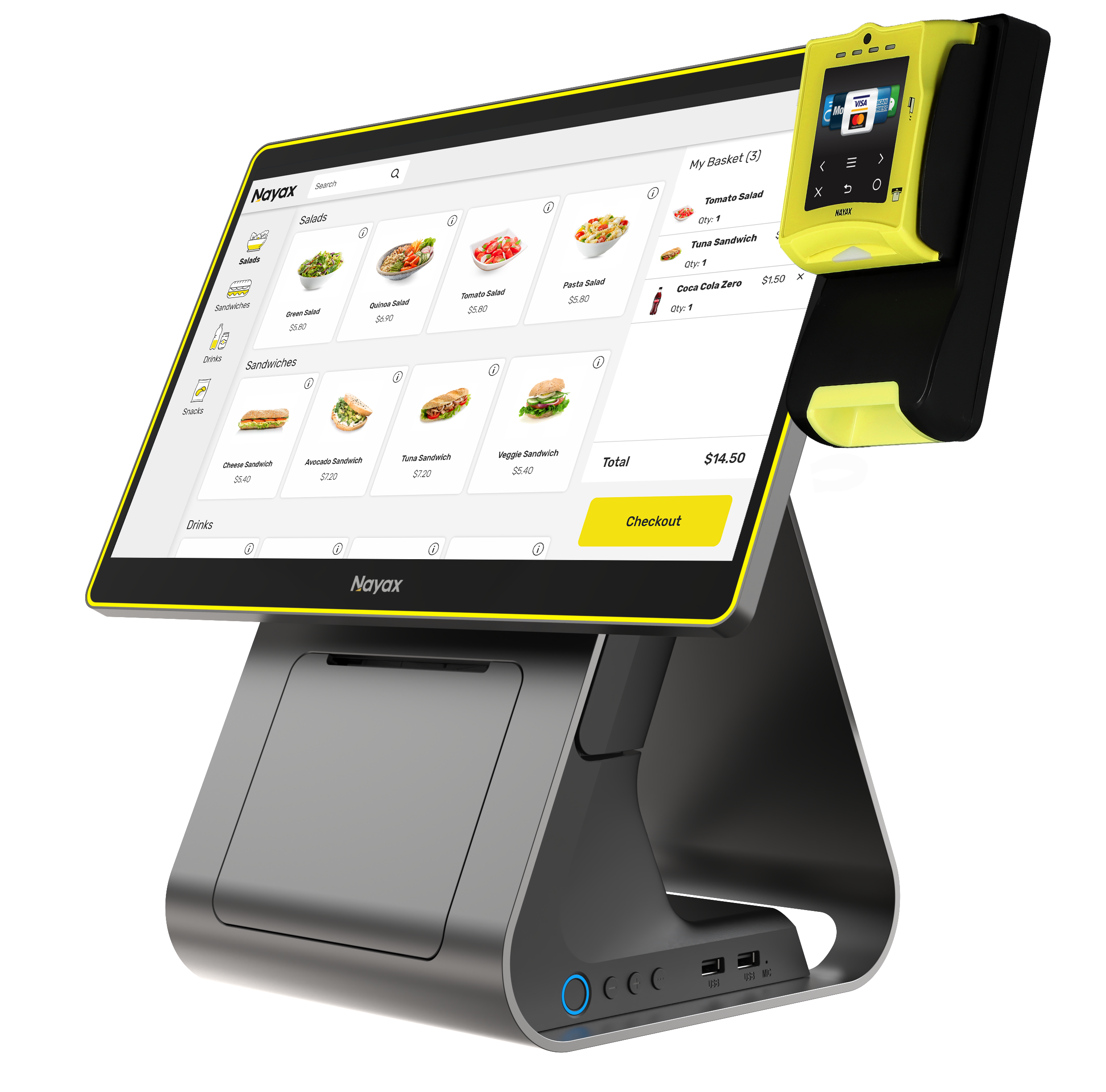
Nova Market | All Categories
Retail Core gives Nova Market operators a single hub to access every management category from product catalog and promotions to reporting, transactions, employees, and customer management.
General
Guide Library
All Nova Market Guides
All available Nova Market guides, organised by operational area. Use these after completing initial setup to manage day-to-day kiosk operations.
Daily Operations & Transactions
Operations
How to Process a Purchase | Nova Market
Step-by-step guide for processing a standard customer purchase at the kiosk.
Read guide ›
Operations
How to Process Immediate Payments | Nova Market
Process a quick payment without a full product scan -- for walk-up or attendant-assisted transactions.
Read guide ›
Operations
How to Assign a Transaction to a Customer | Nova Market
Link a completed transaction to a customer profile for loyalty tracking and reporting.
Read guide ›
Operations
How to View Last Transactions | Nova Market
Review recent transaction history directly on the kiosk for quick on-site checks.
Read guide ›
Operations
How to Add or Edit Customer Profiles | Nova Market
Create and manage customer records for loyalty programmes and personalised receipts.
Read guide ›
Operations
How to Access Card Identification at the POS | Nova Market
Identify and manage payment cards at the point of sale for prepaid and account-linked transactions.
Read guide ›
Prepaid
How to Check a Prepaid Card Balance | Nova Market
Check the available balance on a customer prepaid card at the kiosk.
Read guide ›
Prepaid
How to Top Up a Prepaid Card | Nova Market
Add credit to a customer prepaid card directly from the kiosk.
Read guide ›
Prepaid
How to Load/Top Up a Prepaid Card | Nova Market
Load initial credit onto a new prepaid card or top up an existing card balance.
Read guide ›
Operations
How to View Company Reports | Nova Market
Access company-level sales and transaction reports directly from the Nova Market interface.
Read guide ›
Display
How to Set a Screen Saver | Retail Core
Configure the kiosk screen saver for idle periods -- set timing and display content.
Read guide ›
Reports
Reports
How to Generate a Sales Summary Report
Generate a top-level summary of sales across all products and payment types.
Read guide ›
Reports
How to Generate a Sales Report
Detailed line-item sales report for a defined date range.
Read guide ›
Reports
How to Generate a Sales by Payment Type Report
Break down sales by payment method -- card, prepaid, contactless.
Read guide ›
Reports
How to Generate Accounting and VAT Sales Report
Generate VAT-itemised accounting reports for finance and compliance purposes.
Read guide ›
Reports
How to Generate a Sales by Hour Report
Analyse peak trading hours to optimise staffing and stock replenishment timing.
Read guide ›
Reports
How to Generate a Product Report | Nova Market
Product-level sales breakdown showing units sold, revenue, and top performers.
Read guide ›
Reports
How to Generate a Periodic Report | Nova Market
Run a report for a specific time period to track performance trends.
Read guide ›
Receipts
Receipts
How to Set Up a Printed Receipt for Nova Devices
Configure the receipt template and print settings for your Nova Market printer.
Read guide ›
Receipts
How to Add Business Details to the Receipt | Company
Add your company name, address, and contact details to the printed receipt footer.
Read guide ›
Receipts
How to Add a Logo to the Receipt | Administration
Upload and position your company logo on the printed customer receipt.
Read guide ›
Receipts
What is Tax/VAT on the Receipt
Understand how VAT is calculated and displayed on customer receipts -- important for compliance.
Read guide ›
Receipts
How to Add Bottom Notes on a Receipt | Administration
Add custom text to the bottom of printed receipts -- for return policies, promotions, or contact details.
Read guide ›
Receipts
How to Print an Exchange Receipt
Print a receipt for a product exchange transaction at the Nova Market kiosk.
Read guide ›
Receipts
How to Use an Exchange Receipt for a Purchase
Process a customer purchase using a previously printed exchange receipt as payment.
Read guide ›
Catalog, Products & Activation
Catalog
How to Import Catalog | Nova Market
Import your product catalog in bulk using a structured file -- faster than manual entry for large catalogs.
Read guide ›
Catalog
How to Create Product Categories / Item Hierarchy | Catalog
Build the category structure that organises products on the kiosk screen and in reports.
Read guide ›
Catalog
How to Set Up Product Catalog Manually | Catalog
Add products one by one with name, price, category, and barcode.
Read guide ›
Employee
How to Add Employee Profiles | Employee
Create staff profiles and assign kiosk access levels for operator functions.
Read guide ›
Activation
How to Activate 156 Nova Market and C4 POS | Devices
Final activation step for the 156 Nova Market kiosk and C4 POS terminal models.
Read guide ›
Troubleshooting
I cannot find the feature I need — the menu option is missing in Retail Core
Products are not appearing on the Nova Market screen after being added in Retail Core
A promotion is not applying at the terminal even though it is active in Retail Core
The Z report or end-of-day report is not available on the device
An employee cannot log in or access the correct functions at the terminal
FAQ
FAQ
Where do I start if I am new to Retail Core?
What is the difference between Retail Core and Nayax Core?
How do I add products and make them appear on the Nova Market screen?
How do I run a promotion or set up a loyalty program?
Can I manage multiple store locations with different prices and menus?
Where can I see sales reports and transaction history?
Did you find this article helpful?