
How to Process a Purchase | Nova Market
Video Guide
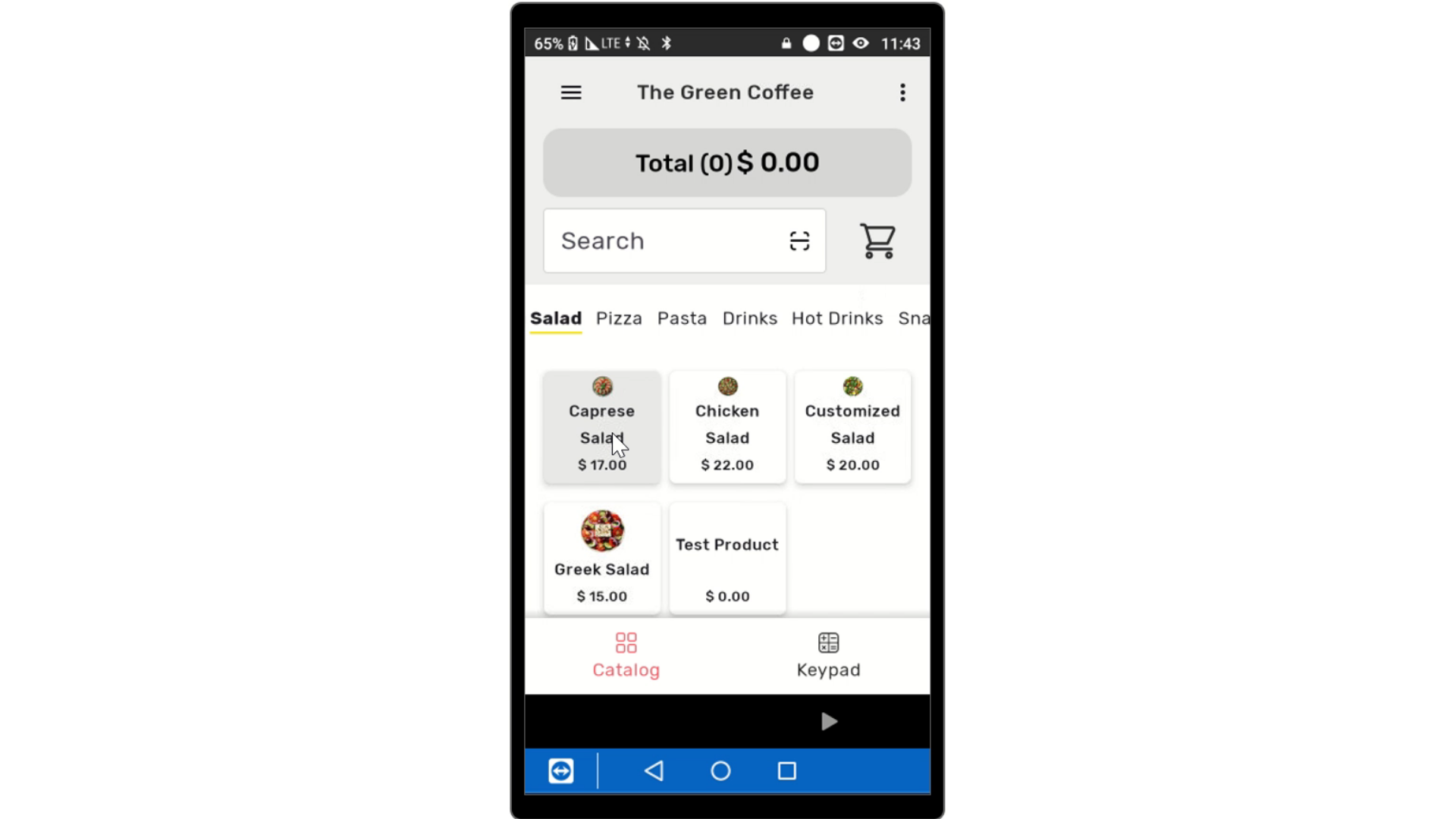
Select Items
Image AttachedSelect items to add to the cart.
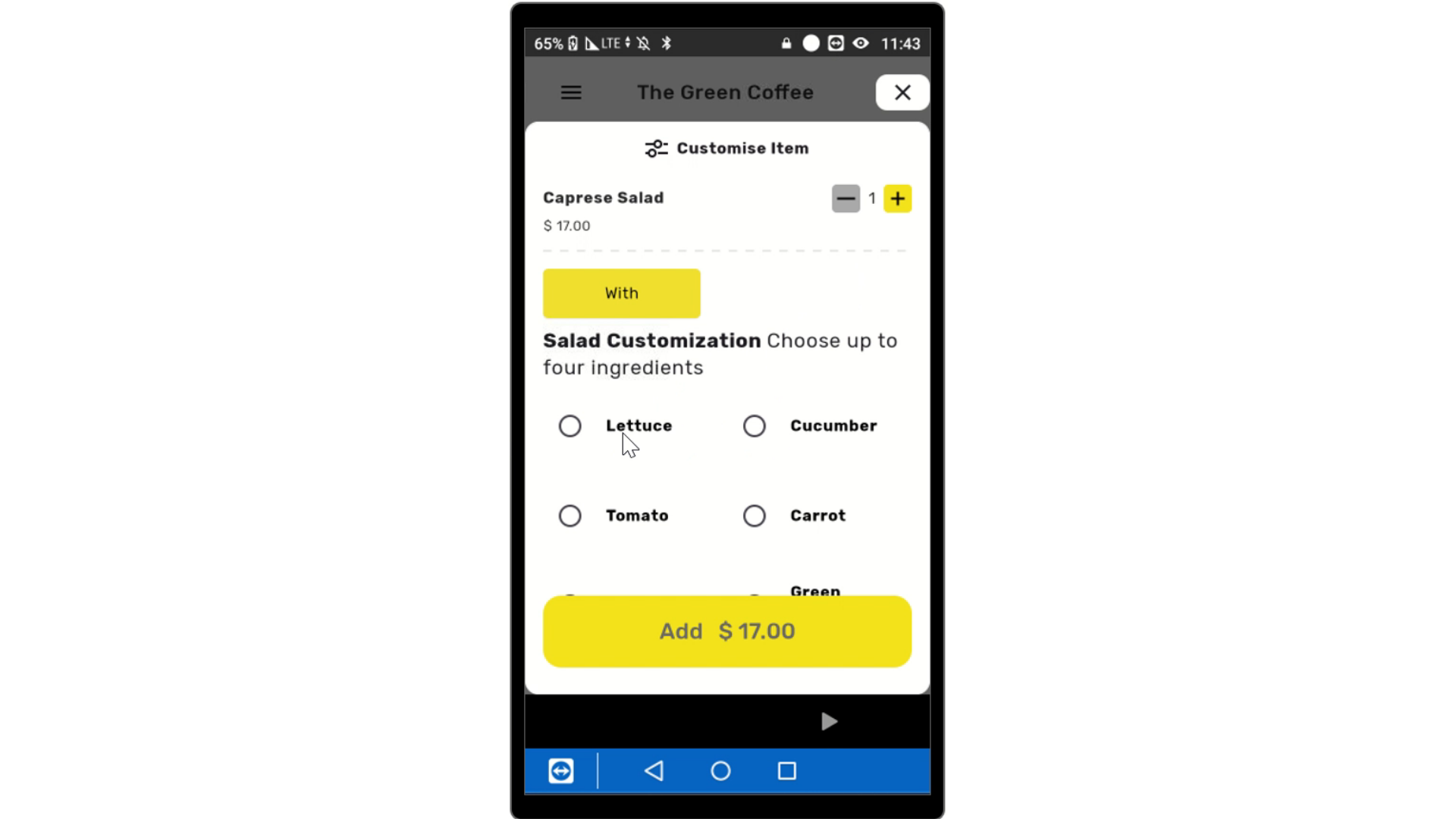
Customize Items
Image AttachedIf the item is not customizable, like purchasing a coke, it will go automatically into the cart. If the item is customizable, select the preferred modifications to proceed.
Click Add
Image AttachedAt the bottom of the screen, click add to add the item to the cart.
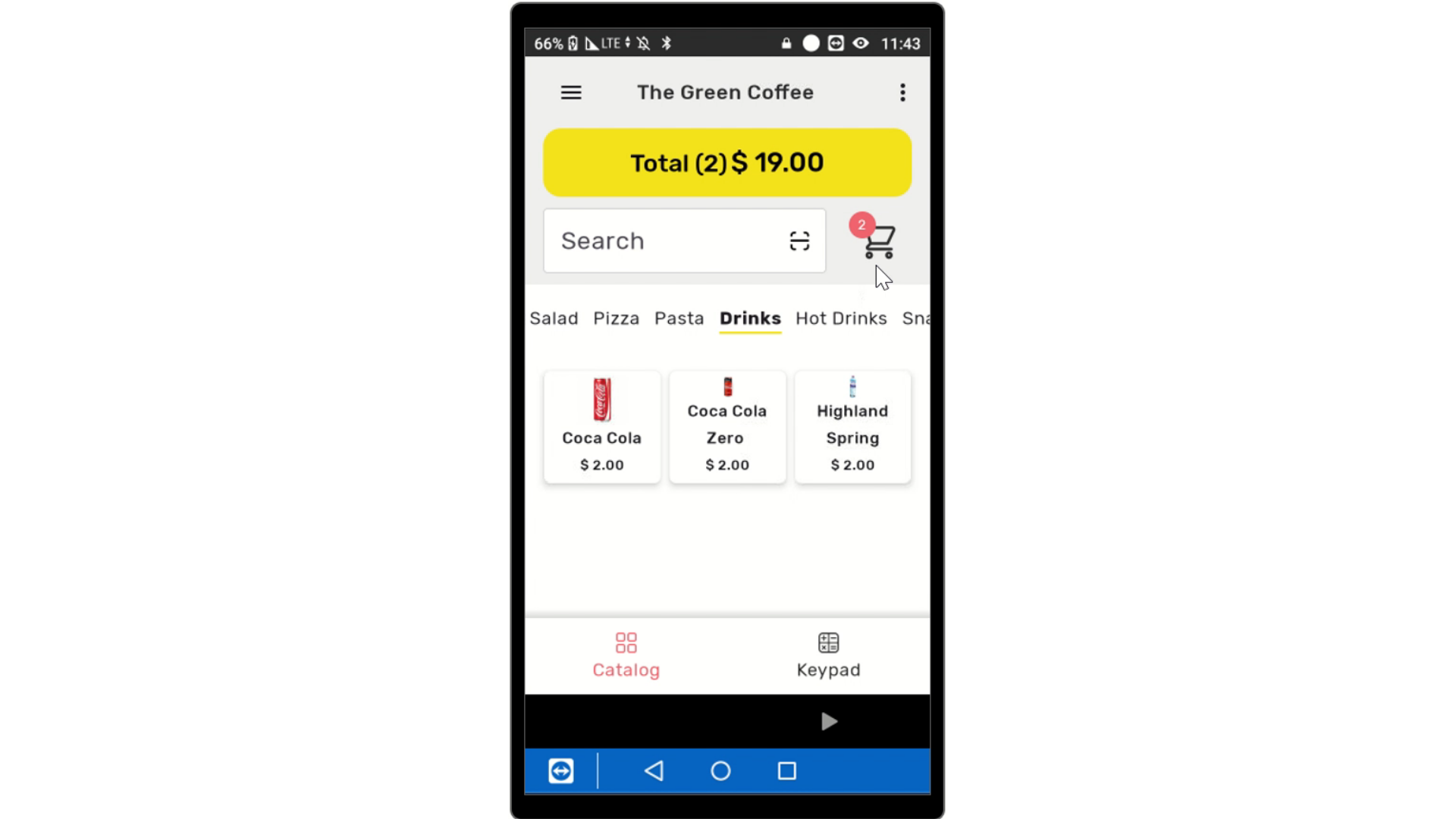
Click Total
Image AttachedOnce the order is finished, click on the yellow button that reads total.
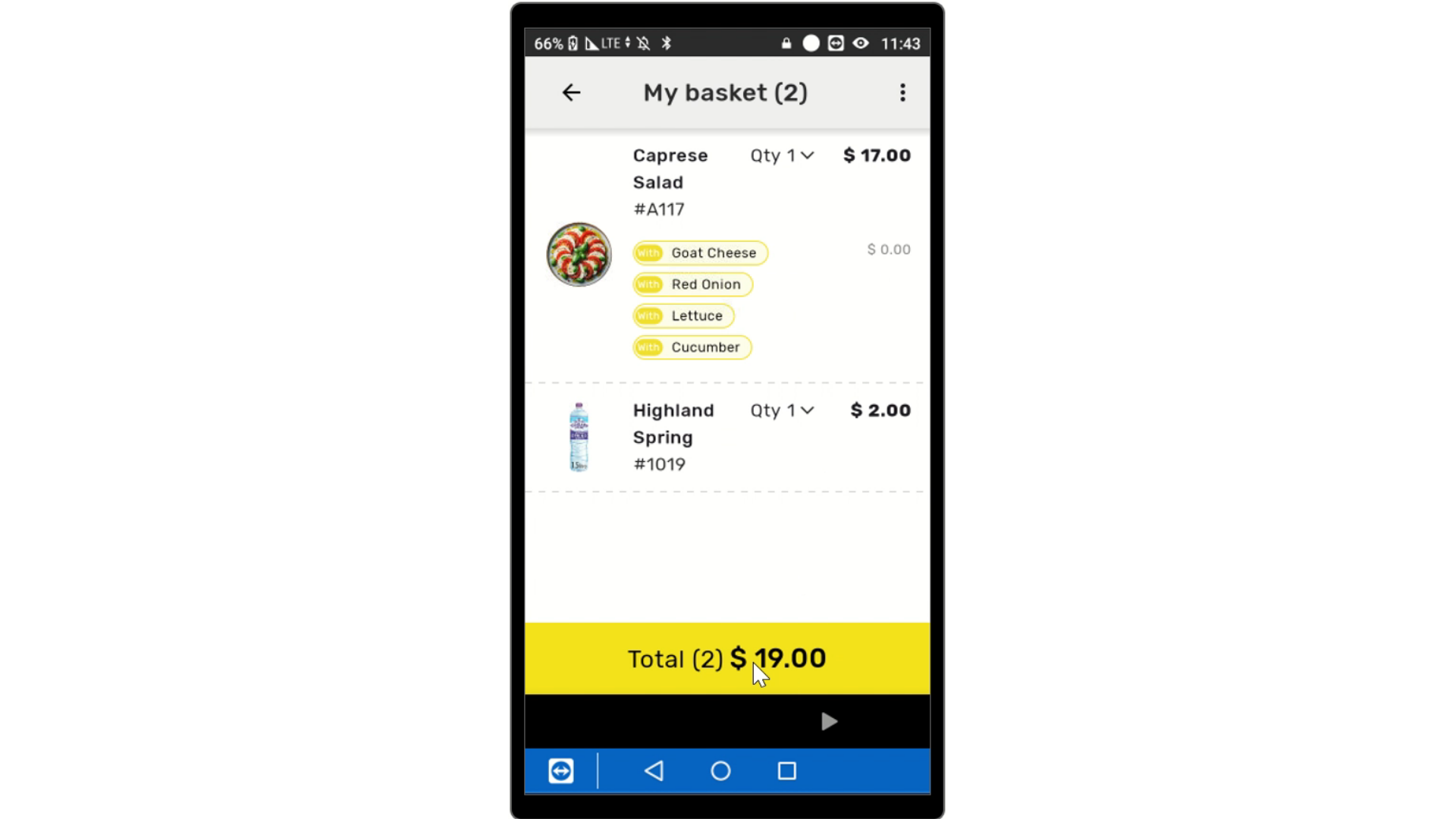
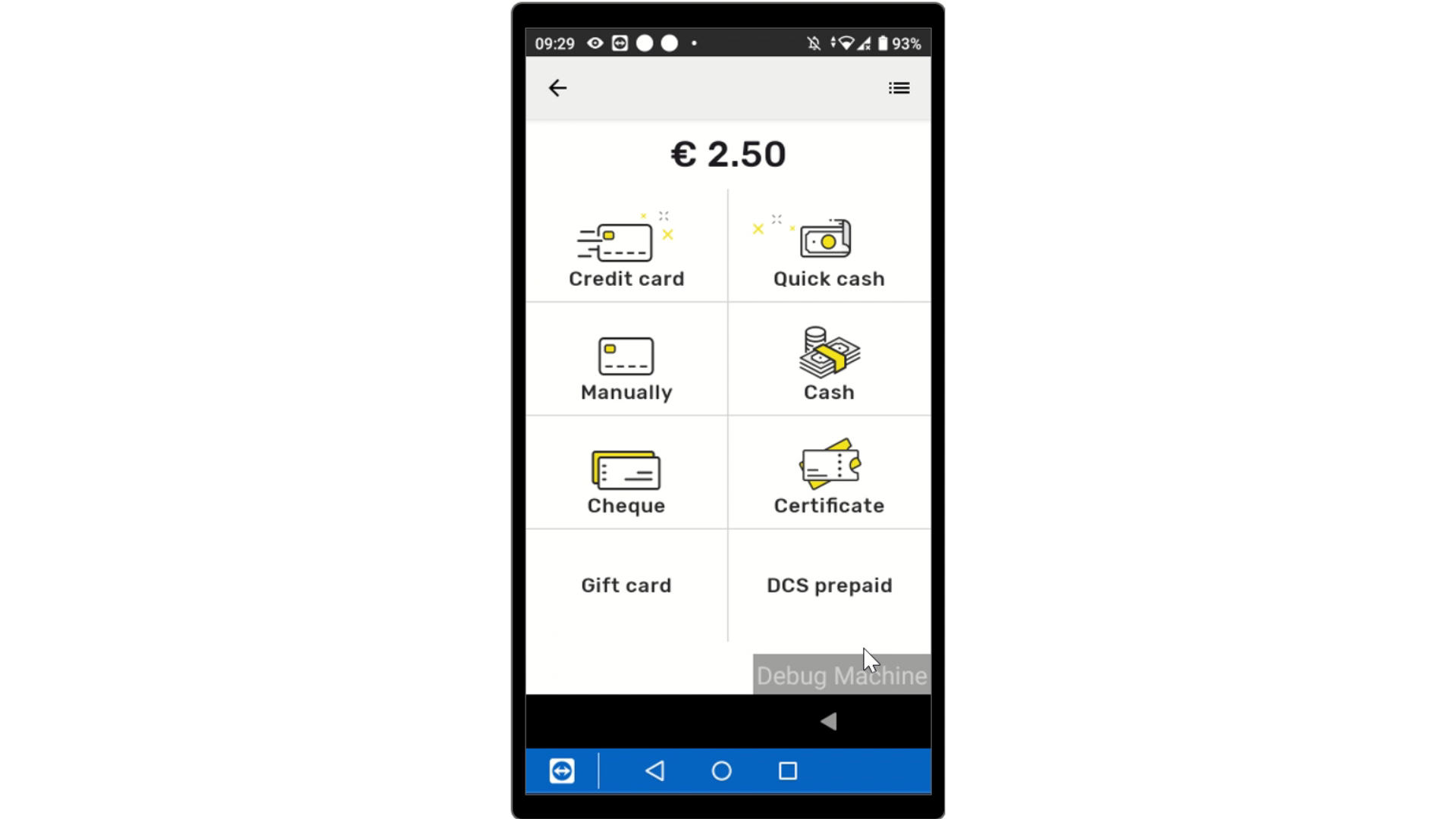
Select Payment
Image AttachedSelect the payment type from the options listed below.
LINK How to use different methods: gift card, prepaid, ect.
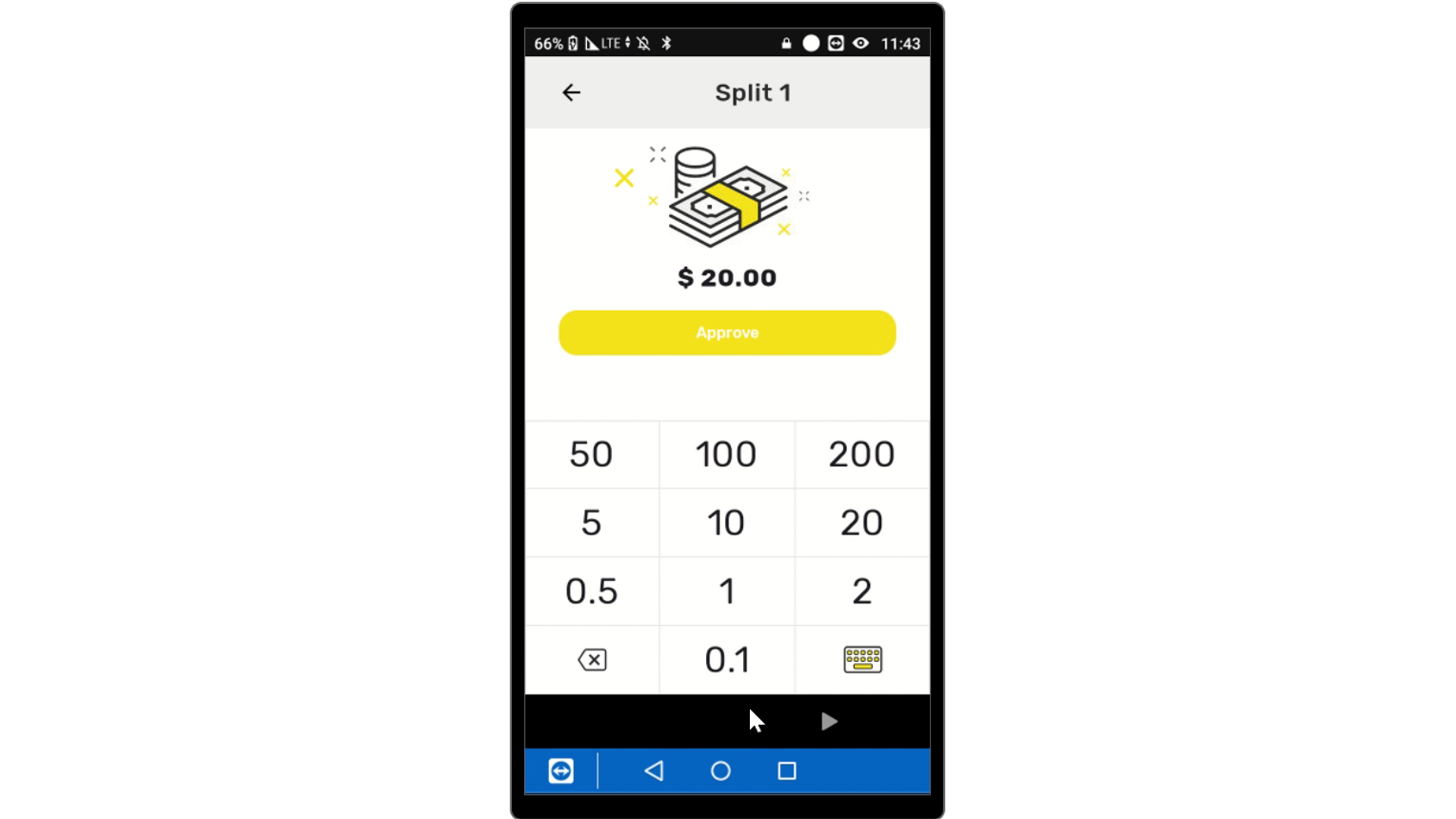
Input Cash Payment
Image AttachedIf cash, type amount of cash and tap approve.
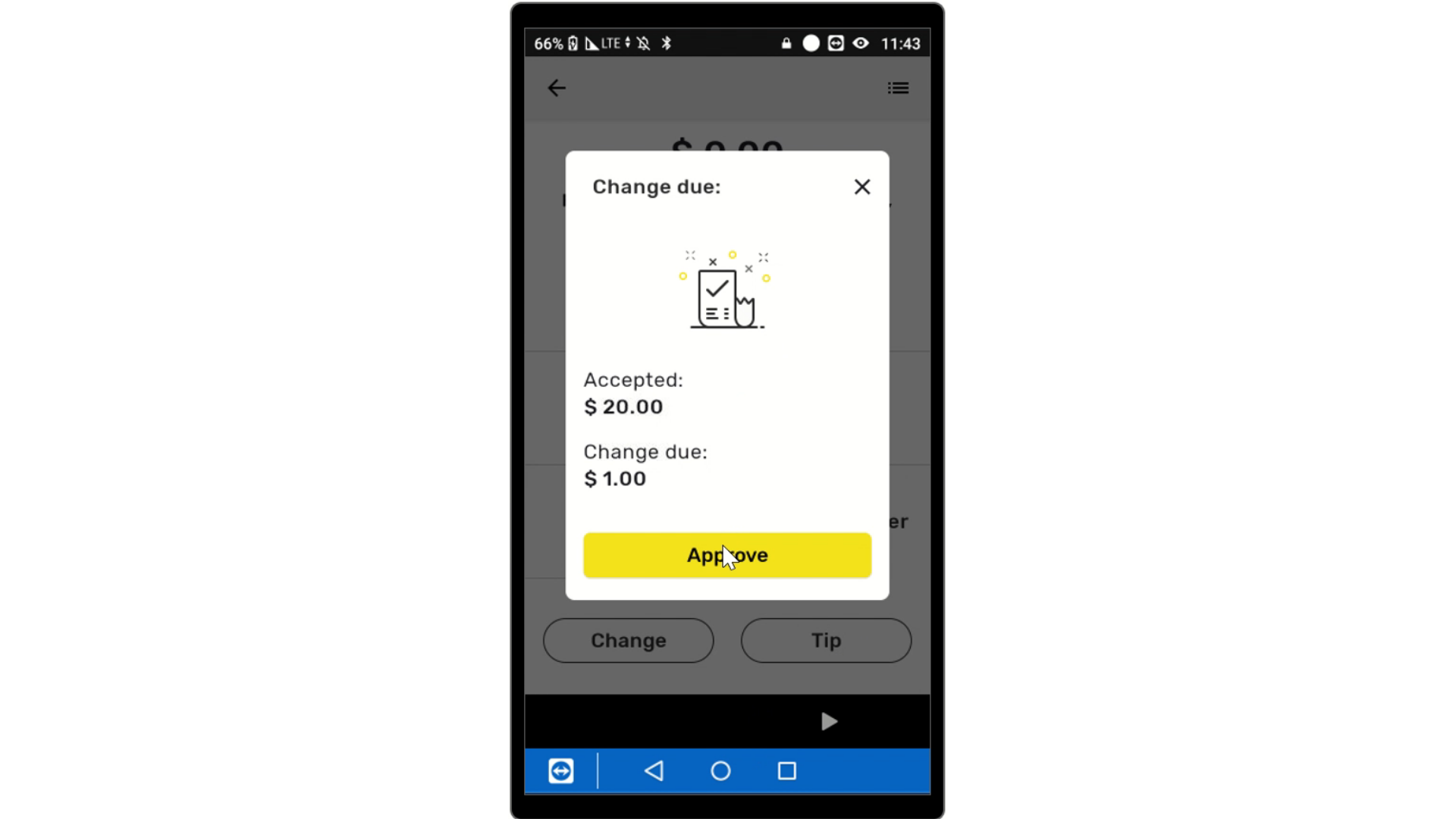
Approve Change
Image AttachedApprove Change if applicable.
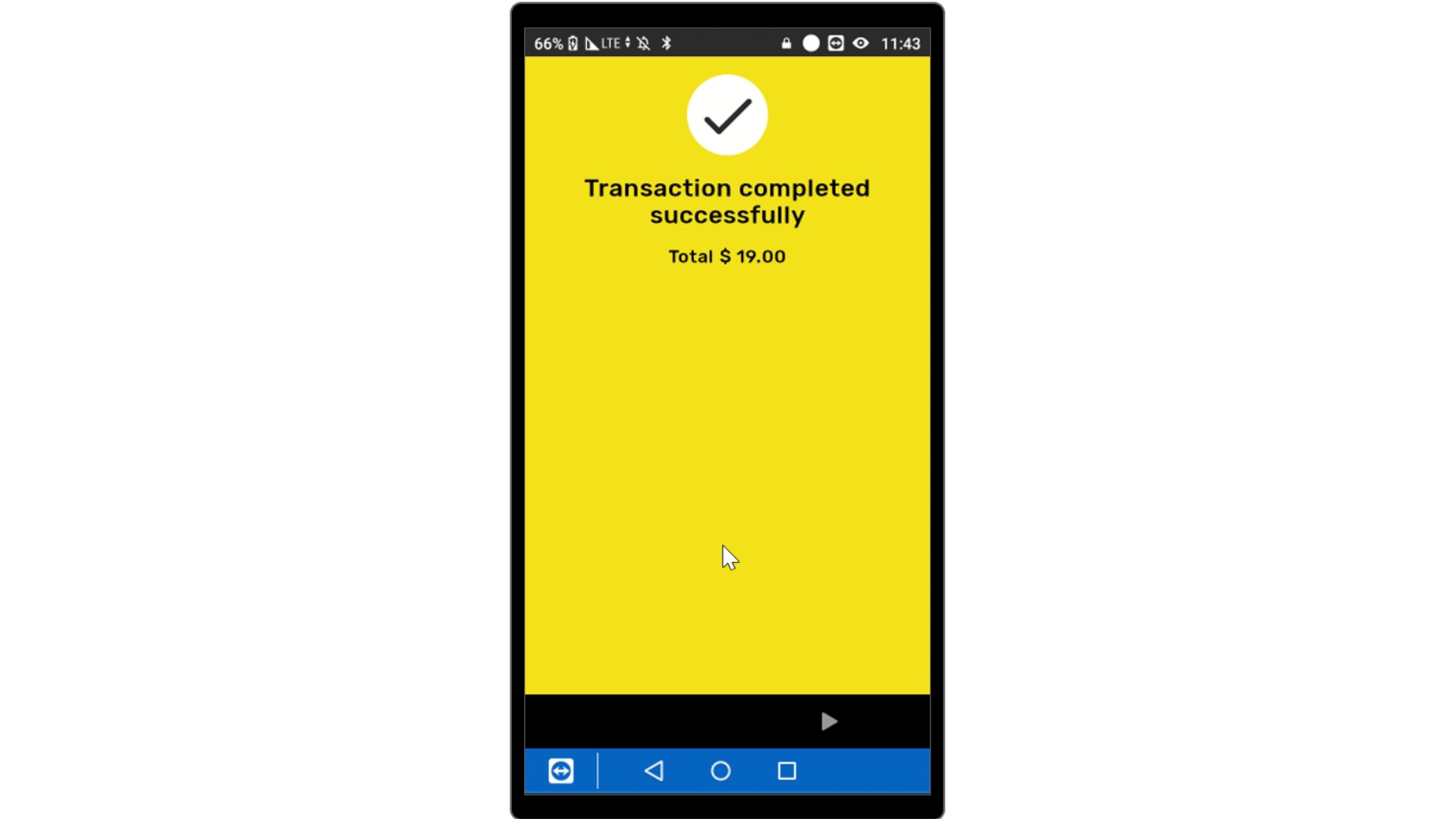
Transaction Successful
Image AttachedTransaction Successfully completed
Thank you!
Did you find this article helpful?