
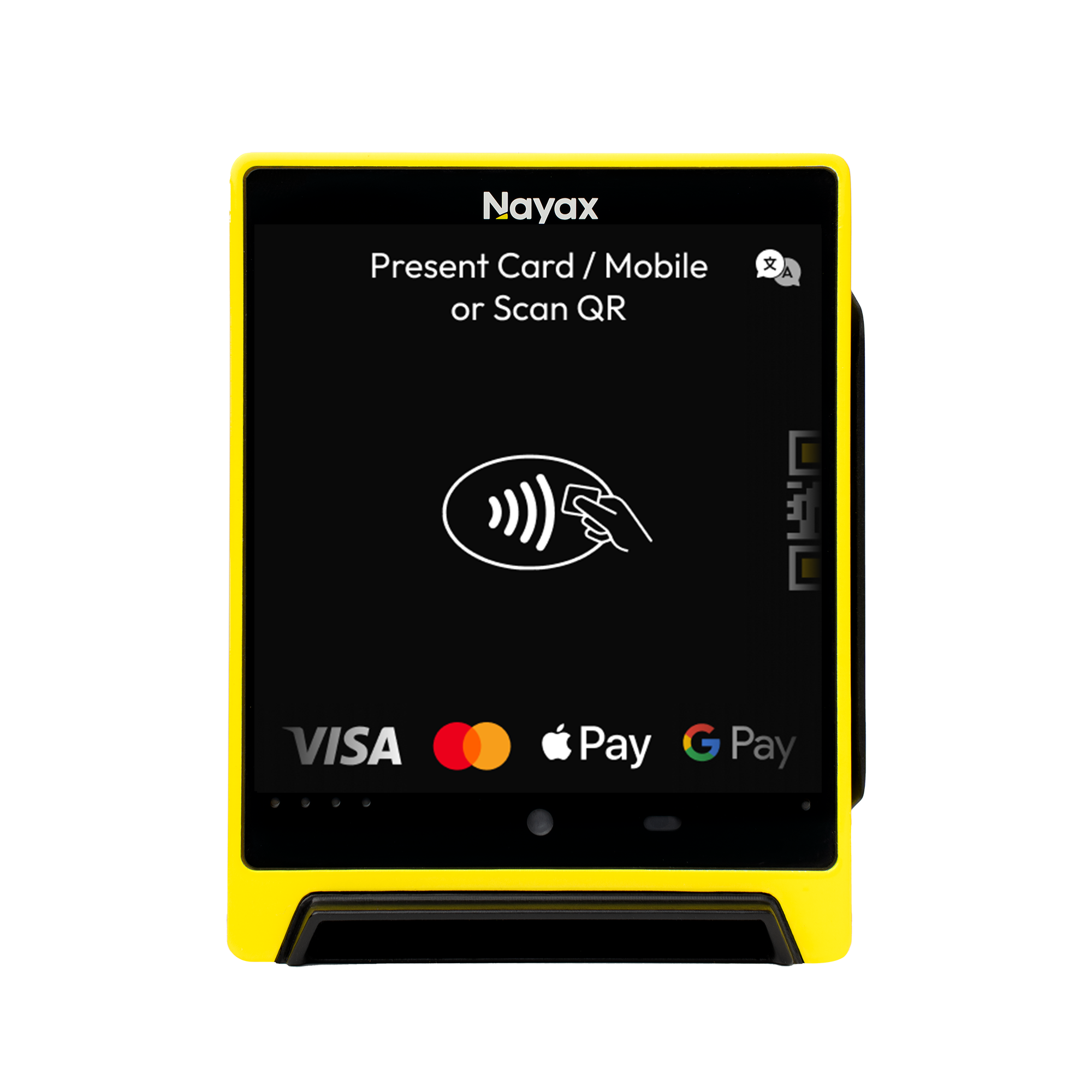
Article | Activation Process for the VPOS Media Payment Device
Activate your VPOS Media 4 or Mini terminal in Nayax Core - verify prerequisites, confirm device assignment, complete QR-based activation, and start accepting cashless payments in minutes.
General
How to Activate Your VPOS Media 4 Payment Terminal
Get your VPOS Media 4 or VPOS Media 4 Mini ready to accept payments, step-by-step activation from prerequisites to your first transaction.
Before You Start
Before activating your device, confirm you have everything in place. Missing any of these will prevent the activation from completing.
- ✅ Your device is assigned to your Nayax Core account. If you cannot see it under Device Management, contact Nayax Support.
- ✅ You have completed KYC(Know Your Customer verification). If unsure, check with your Nayax account manager or contact Nayax Support to confirm your status.
- ✅ You have access to a registered email address that meets one of the criteria below.
- ✅ Your device serial number is available. Find it on the device label or in Nayax Core under Device Management.
- ✅ You have a stable internet connection for the duration of the activation process.
- ✅ The device's static QR code is physically accessible for scanning.
| Criteria | Details |
|---|---|
| Salesforce-defined | Defined directly in Salesforce against your account |
| Company Email (post-KYC) | Associated with your Company Email account after KYC completion — up to 5 addresses allowed |
| Nayax Core User account | Defined for a User account in Nayax Core; must not belong to a distributor. Any user in the operator's hierarchy can activate devices. |
-
-
- VPOS Media 4 Installation Guide
- VPOS Media 4 mini Installation Guide
- How to activate a VPOS Media device on a mobile phone
- How to activate a VPOS Media device on a PC
- How to Locate a VPOS Media 4 Device Serial Number | Devices
- How to Setup Internet Connectivity on a VPOS Media 4 Device
- How to Connect and Assign a POS Device to your Machine | Operations
-
FAQ
FAQ
What is the VPOS Media terminal and why does it need activation?
What are the prerequisites for activating my VPOS Media terminal?
What is KYC and how do I know if I have completed it?
How do I check if my device is assigned to my account?
Why must the email address be assigned to my account?
What email address do I use to activate my VPOS Media terminal?
How long does VPOS Media activation take?
Can my terminal accept payments before activation is complete?
Do I need to reactivate my terminal after software updates?
Who do I contact if I encounter issues during activation?
Did you find this article helpful?