
How to Create a New Discount Card | Consumers
Learn how to create a Discount Card in Nayax Core. Set amount or percentage discounts, configure usage limits, and assign cardholder details. Note: cards cannot be modified after creation.
How to Create a Discount Card
This article explains how to create a Discount Card in Nayax Core. Discount Cards give specific consumers a price reduction at your machines - either a fixed cash amount or a percentage off the product price. Once a Discount Card is created, its settings cannot be modified, so it is important to confirm all details before saving.
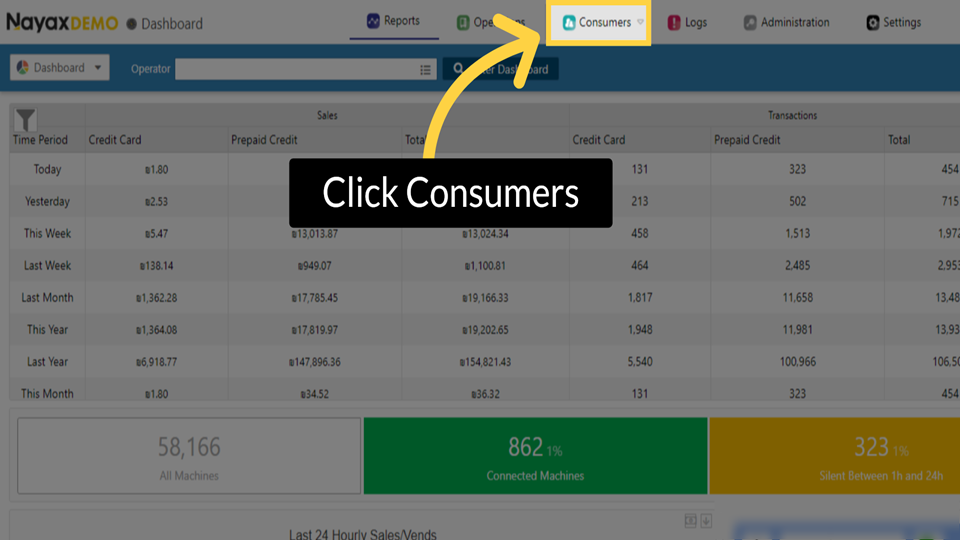
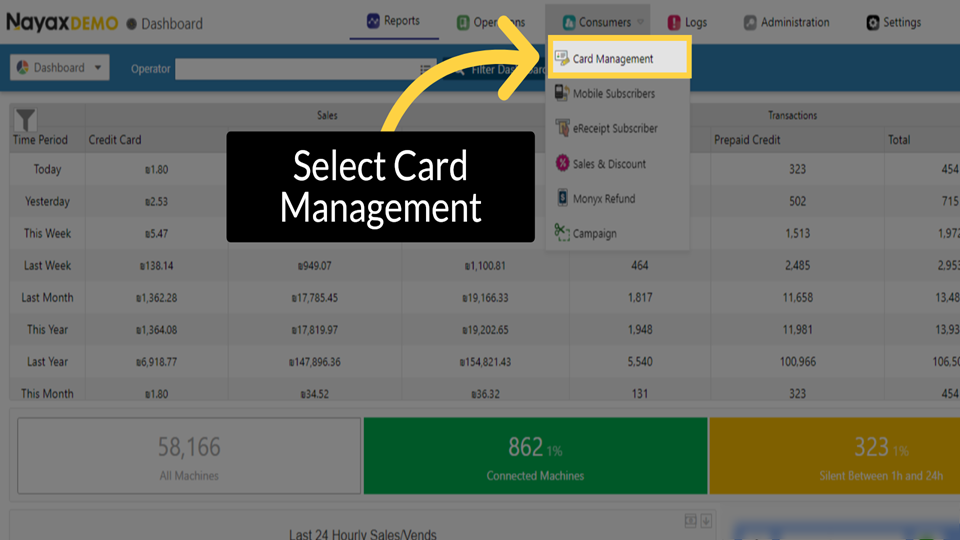
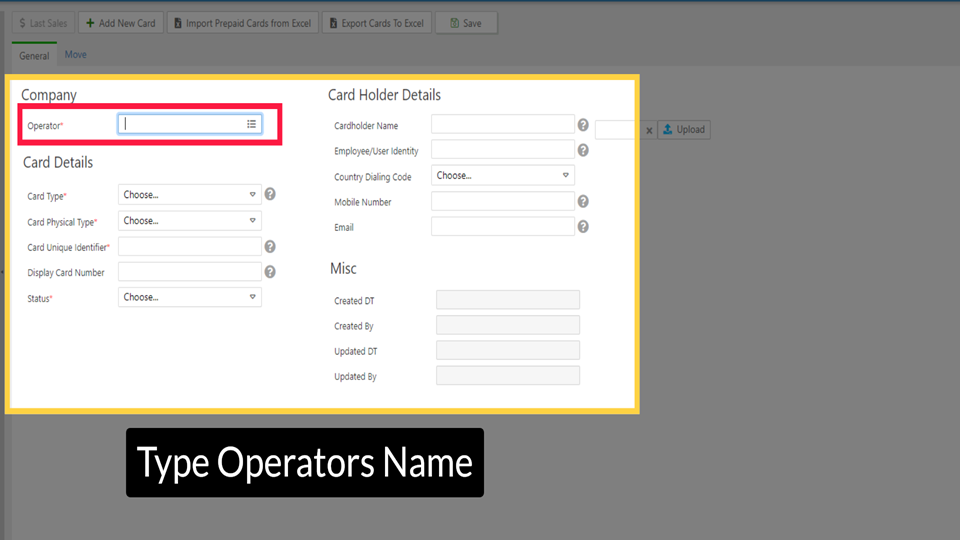
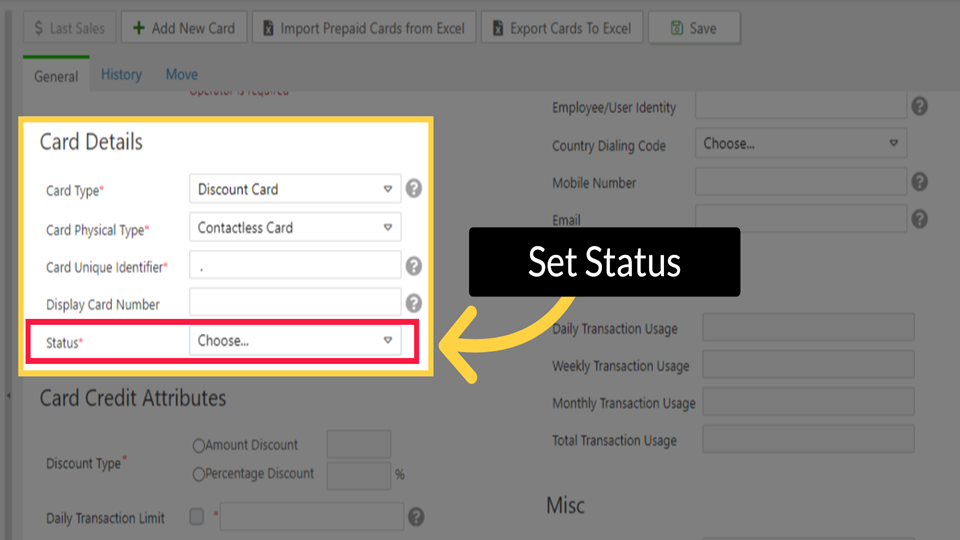
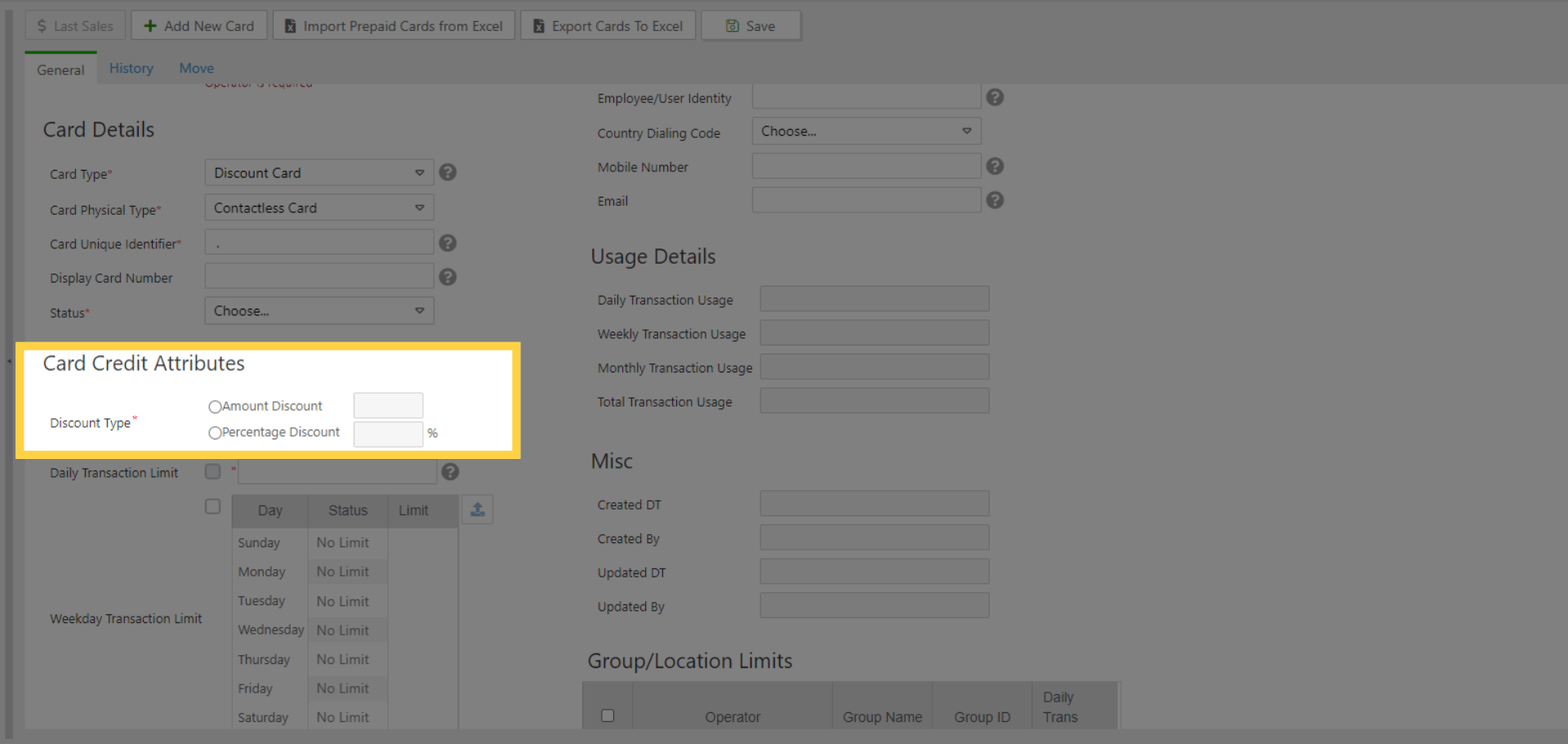
Use this guide to create a new Discount Card and configure its discount type, usage limits, cardholder details, and optional card date rules. The card takes effect immediately when set to Active.
|
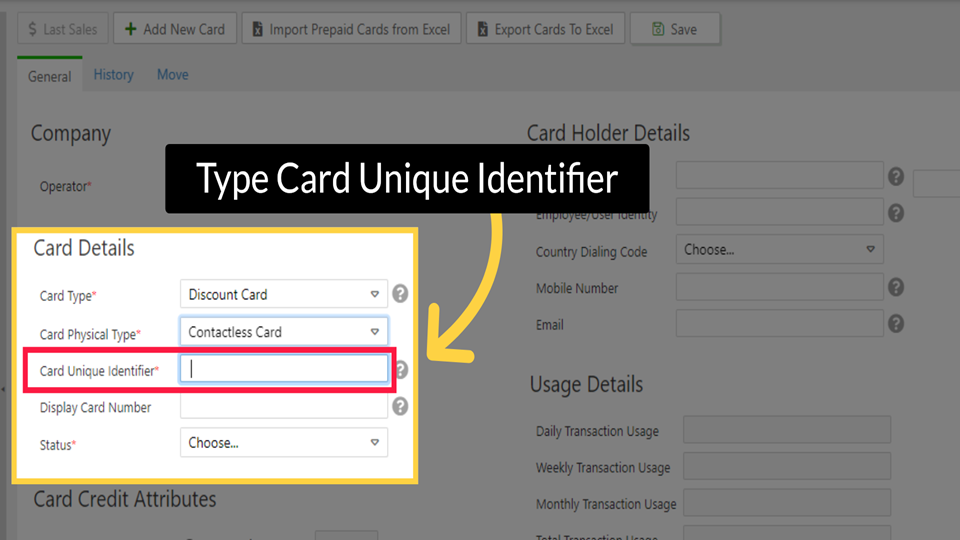
IMPORTANT Before you begin - Discount Card functionality must be enabled at the machine level before cards can be used at that machine. - You must have operator-level access in Nayax Core. - Confirm the correct physical card type and Card Unique Identifier before starting. These fields cannot be changed after saving. |



Did you find this article helpful?