
How to Locate a Card Unique Identifier | Operations
Video Guide
Please Note
To create a discount card in Nayax Core, you need the card unique identifier.
Usually, you will get this directly from the manufacturer of your cards.
If not, you can use the unit to discover this identifier:
Present the card to an active device. The unit will start an authorizing request, and then stop and display the following message on the unit's display screen: Charge was: (empty), Remaining: (empty)
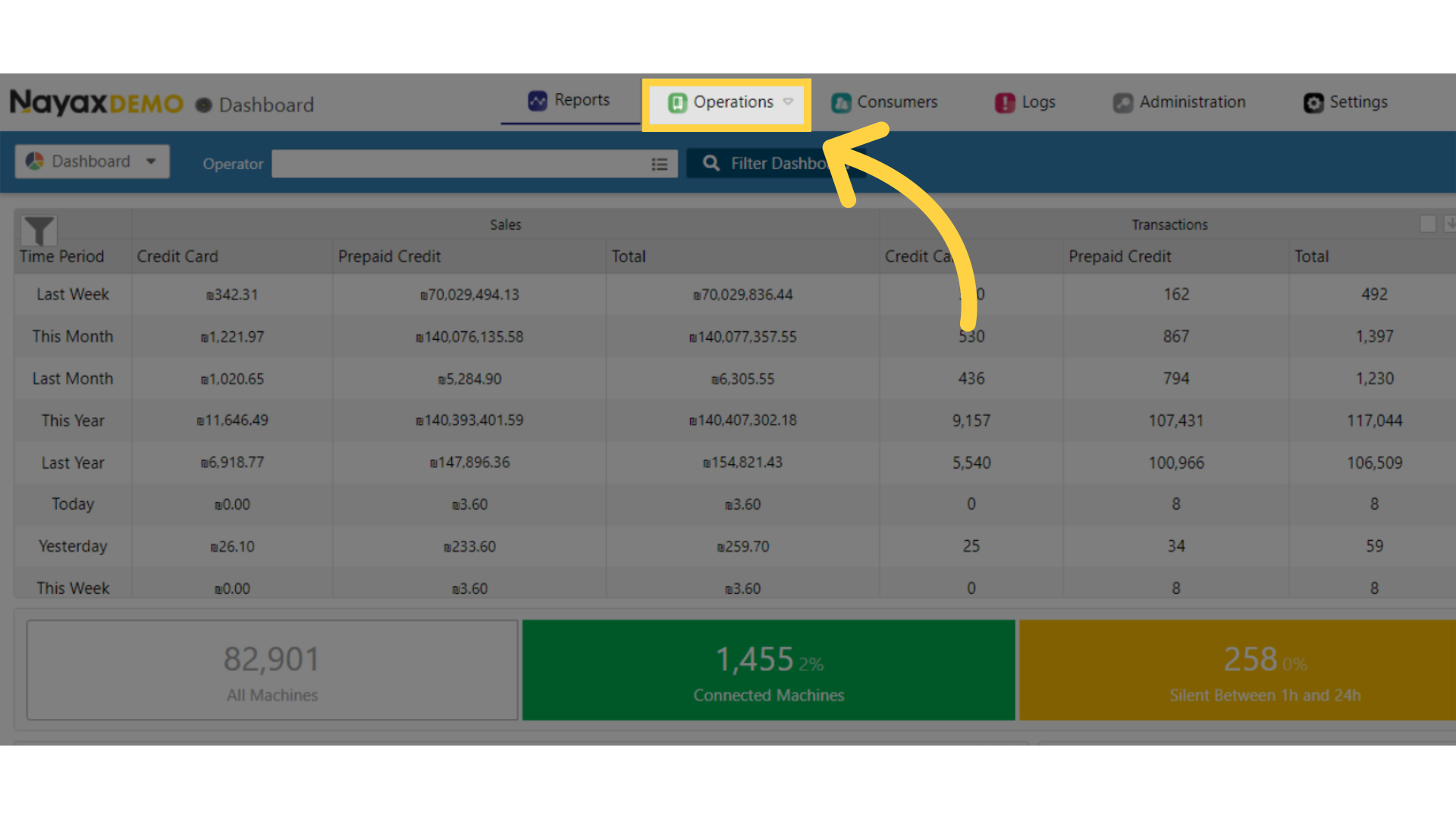
Click Operators Tab
Image AttachedOn the dashboard of your Nayax Core management suite click on the Operators tab.
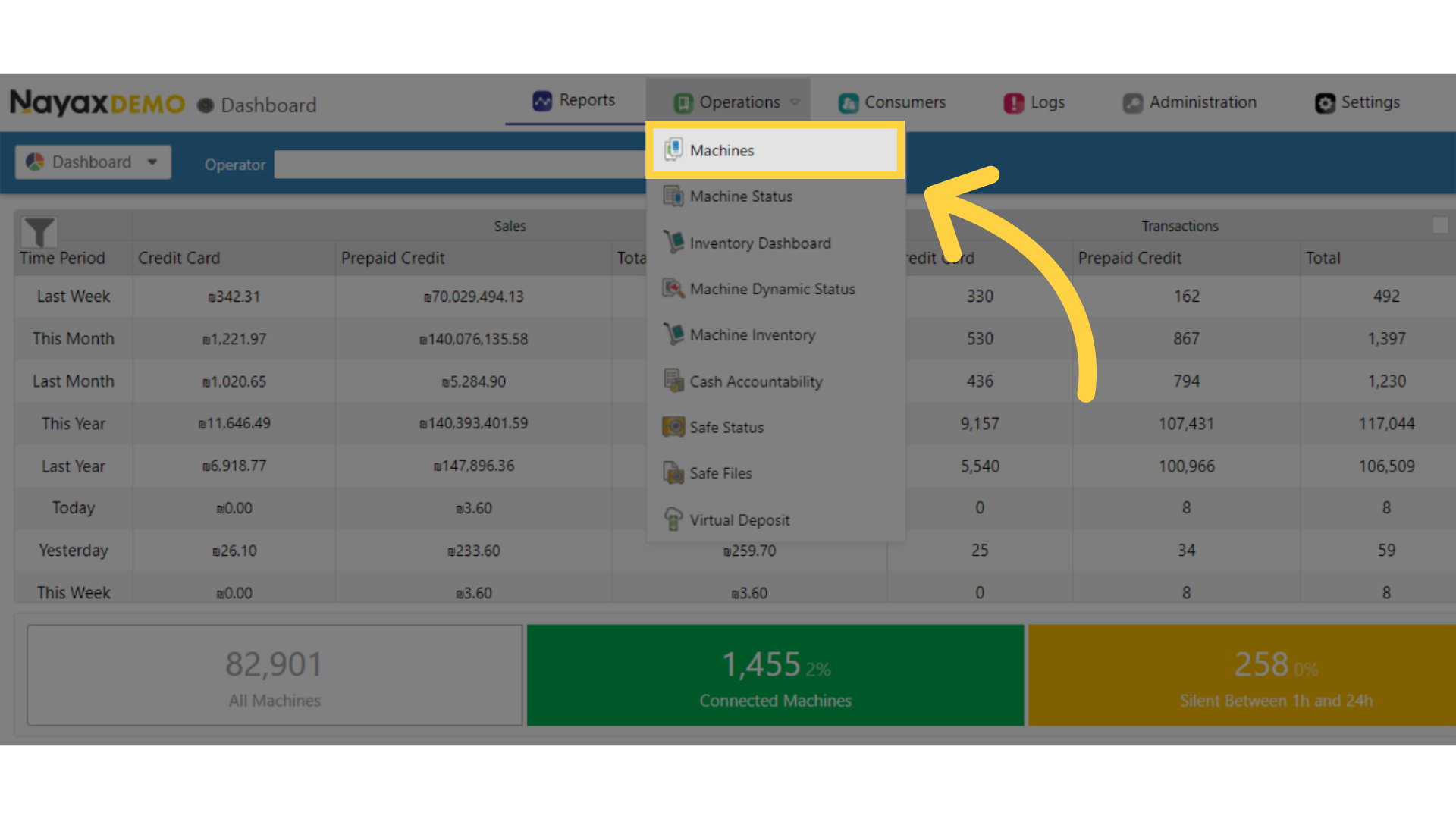
Click Machines
Image AttachedClick on Machines from the dropdown menu.
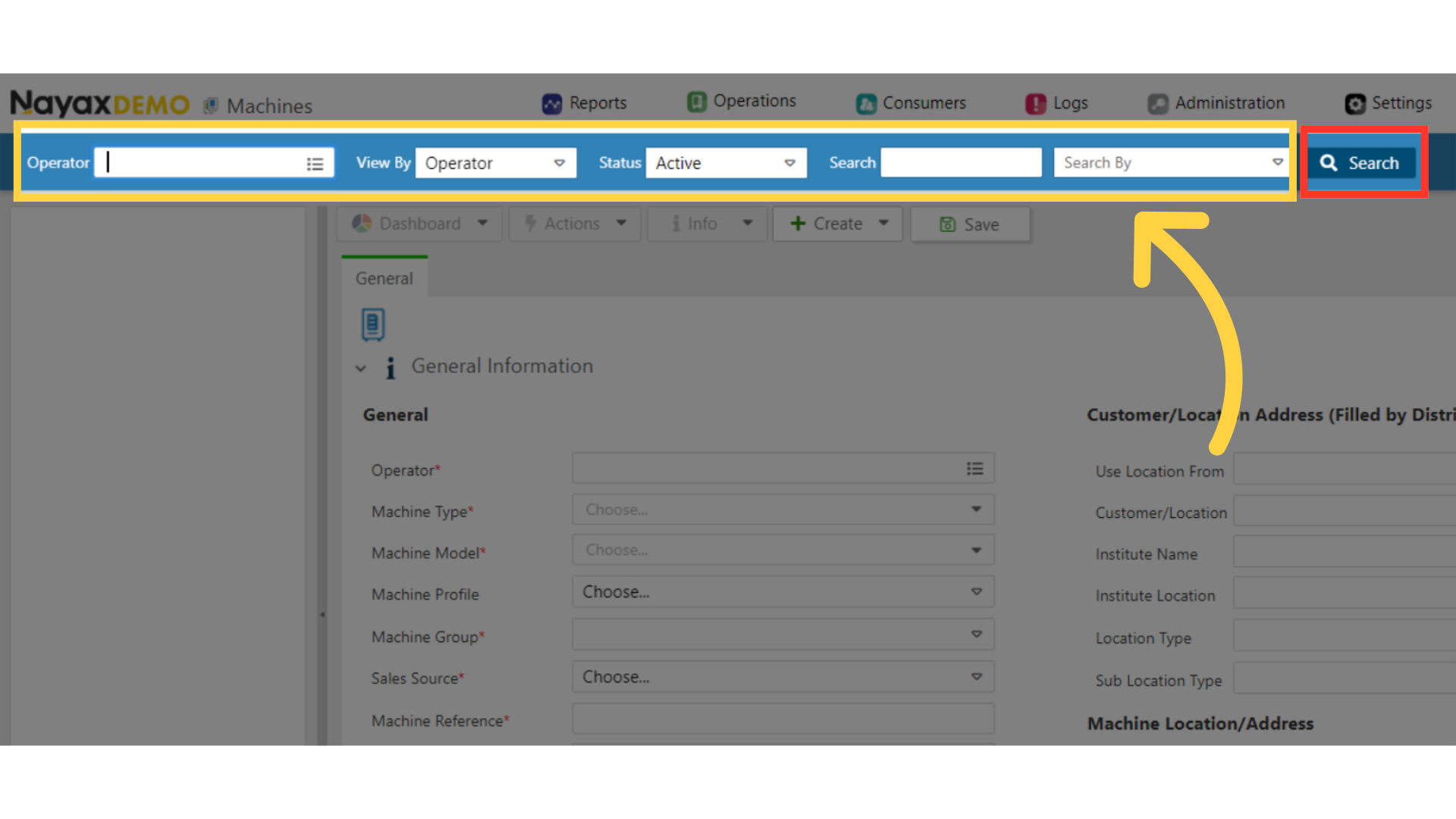
Fill in Operator Details
Image Attached
Type in your operators name and any other fields to locate your machine, then Click search button as highlighted in RED on the visual.
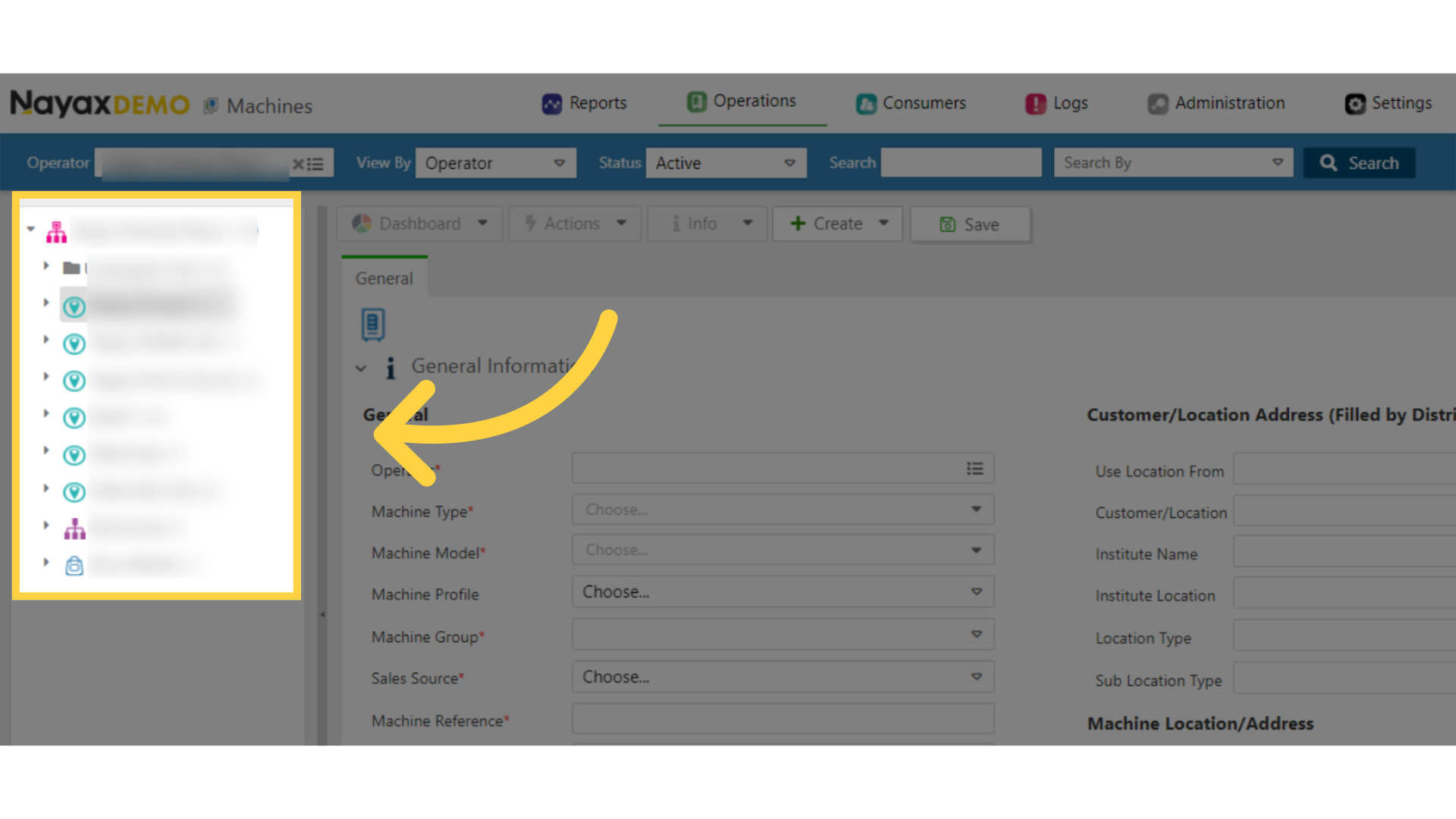
Locate Machine in Hierarchy
Image AttachedLocate and click on the machine from the hierarchy.
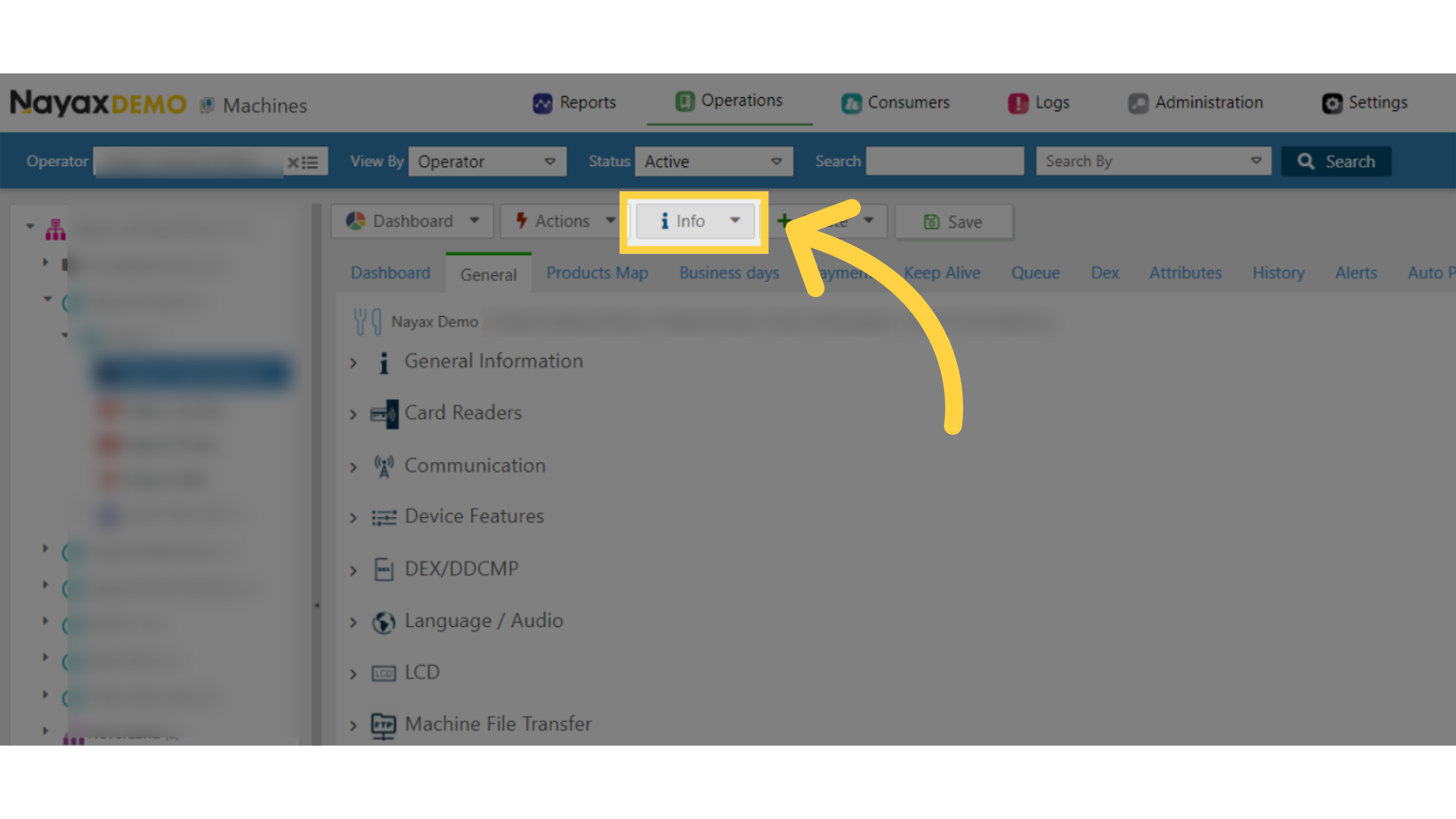
Click Info Tab
Image AttachedClick on the Info tab to open.
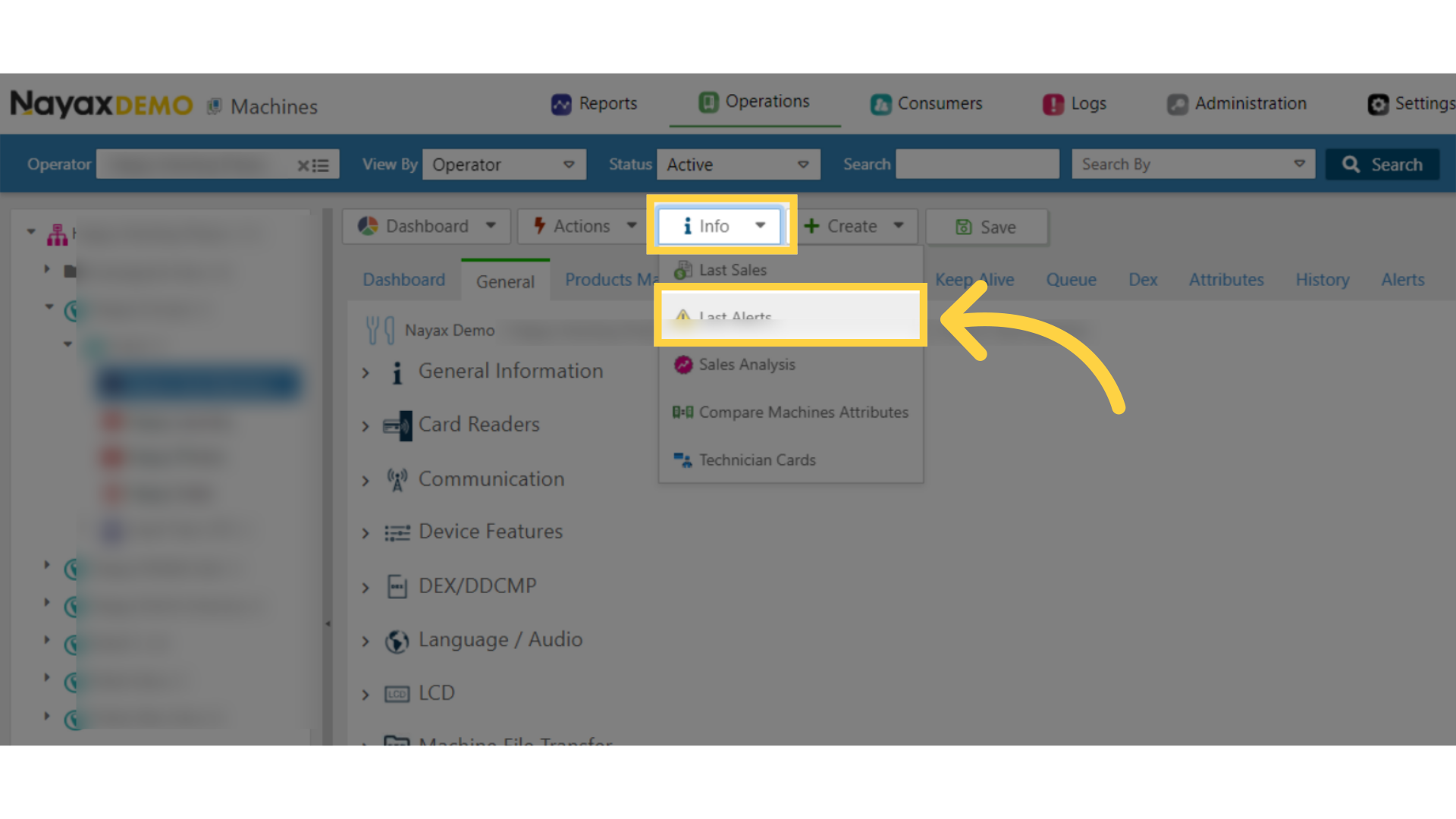
Select Last Alerts
Image AttachedFrom the drop-down menu select the Last Alerts tab.
Card's Unique Identifier
Image AttachedSearch for the log that reads "Card does not exist" in the "Event Description" column (should be the first line). In this log, you will find the card's decimal number and the card's Hexa number. The card's decimal number will be used as the card's unique identifier.

Thank you!
Did you find this article helpful?