
How to Schedule a Daily Sales Status Report | Operations
Schedule a machine dynamic status report in Nayax Core - Build a custom Nayax Core report preset with your required fields and automate delivery by scheduling the report to arrive in your inbox on a recurring basis.
Prerequisites: Before You Start
Reports & Analytics › Nayax Core
How to Create and Schedule a Report Preset in Nayax Core
Build a custom report preset with the exact fields your business needs, then automate delivery by scheduling it to arrive in your inbox on a recurring basis.
Prerequisites
Before You Start
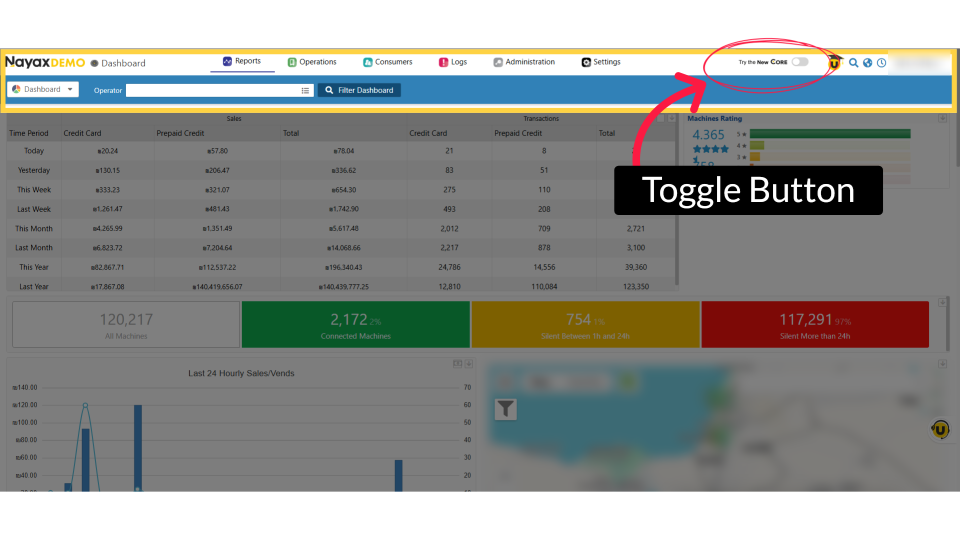
- ✅ You have access to your Nayax Core portal dashboard.
- ✅ You know the Actor name or other machine identifiers needed to locate your device(s).
- ✅ You know the report fields you want to include in your custom preset (for example, Cashless Sales).
- ✅ You have a recipient email address ready for the scheduled report delivery.
Did you find this article helpful?