How to Locate an Operator ID | Administration

This guide will help you locate and identify your Operator ID navigating your Nayax Core platform. An Operator ID is needed for accurately managing your business.

1

Video Guide

00:00: This tutorial guides you to locate and identify your operator ID in Nayax Core.

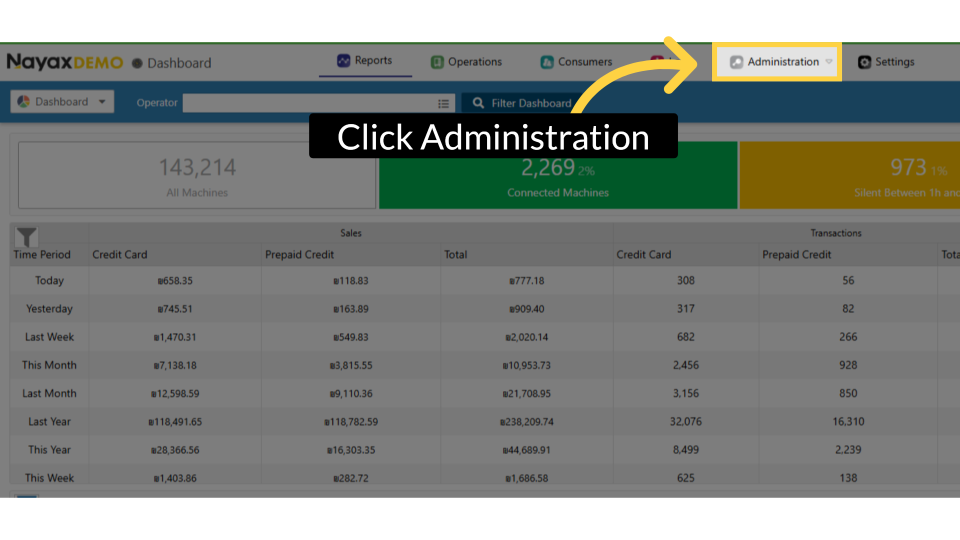
00:06: On the dashboard of your Nayax Core platform, click on the Administration tab.

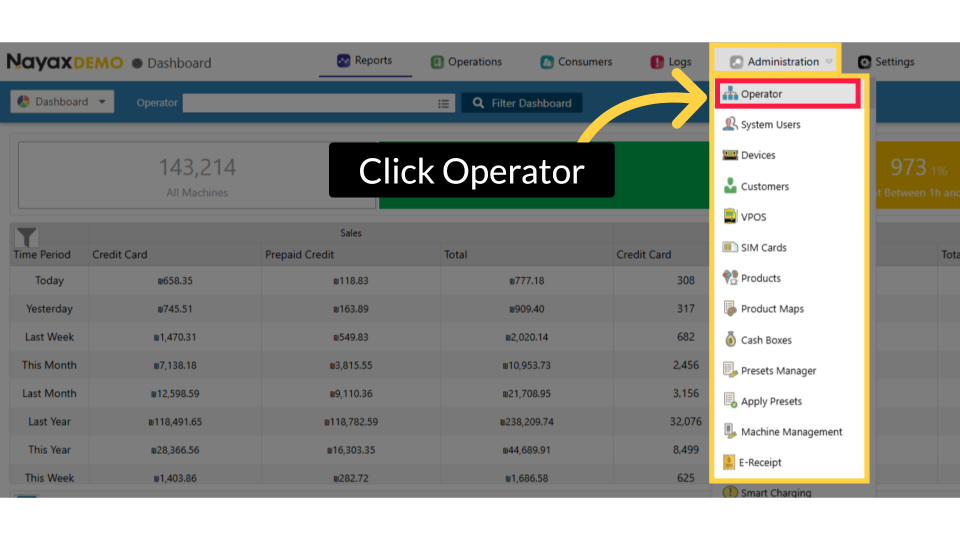
00:11: Click "Operator" from the drop-down menu.

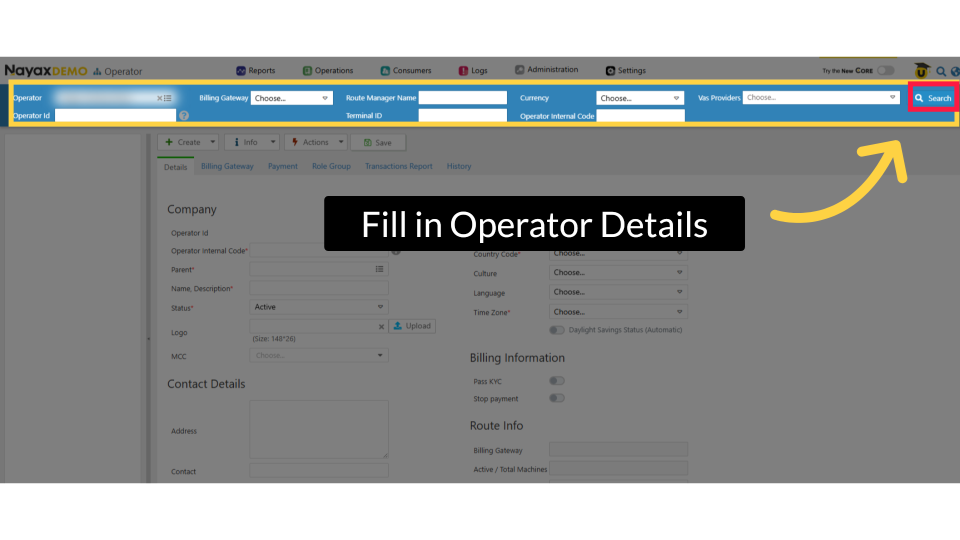
00:14: Please enter your Operator name and click the search button highlighted in RED.

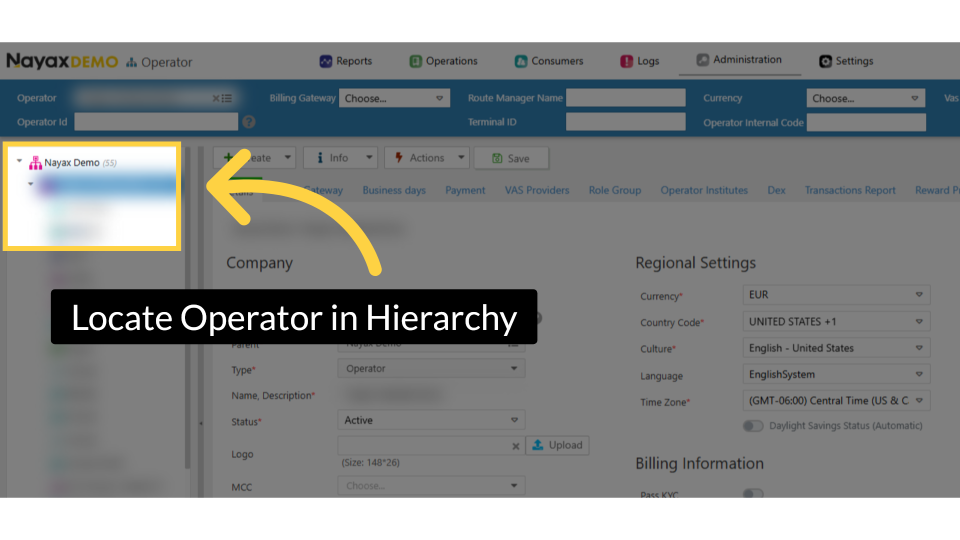
00:18: Locate and click on the operator from the hierarchy.

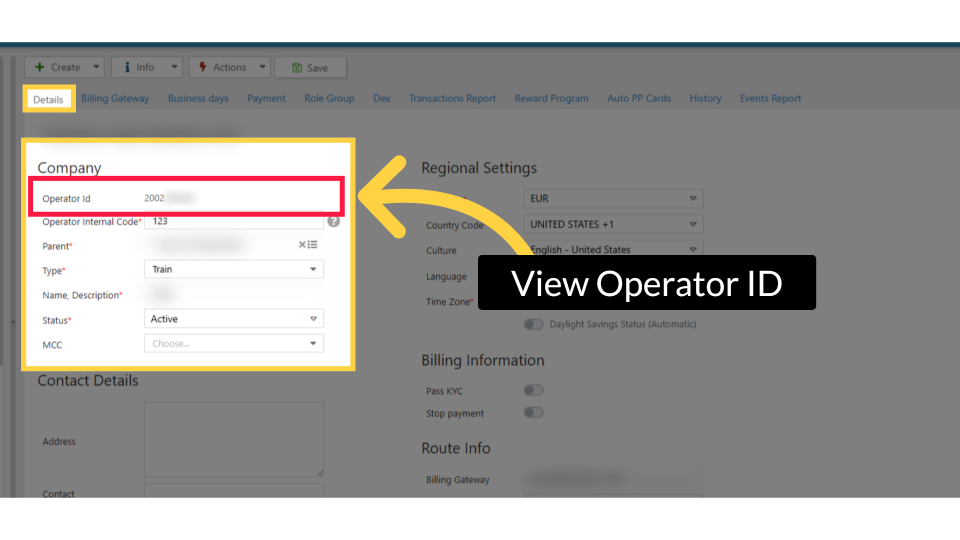
00:22: The operator's main page will open. The Operator

00:25: ID field will display the ID in the highlighted field.

Did you find this article helpful?