
How to Add a Product Image to Your Machine | Administration
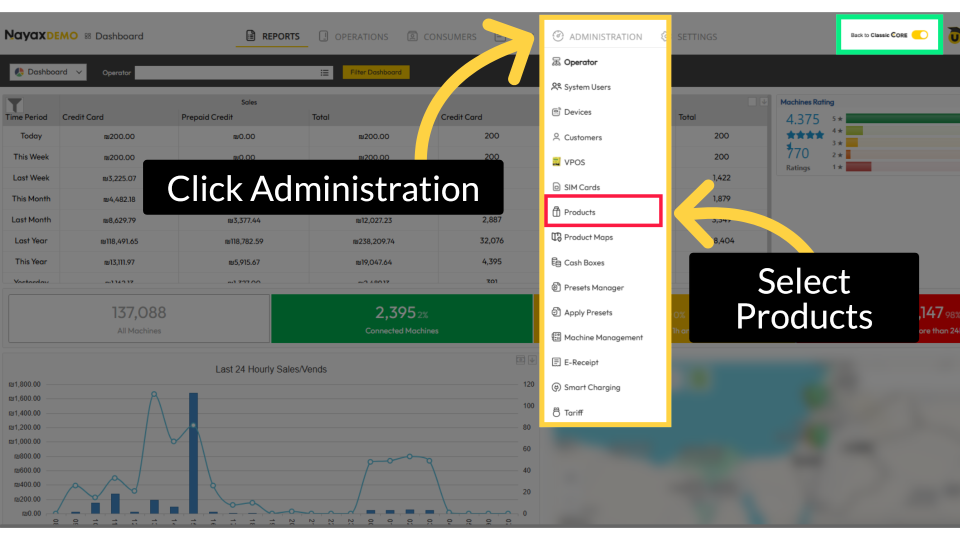
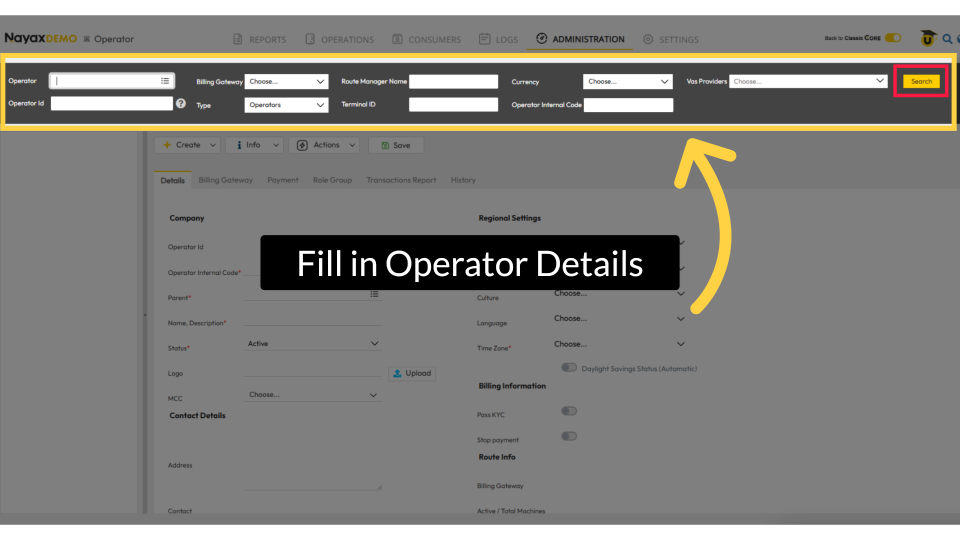
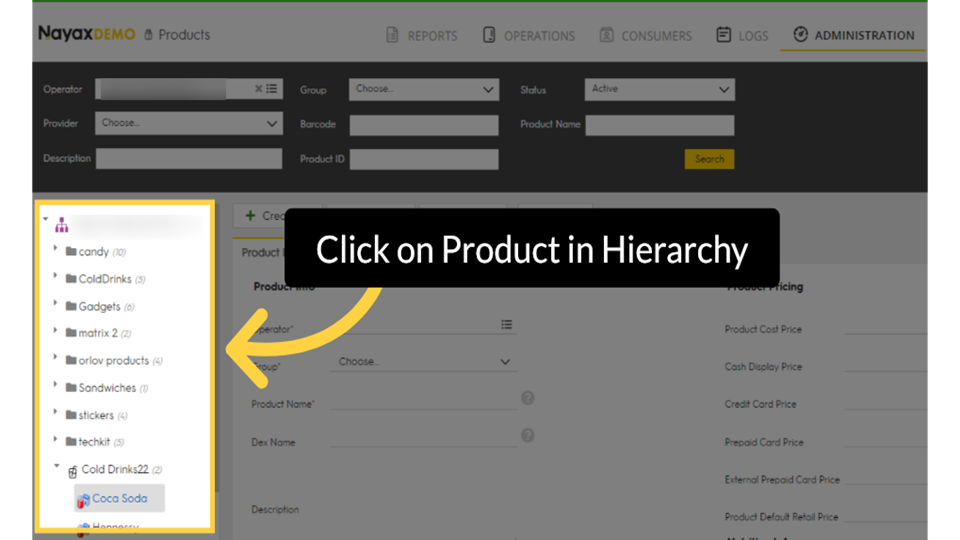
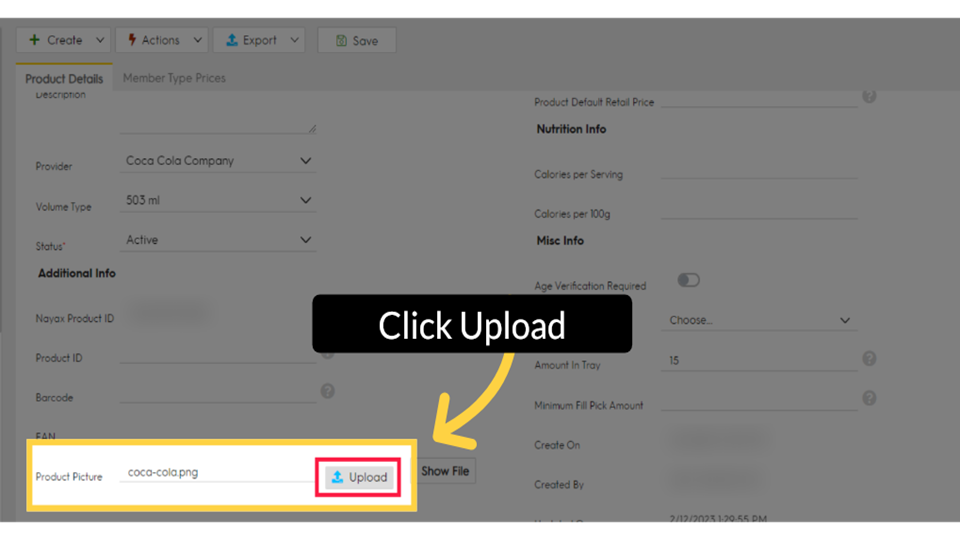
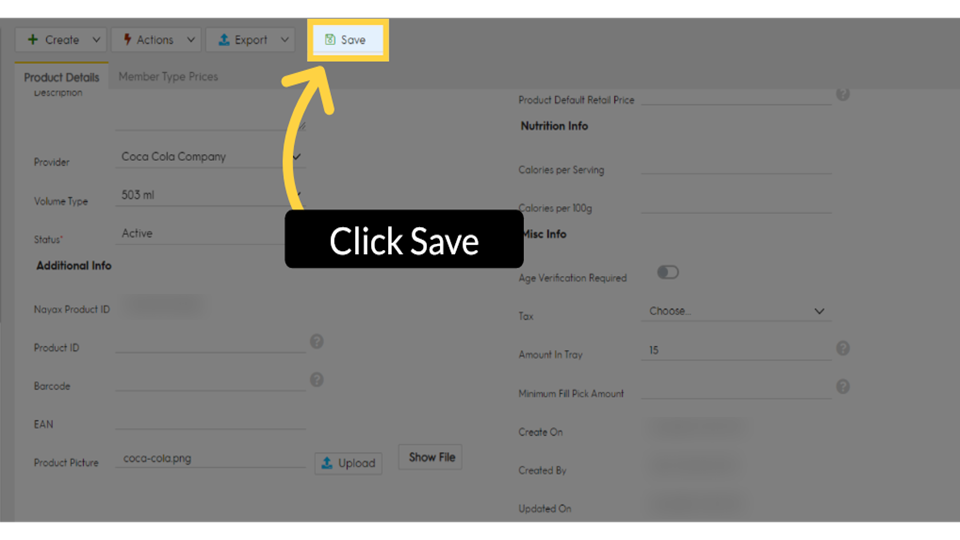
Did you know that adding product images to your Nayax machines can help boost consumer engagement and drive more sales? Upload product images in Nayax Core to display them to consumers in Monyx Wallet.
Prerequisites
Did you find this article helpful?