
How to Add Attributes to a Machine | Operations
Attributes are the critical data points that define the characteristics and behaviors of operational parameters and ensure consistency. Follow these steps to manage operational parameters and integrate changes effectively across your business.
Prerequisites: Before You Start
Assign a device attribute to a machine in Nayax Core, then set its value so the change takes effect when the machine restarts.
Prerequisites
Before you start
- ✅ You have Administrator access in Nayax Core or Nayax Classic Core.
- ✅ You know the attribute number or name you want to assign, and its attribute group.
- ✅ Your machine can be restarted. Some attribute changes only take effect after a restart.
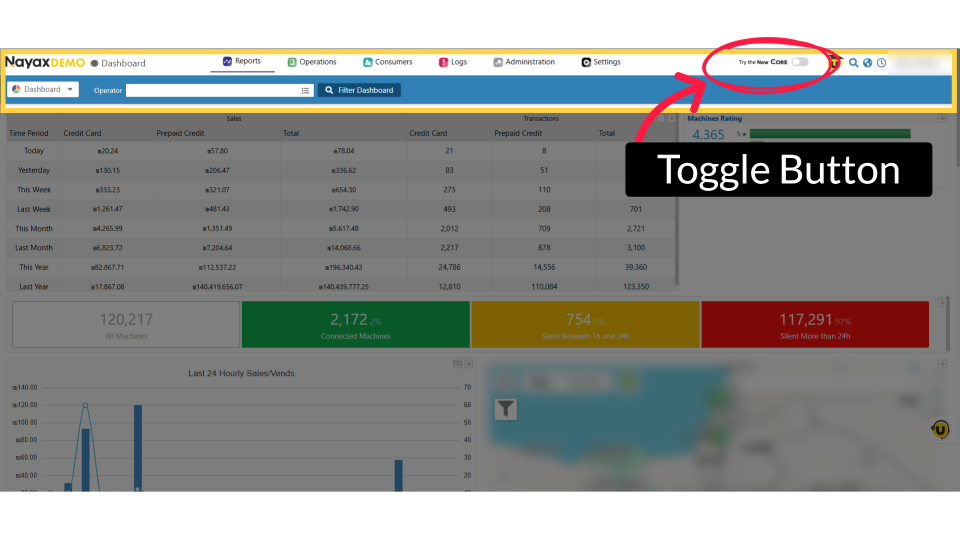
Note: A toggle in the top right of the screen lets you switch platforms at any time: Try the New Core from Classic Core, or Back to Classic Core from New Core.
Did you find this article helpful?