
How to Setup System Alerts Operator Level | Administration
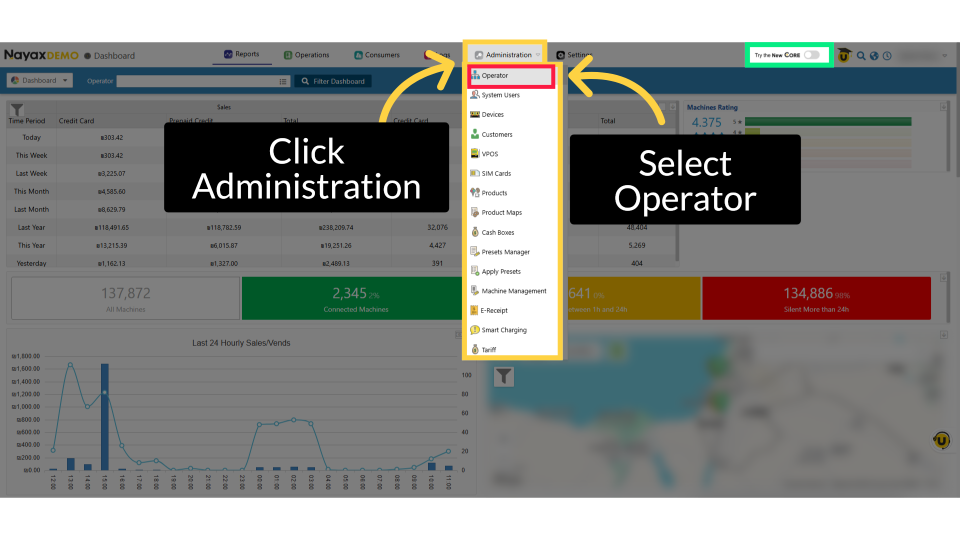
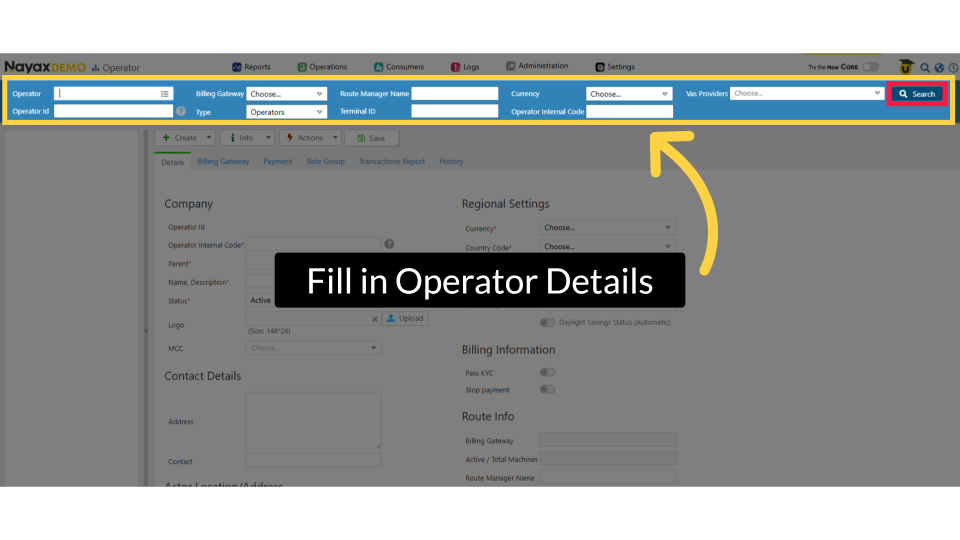
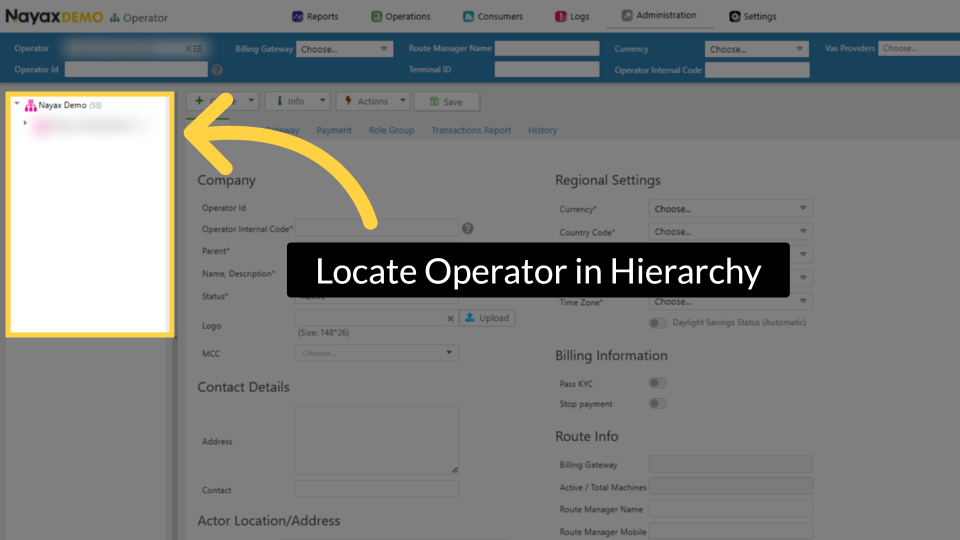
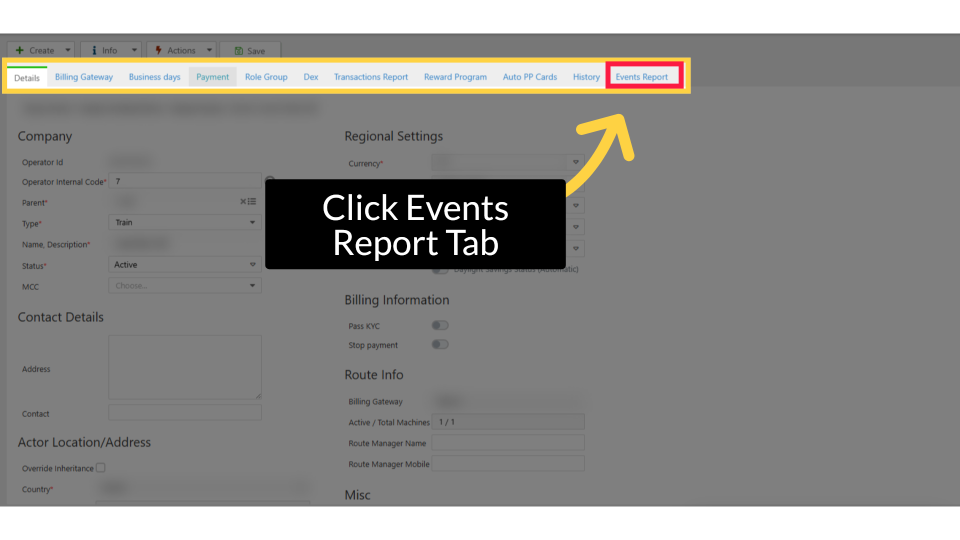
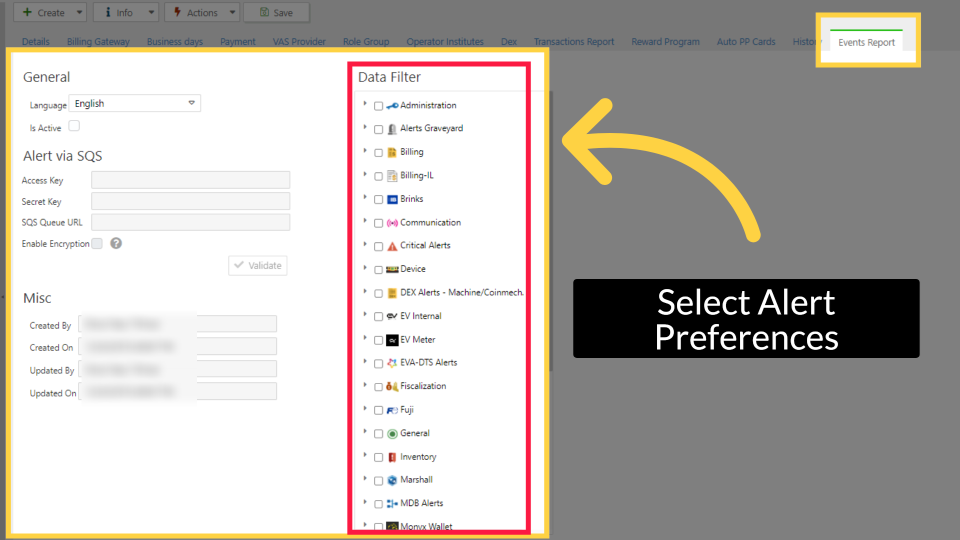
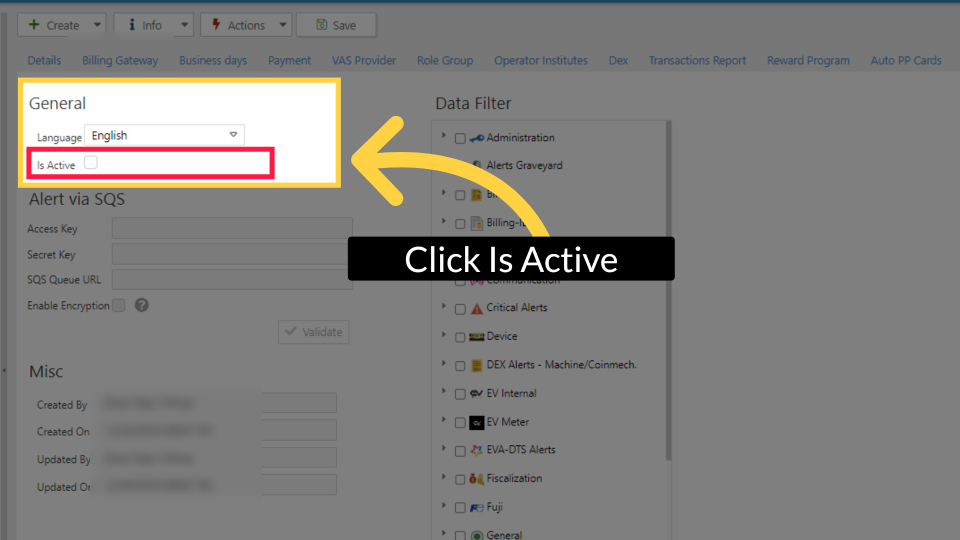
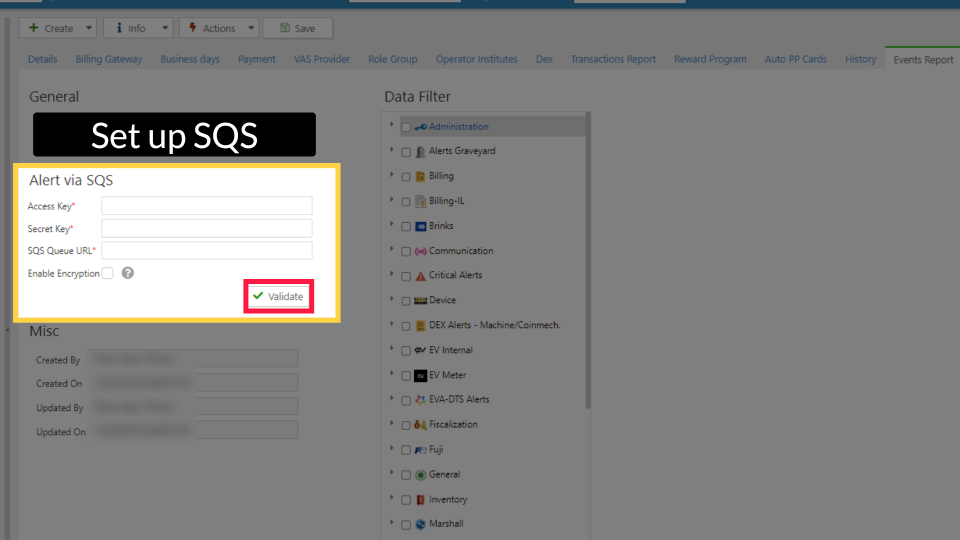
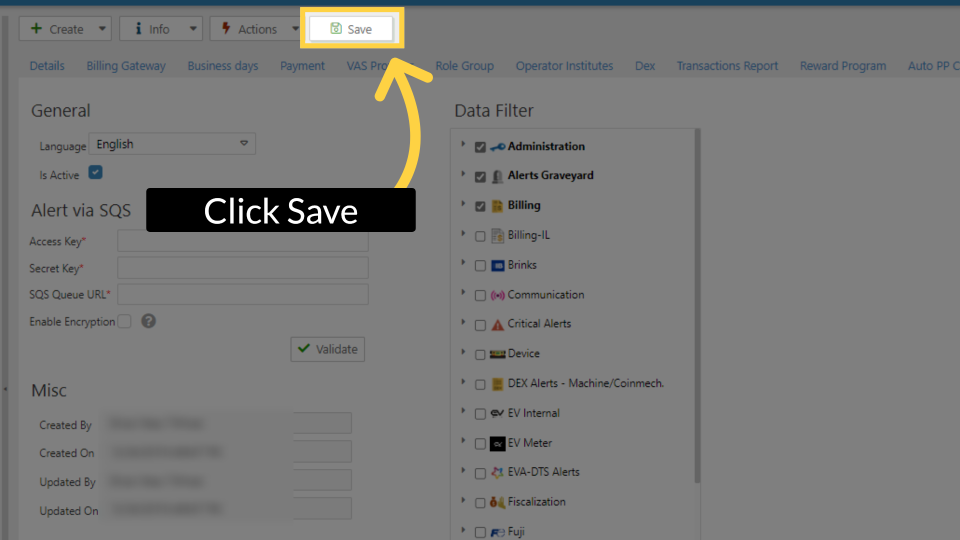
Set up system alerts at the operator level in Nayax Core to route real-time device and operational notifications directly to your third-party alert management provider so nothing slips through the cracks.
Why Set Up System Alerts?
Your machines don't stop running when you're not watching, and neither do the issues that can affect them.
Setting up system alerts at the operator level gives you real-time visibility into what's happening across your entire fleet, without having to log in to Nayax Core. The moment something needs your attention a device going offline, a communication failure, a billing issue, a critical hardware event the right people are notified automatically, through the alert management tool your team already uses.
Without alerts configured, problems can go undetected for hours. A machine that stops accepting payments, a DEX file that fails to transmit, or an inventory that runs empty every minute without a response can lead to lost revenue and a worse customer experience.
With system alerts in place, you shift from reactive to proactive. Your team gets the information they need, where they need it, the moment it matters, so you can act fast, resolve issues quickly, and keep your operation running smoothly.
Did you find this article helpful?