
How to Configure Monthly Reset Days Operator Level Prepaid | Administration
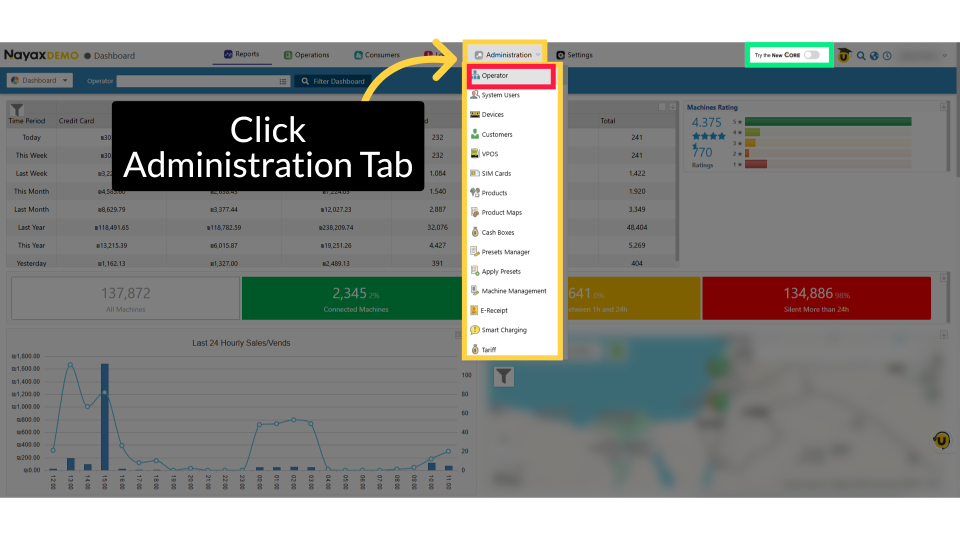
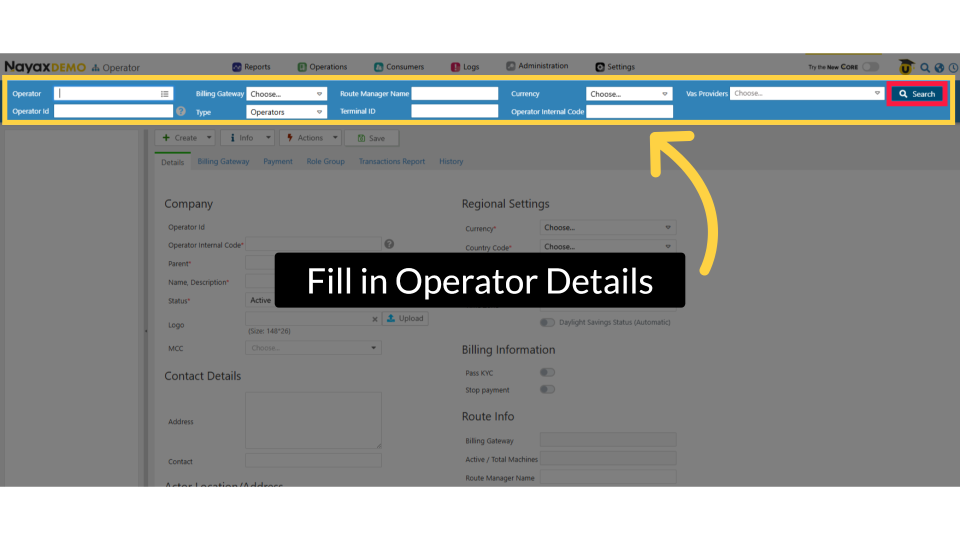
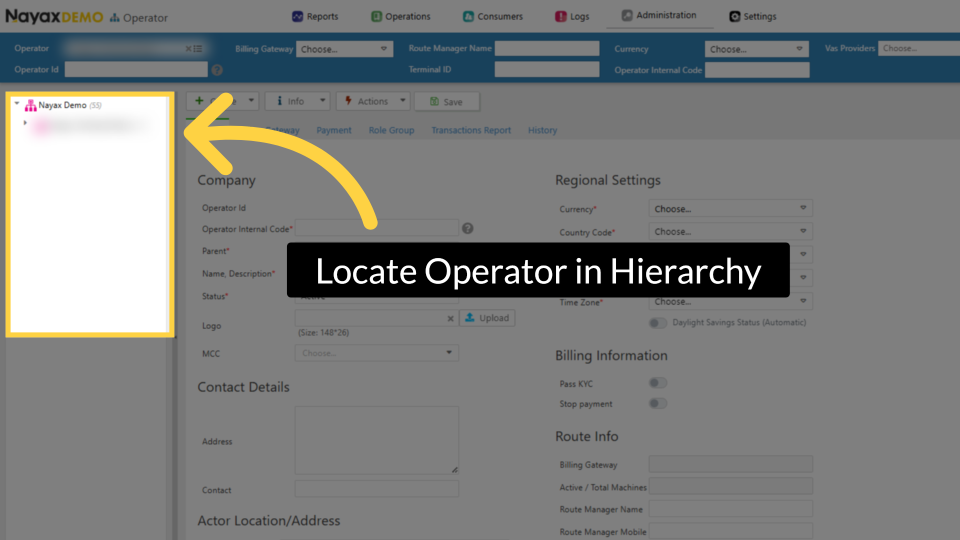
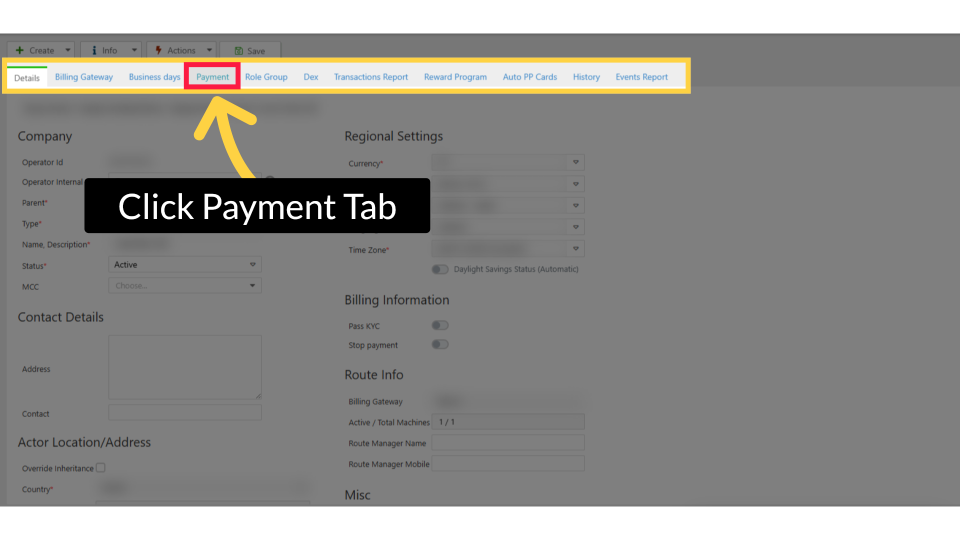
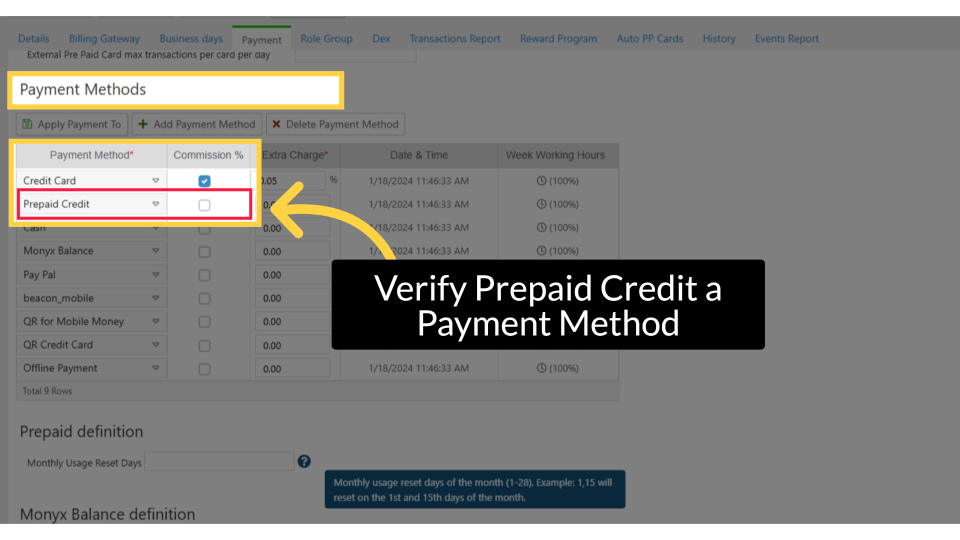
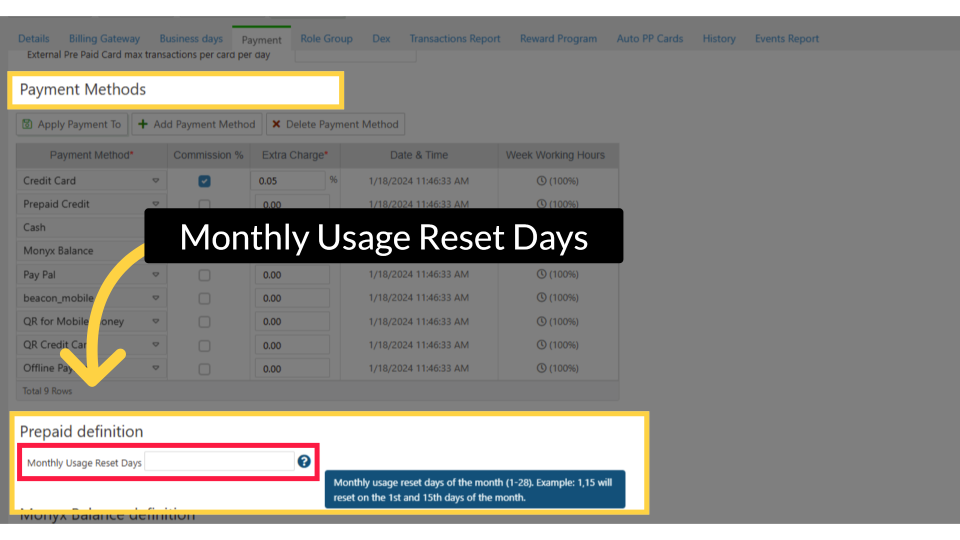
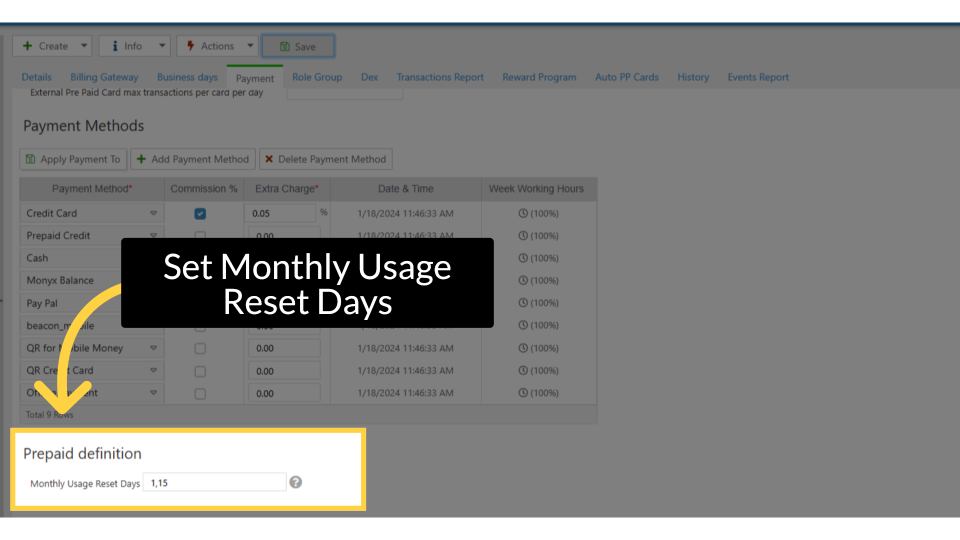
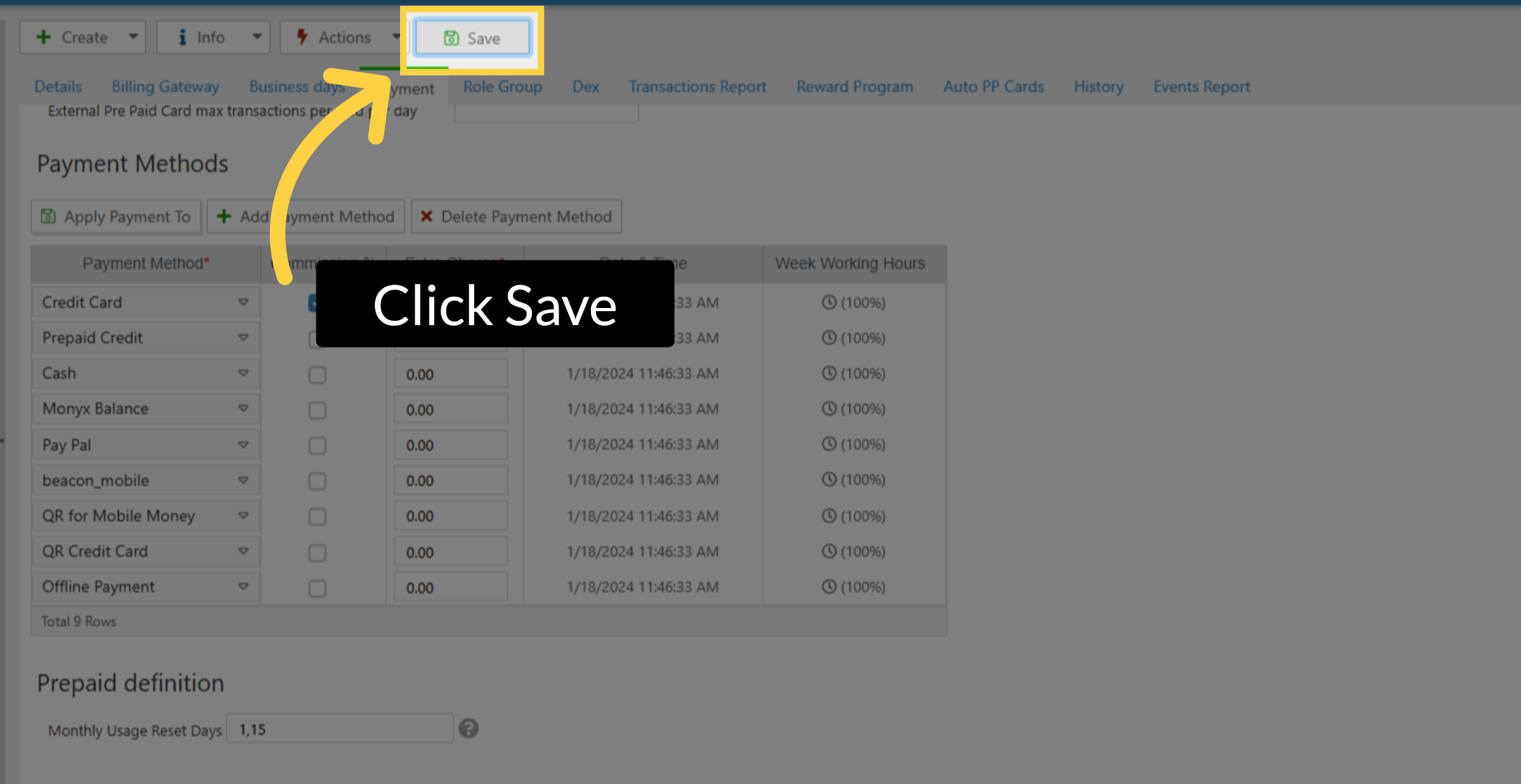
This guide provides a detailed walkthrough for resetting monthly usage prepaid at the operator level in Nayax Core. Follow this step by step guide to successfully set monthly usage dates.
Monthly Reload & Reset
Why Use Monthly Reload & Reset?
Monthly Reload & Reset automates recurring credit replenishment on prepaid cards. Instead of manually adding credit to every card at the start of each month, operators configure the reload once and the system handles it automatically.
This is essential for:
- Employee benefit programs where each worker receives a fixed monthly food allowance (e.g., €100/month).
- Subscription-style vending where cardholders pay a monthly fee and get a set number of transactions.
- Campus or institutional settings where student or resident cards are recharged monthly.
- Any scenario where credit needs to renew on a predictable schedule without manual intervention.
|
ℹ️ TIP Monthly Reload is one of the most powerful prepaid automation features. Combined with spending limits and group limitations, it creates a fully managed closed-loop payment system that runs on autopilot. |
How Monthly Reload & Reset Works
At the beginning of each calendar month, the system checks every prepaid card that has a Monthly Limit Reload value configured. It then either resets the card’s credit to the reload amount, or adds the reload amount to the existing balance depending on the Accumulated Credit setting.
|
Setting |
Behavior |
|
Monthly Limit Reload |
The credit amount (or transaction count) that is loaded onto the card at the start of each month. |
|
Accumulated Credit ✅ Checked |
The reload amount is ADDED to the existing balance. Credit rolls over. Example: €30 remaining + €100 reload = €130 at month start. |
|
Accumulated Credit ❌ Unchecked |
The balance is RESET to the reload amount. Unused credit is lost. Example: €30 remaining > reset to €100 at month start. |
|
Single Use ✅ Checked |
Disables monthly reload entirely. The card is intended for one-time use and does not renew. |
|
Single Use ❌ Unchecked |
Monthly reload is active (if Monthly Limit Reload > 0). |
|
⚠️ NOTE Setting Monthly Limit Reload to 0 means no credit is added at the start of the month. This is different from Single Use - a value of 0 keeps the card active but adds nothing; Single Use disables the reload mechanism entirely. |
|
✅ PREREQUISITES
|
Did you find this article helpful?