
How to Access a Reimbursement Report
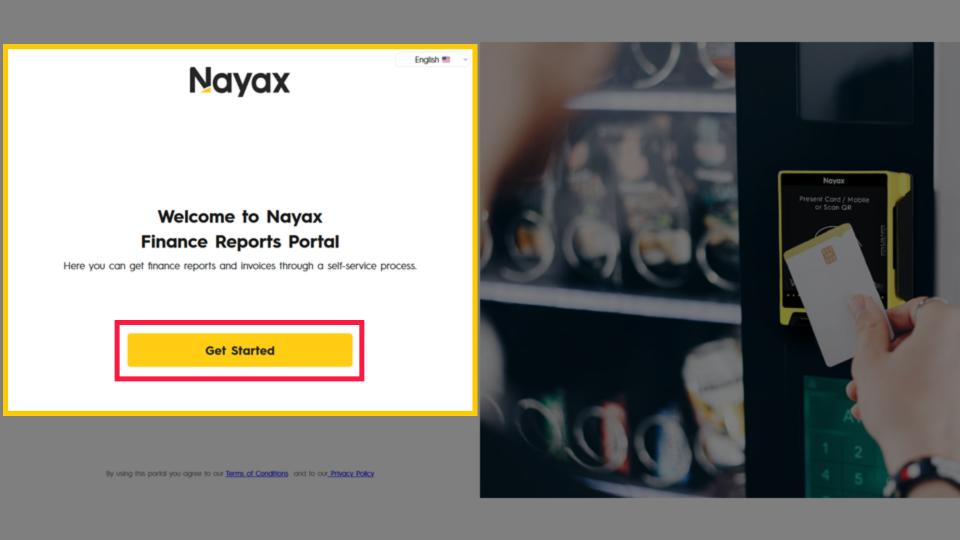
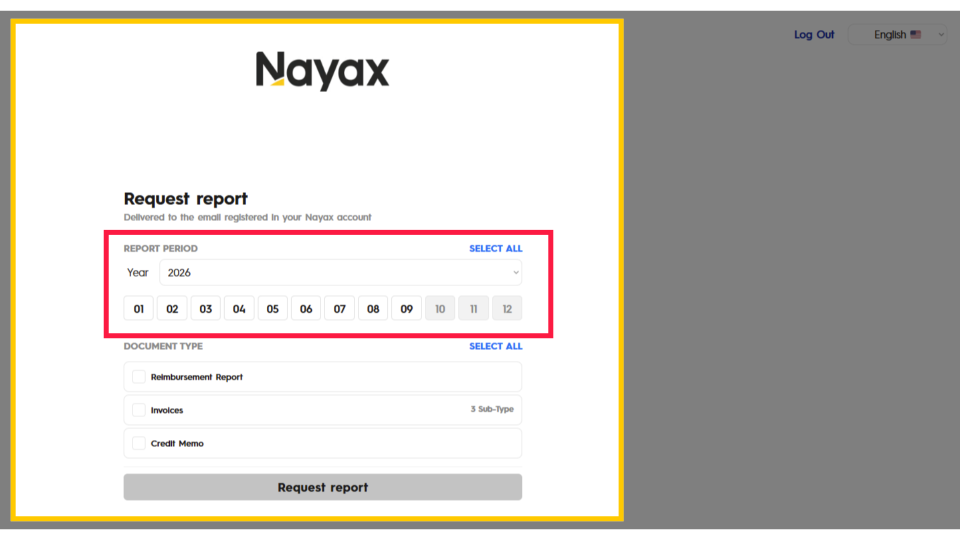
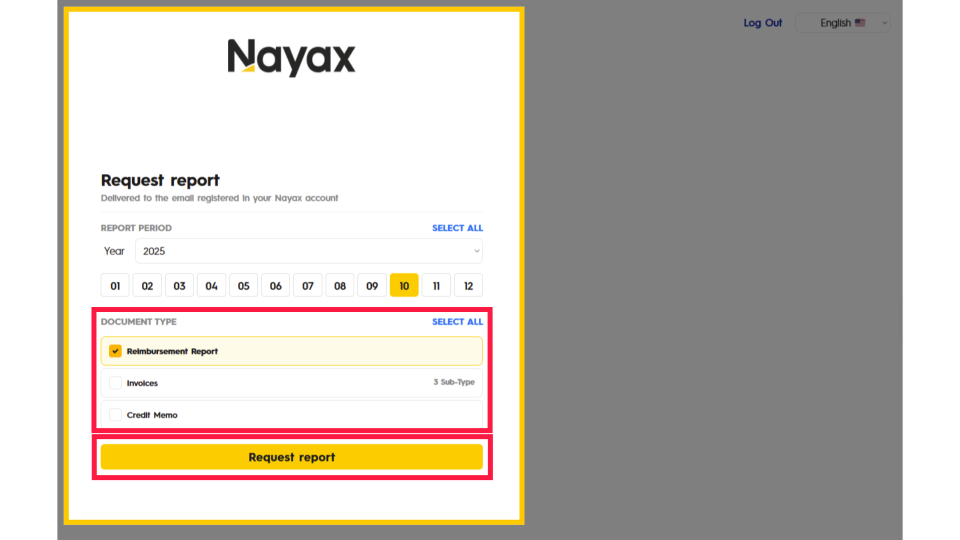
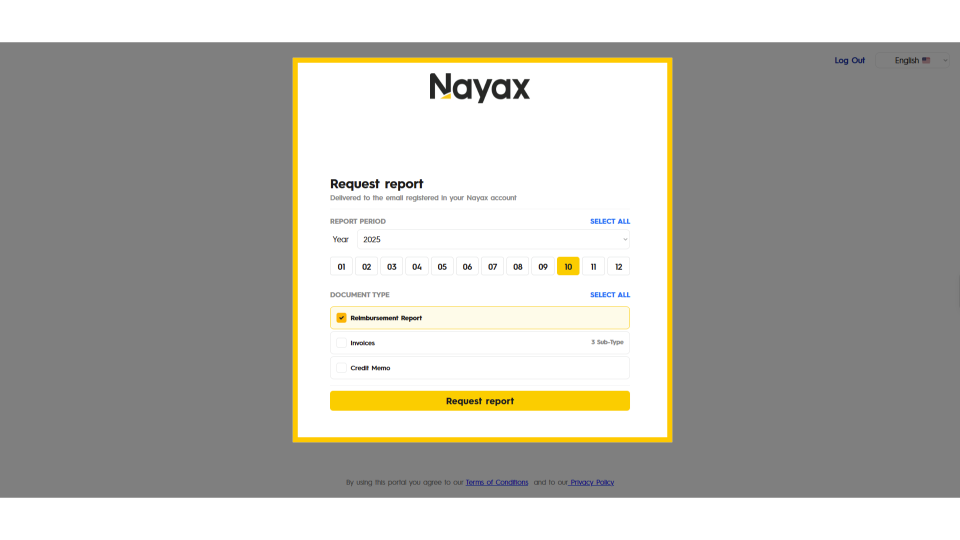
The Nayax Finance Reports System lets you retrieve your reimbursement reports directly without contacting support. This guide walks you through logging in and requesting a report for any month and year on record.
Prerequisites: Before You Start
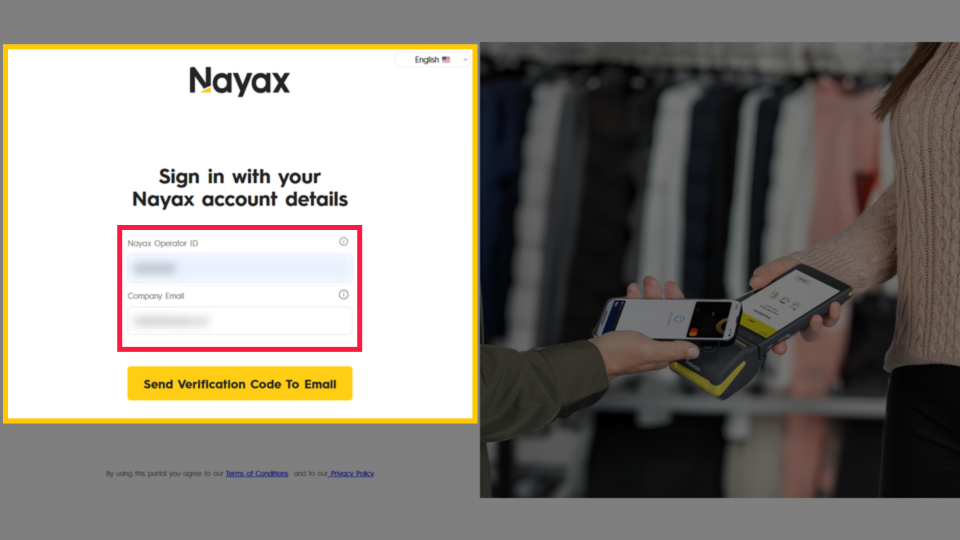
- ✅ You have an active Nayax Core account with a known Nayax ID.
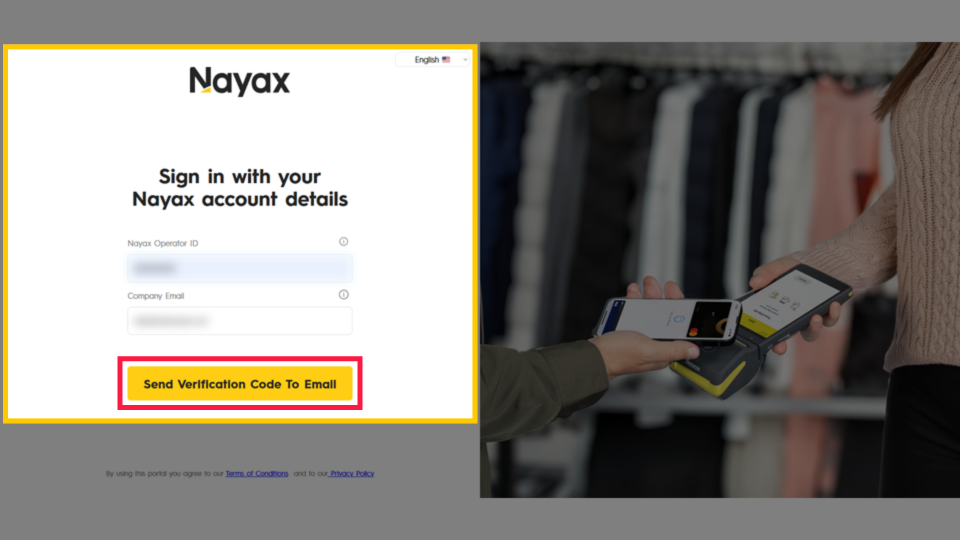
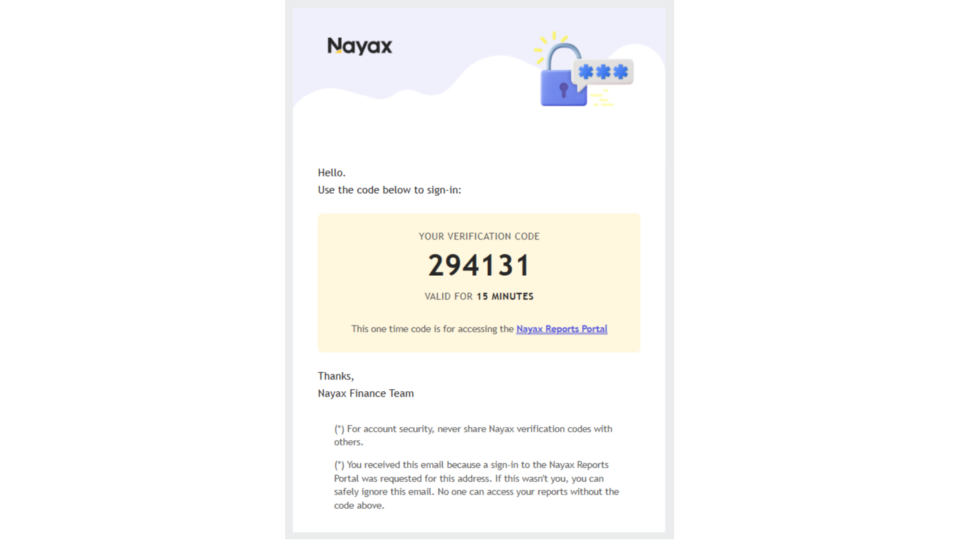
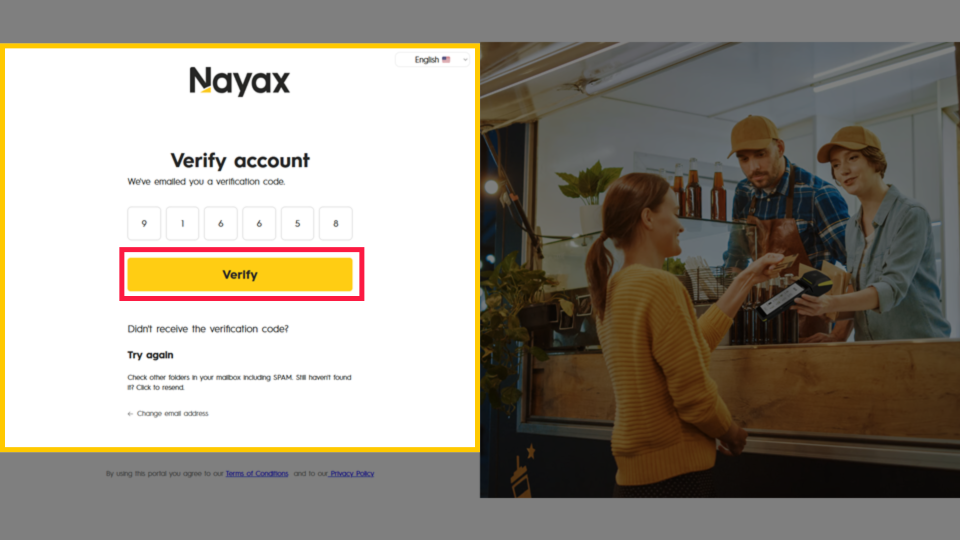
- ✅ You have access to the email address registered with your Nayax Core account you will receive a verification code there.
- ✅ You know the month and year for which you need the report.
Finance Reports is a separate system. It is accessed at financereports.nayax.com and uses email-based verification rather than your Nayax Core password.
Next step after this article: Once you have your report, see How to Read Your Nayax Reimbursement Report to understand every section of the file.
Did you find this article helpful?