
Understanding Dynamic Transaction Monitor | Reports
Interpret DTM transaction reports, identify key fields & streamline your workflow. Learn what each category means, such as date/time, settlement amount, and item details, so you can confidently manage payment transactions & improve report accuracy.
1
Dynamic Transaction Monitor (DTM)
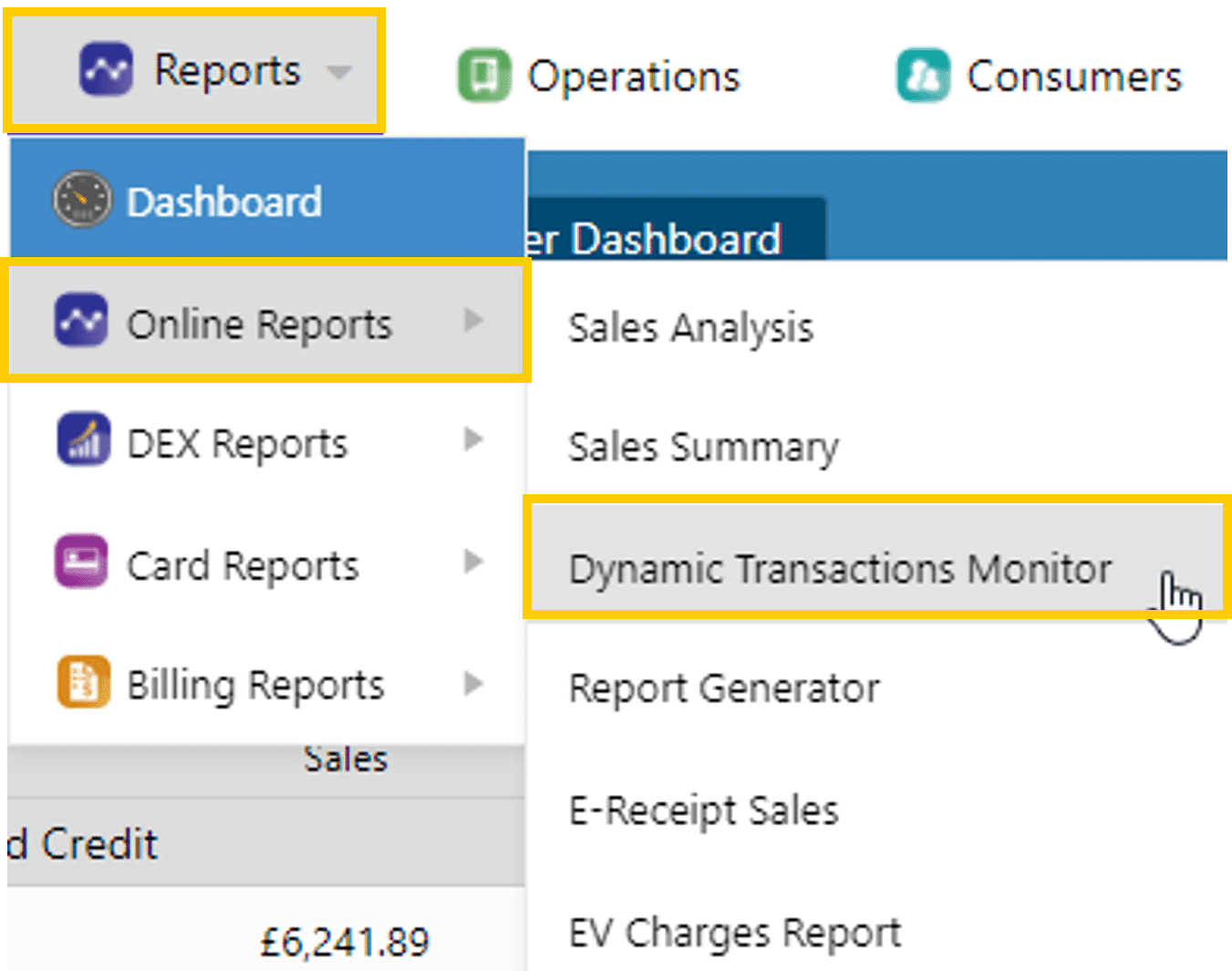
In this section, we will go over a section of the Nayax website where you can run very detailed reports in regards to sales, request refunds, generate receipts for sales, and find other intricate details about your sales which is called the Dynamic Transaction Monitor or DTM for short. In this section we will cover how to use the DTM and run reports and what each section means when running the report.
Did you find this article helpful?