
How to Receive Feedback Using Monyx Wallet | Operations
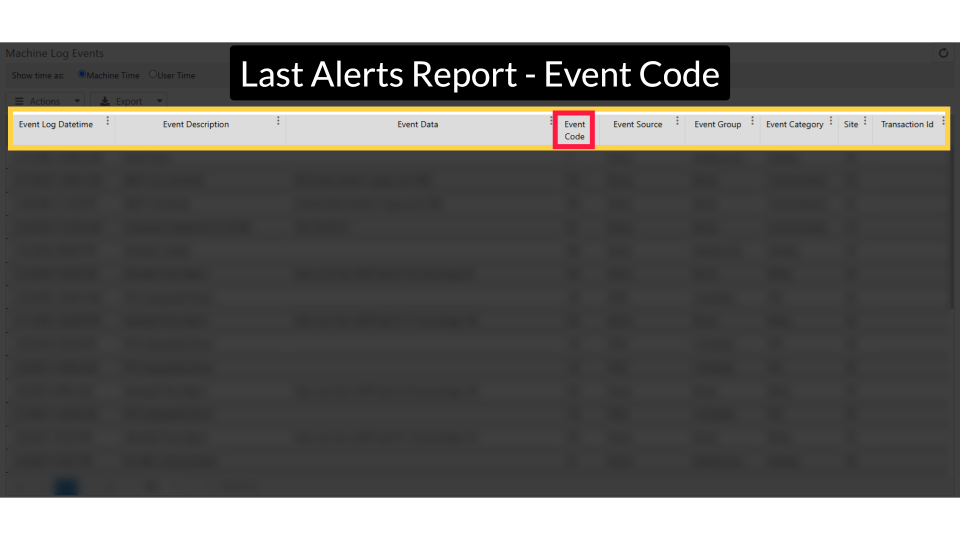
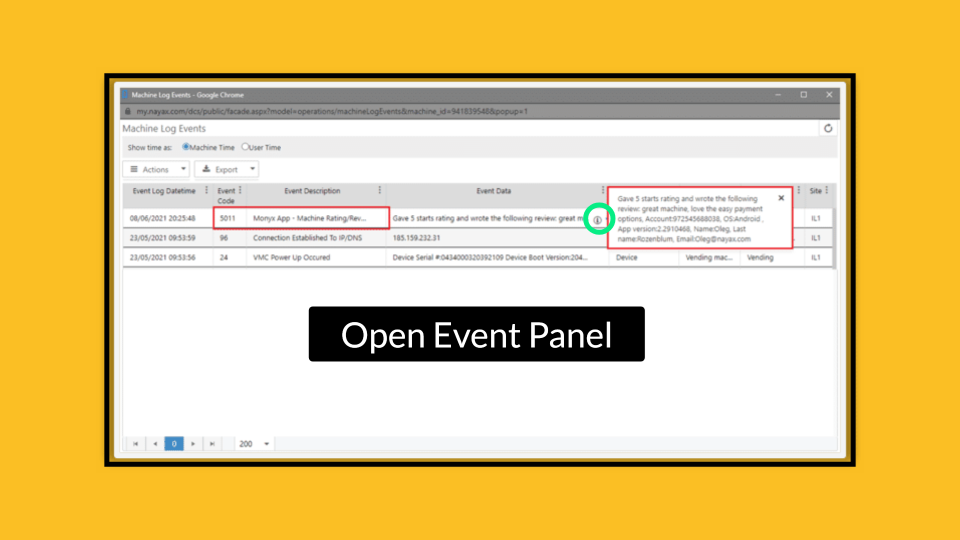
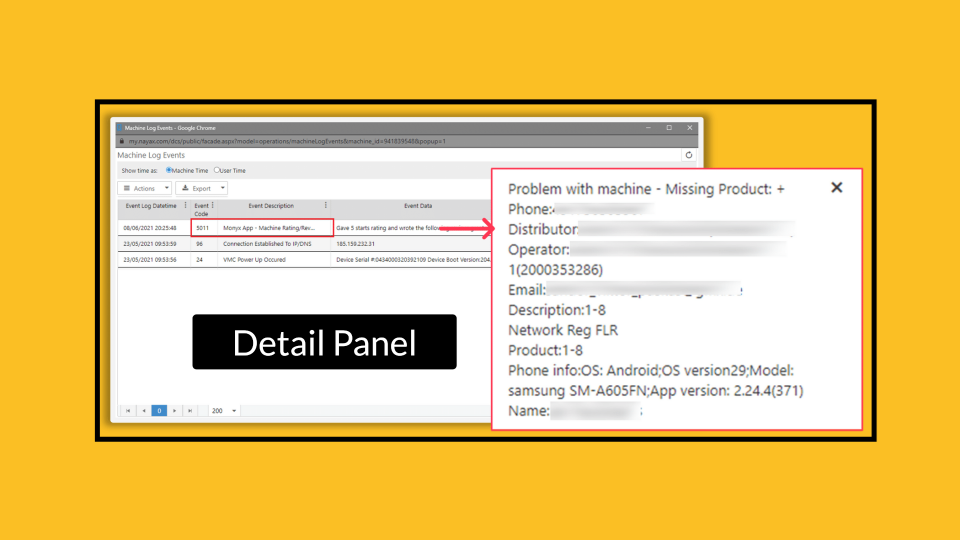
Your consumers are talking. Here's how to listen - and respond - directly inside Nayax Core. In this guide, you'll learn how to find consumer reviews, filter by feedback type, and get the contact details you need to follow up."
How to Receive Feedback Using Monyx Wallet
|
How to Receive Feedback Using Monyx Wallet Operator Guide - Monyx Wallet | Consumer Engagement |
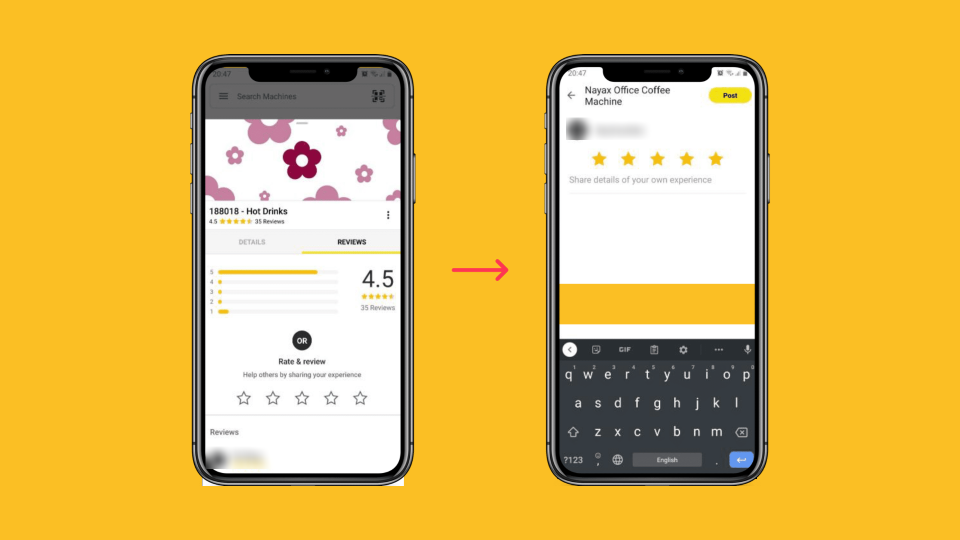
Monyx Wallet gives your consumers a direct line to tell you what they think. Through the app, they can rate your machines and report issues - everything from a missing product to a payment problem. In Nayax Core, you can read every review, see exactly who left it, and contact that consumer directly to resolve their issue and protect their loyalty.
In this guide, you will learn how to locate, filter, and review consumer feedback submitted through the Monyx Wallet app.
|
Prerequisites
|
|
Tips before you start
|
Did you find this article helpful?