
How to Configure Card Group Limitations Operator Level Auto Prepaid | Administration
This guide provides precise instructions for managing card group limitations within the Nayax Core. Follow the steps to manage prepaid cardholders ability to purchase from chosen operator machine groups.
Quick View: How to Configure Card Group Limitations – Operator Level Auto Prepaid
Set Group Limitations for Auto-Prepaid Cards
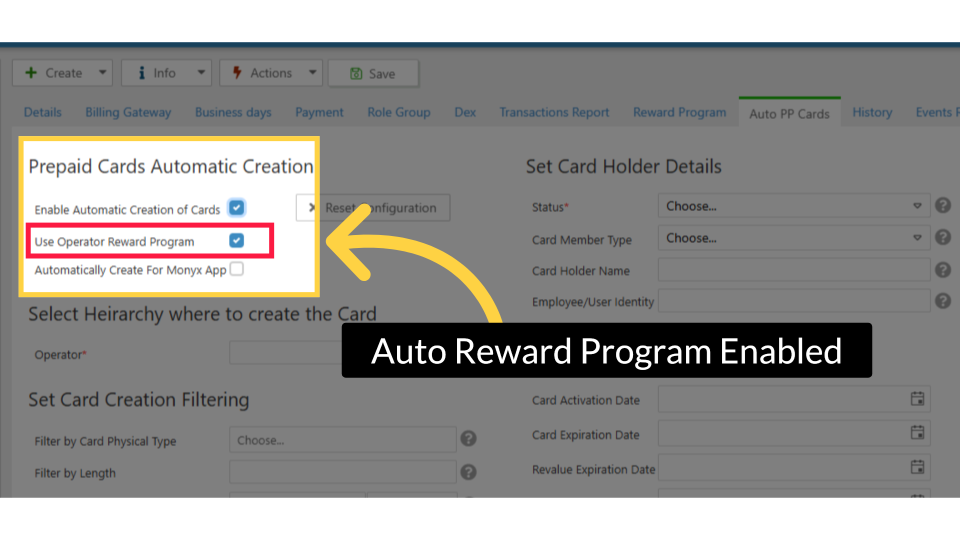
The Group/Location Limits section on the Auto PP Cards tab determines which machine groups every auto-created card will have access to. This works identically to the Group/Location Limits table on individual cards but it applies as the template for all future auto-created cards.
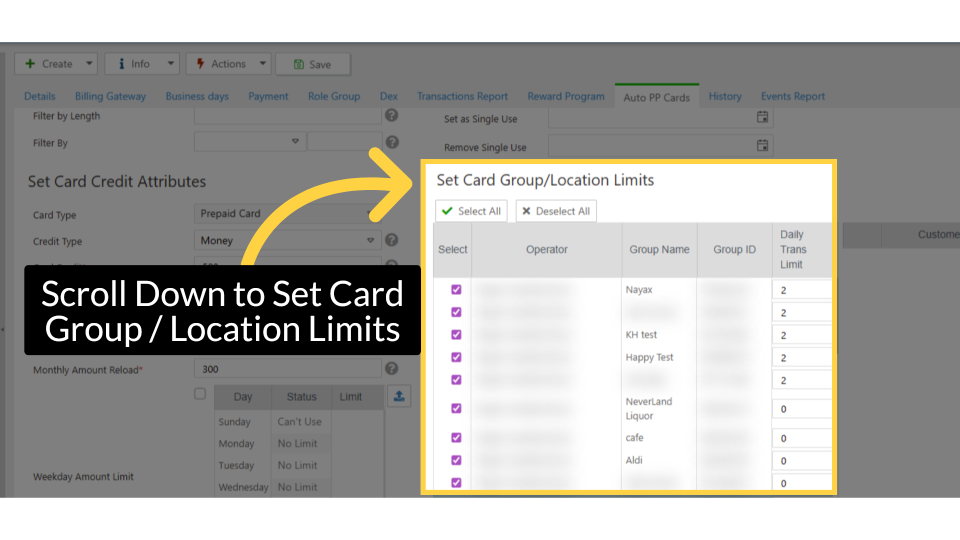
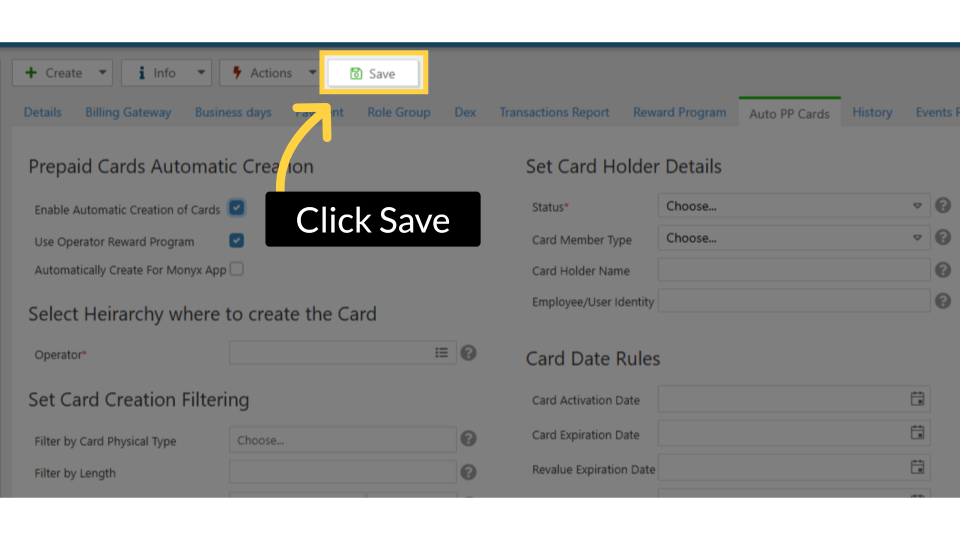
- On the Auto PP Cards tab (operator or machine level), scroll to the Group/Location Limits section.
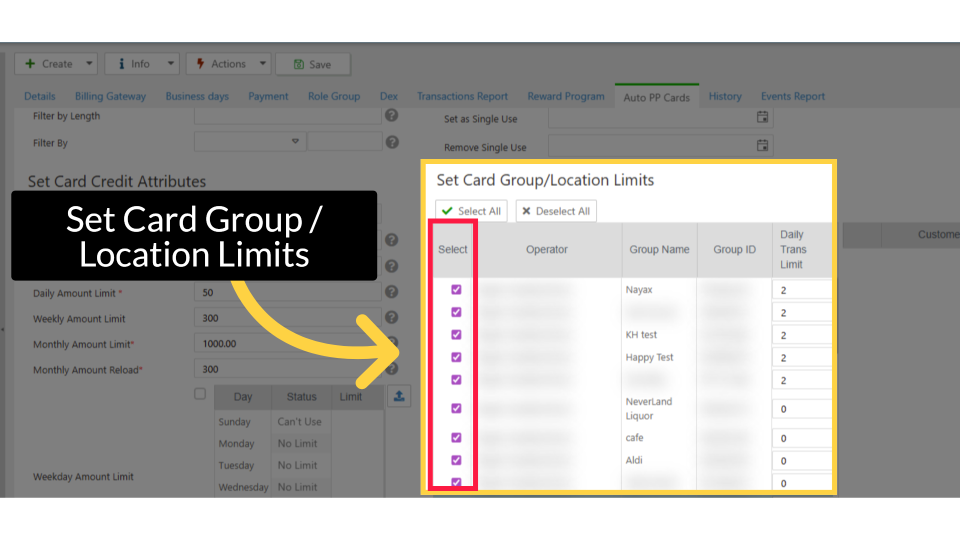
- You will see one row per active machine group. Check the groups you want auto-created cards to access.
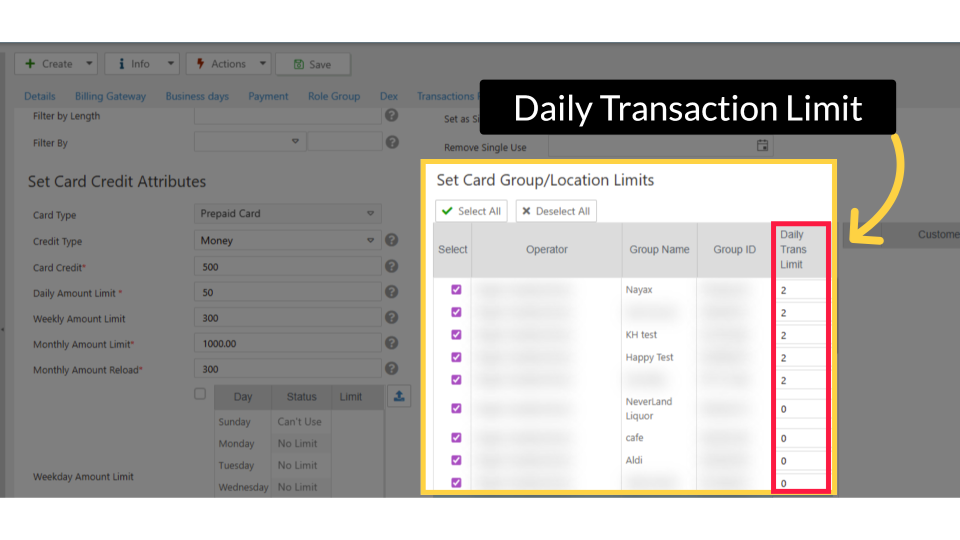
- (Optional) Enter a daily purchase limit number next to any group to cap how many products a cardholder can buy per day from that group.
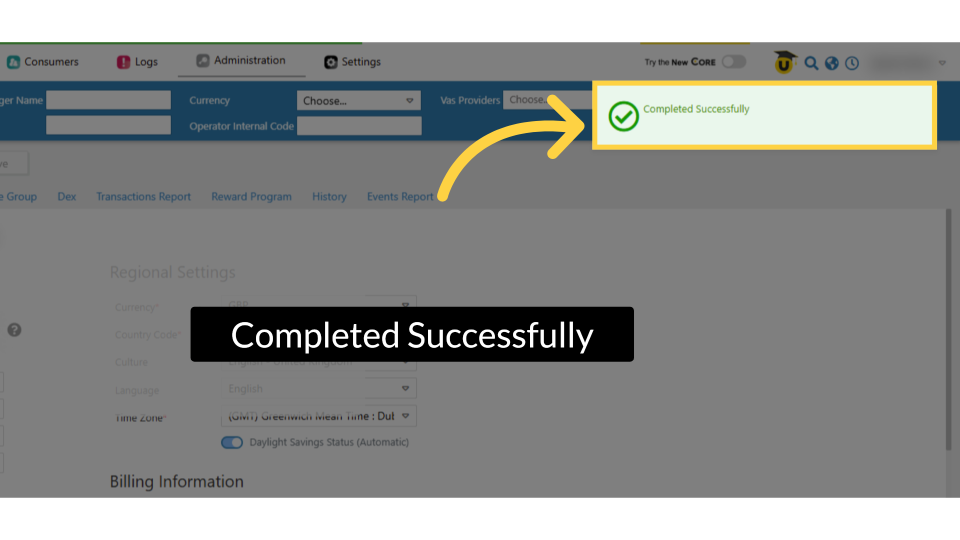
- Click Save.
|
Checkbox State |
Daily Limit Value |
Result for Auto-Prepaid Card |
|
✅ Checked |
(blank) |
Card can purchase unlimited products from this group |
|
✅ Checked |
5 |
Card can purchase up to 5 products per day from this group |
|
✅ Checked |
0 |
Card credit blocked for this group; revalue credit still works |
|
❌ Unchecked |
— |
Card cannot purchase from this group at all |
|
⛔ IMPORTANT Group limitations set on the Auto PP Cards tab are a template. They apply to cards created after you save. Existing cards are not retroactively updated. To change group access on an existing card, edit it directly in Card Management. |
|
✅ PREREQUISITES Before you begin, make sure the following are in place:
|
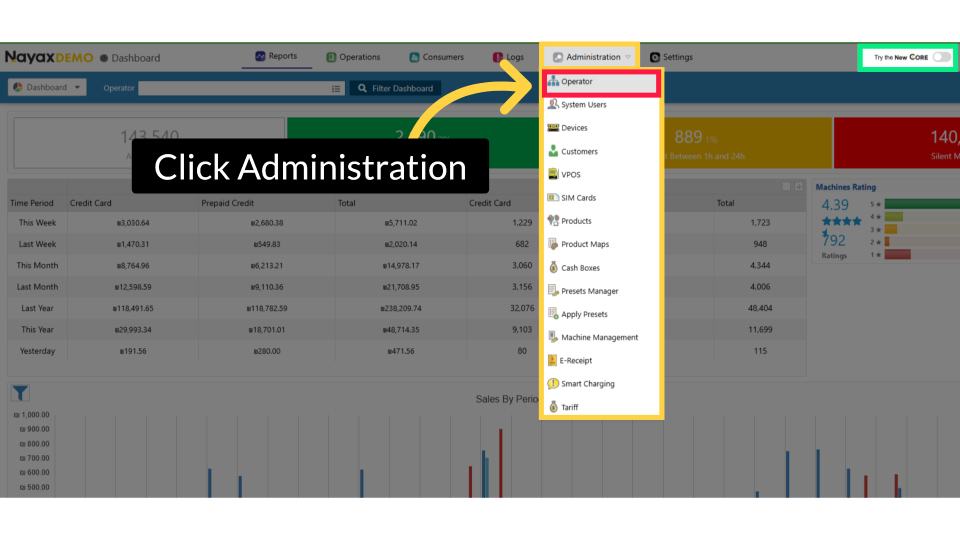
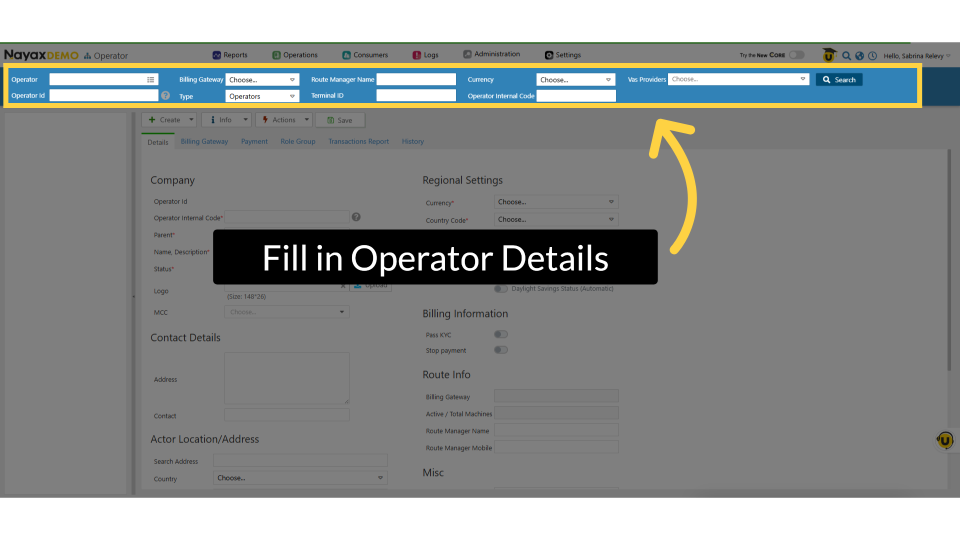
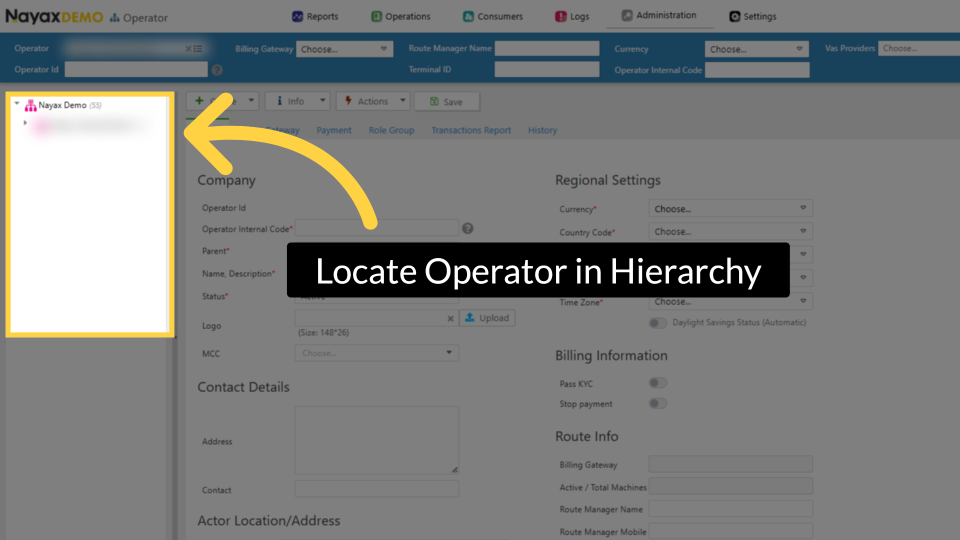
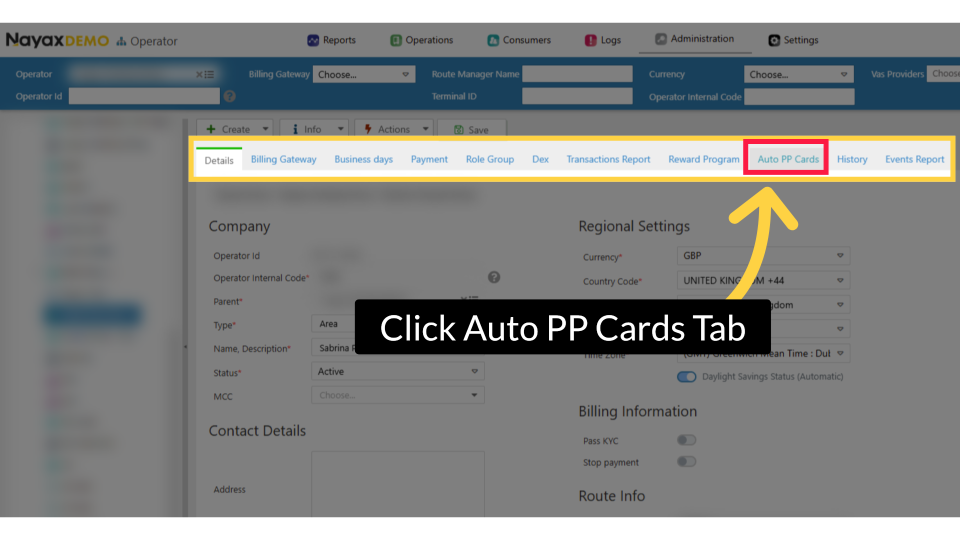
Configure Card Group Limitations (Operator Level – Auto Prepaid) Administration > Operators > Enter operator name & search > Select operator from hierarchy > Auto PP Cards tab > Scroll to Set Card Group / Location Limits
- Check/uncheck machine group checkboxes to allow or restrict purchasing per group
- Daily Transaction Limit column > Enter a number to cap daily purchases per group (entering
0blocks card credit but still allows revalue credit) > Save
Did you find this article helpful?