
Understand User Roles and Access Levels | MoMa
Your reference guide showing menu and screen access for each MoMa App user role. Learn what's available or restricted per role to maintain security and proper permissions. Role changes must be made in Nayax Core.
Document
Image
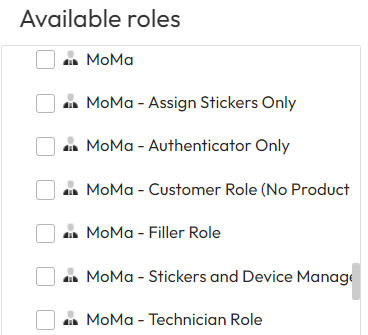
This document outlines the menu and screen access for each MoMa App user role, showing what's available and what's restricted based on permissions.
Use this guide to understand role-based access levels and ensure proper system security and data privacy across your team.
Note: User permissions can only be modified through Nayax Core Management Suite, not within the MoMa App itself.
.xlsx
MoMaUserRoles.xlsx
FAQ
FAQ
Did you find this article helpful?