
How to View Last Transactions | Nova 55F
1
Video guide
2
Open Menu
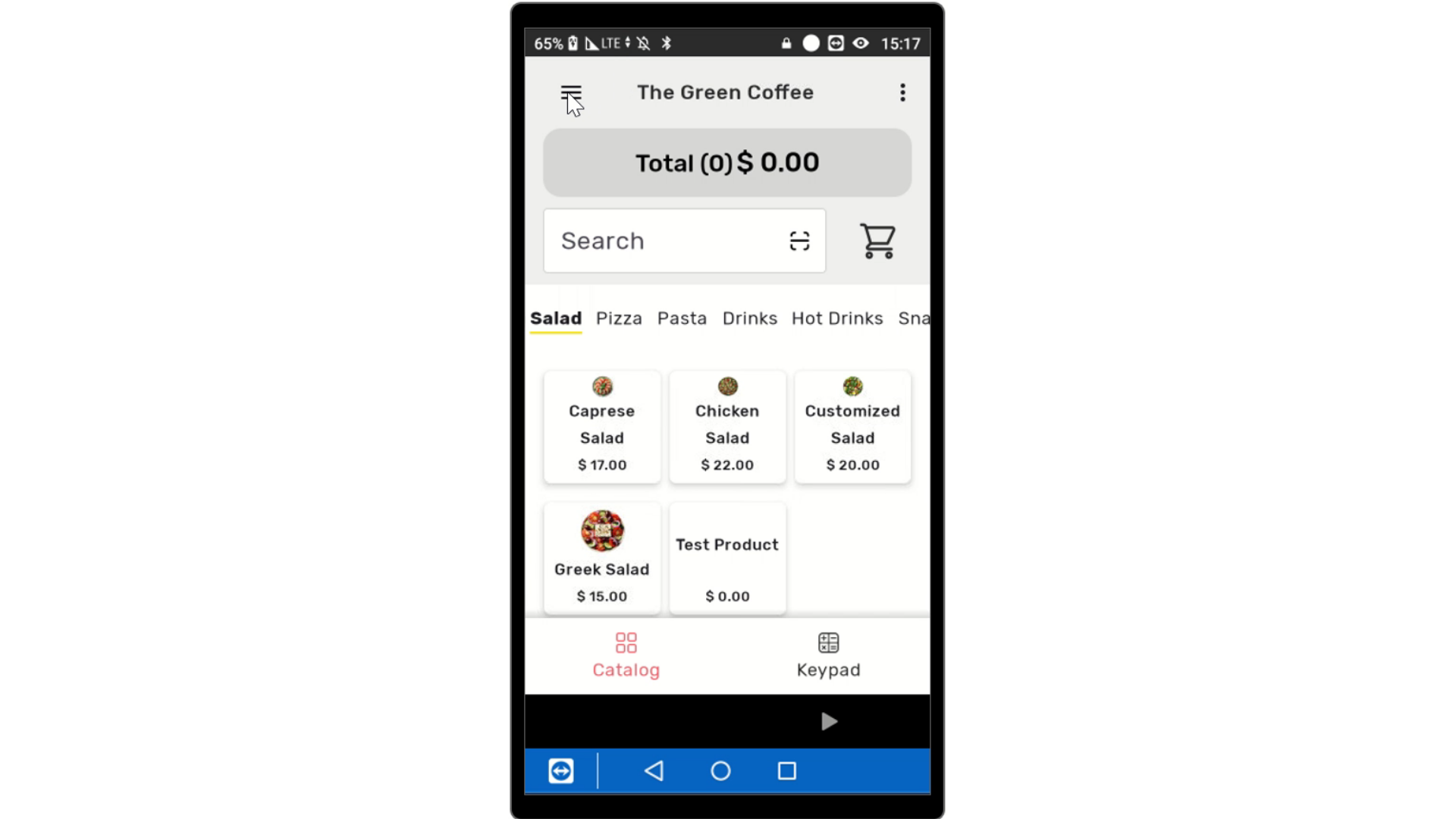
Image AttachedOn your device, click the three lines on the top left of the screen to reveal the menu.
3
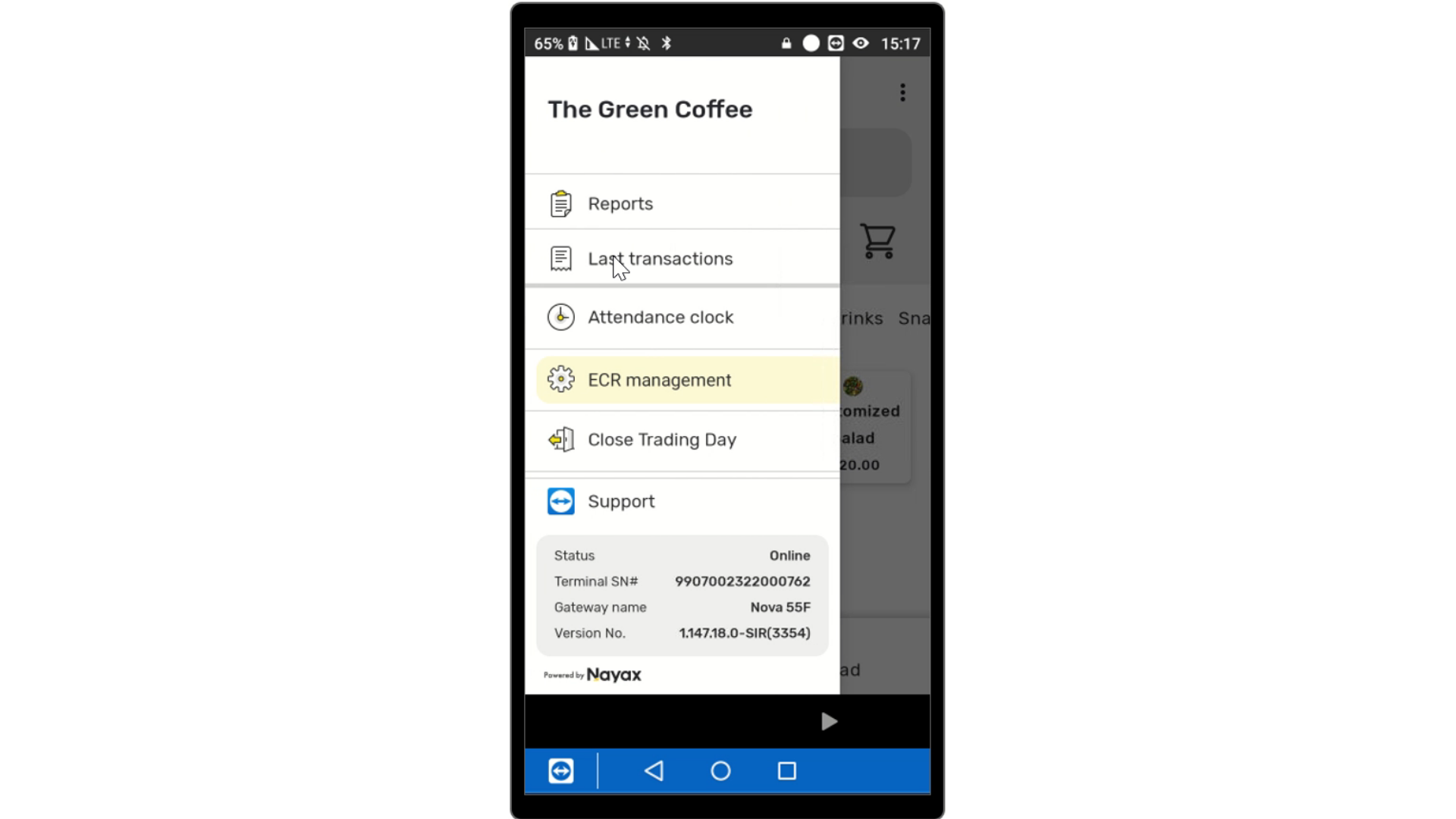
Click Last Transactions
Image Attached
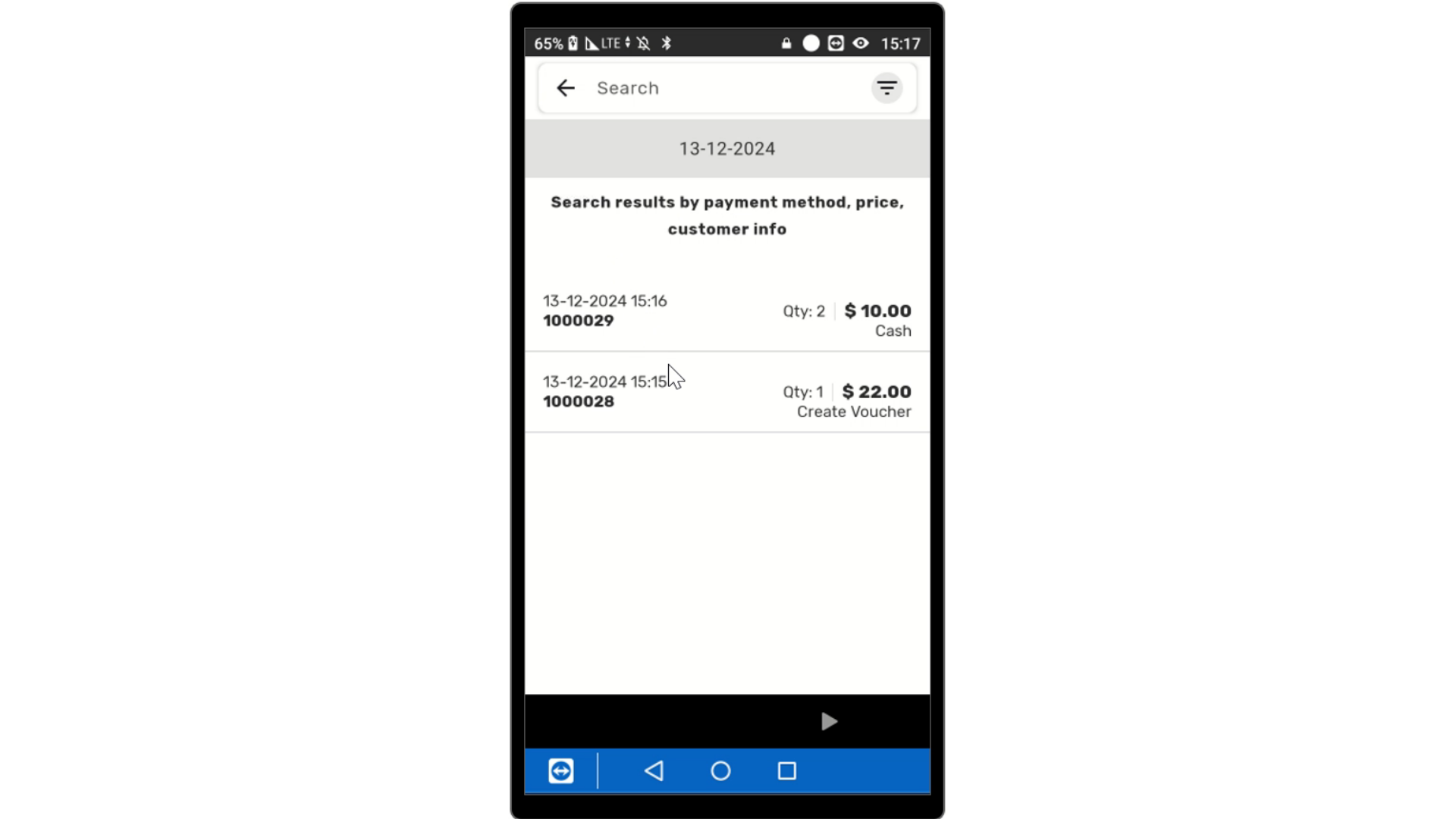
You will see a list of transactions made on the current day displayed below the menu.
4
Last Transactions
Image AttachedYou will see a list of transactions made on the current day displayed below the menu.
5
Filter Search
Image Attached
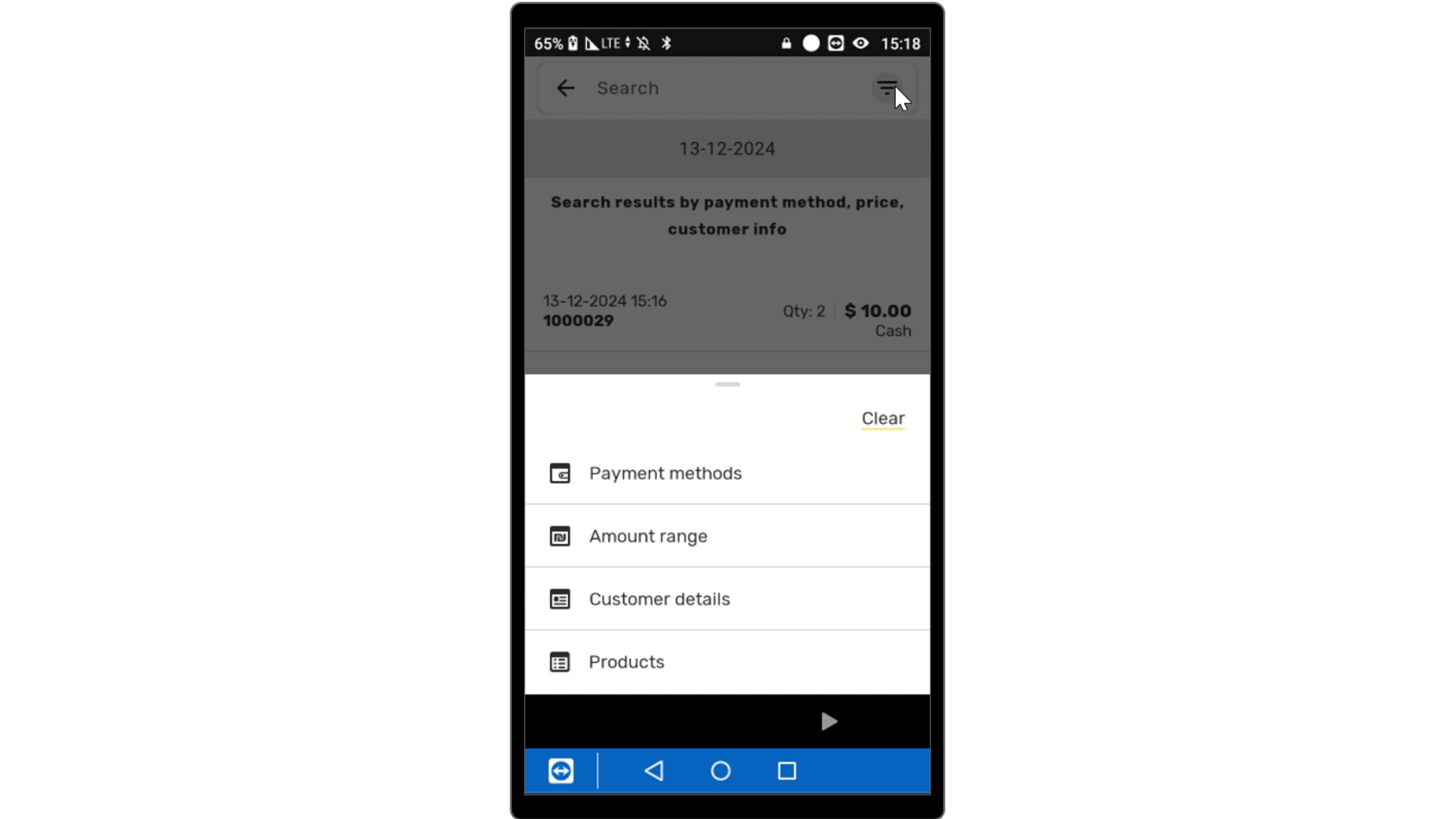
To find a specific transaction, you can enter the transaction number in the search bar. Alternatively, click the three lines to access filtering options.
Use the filtering options to narrow down your search by:
- Payment methods (which payment type used)
- Payment methods (which payment type used)
- Amount range (how much was the purchase)
- Customer details (such as 4-digit ID or phone number)
- Products (search by product code)
- Customer details (such as 4-digit ID or phone number)
- Products (search by product code)
Thank you!
Did you find this article helpful?