
How to Use the Calculator to Add Extras | Nova 55F
1
Video Guide
2
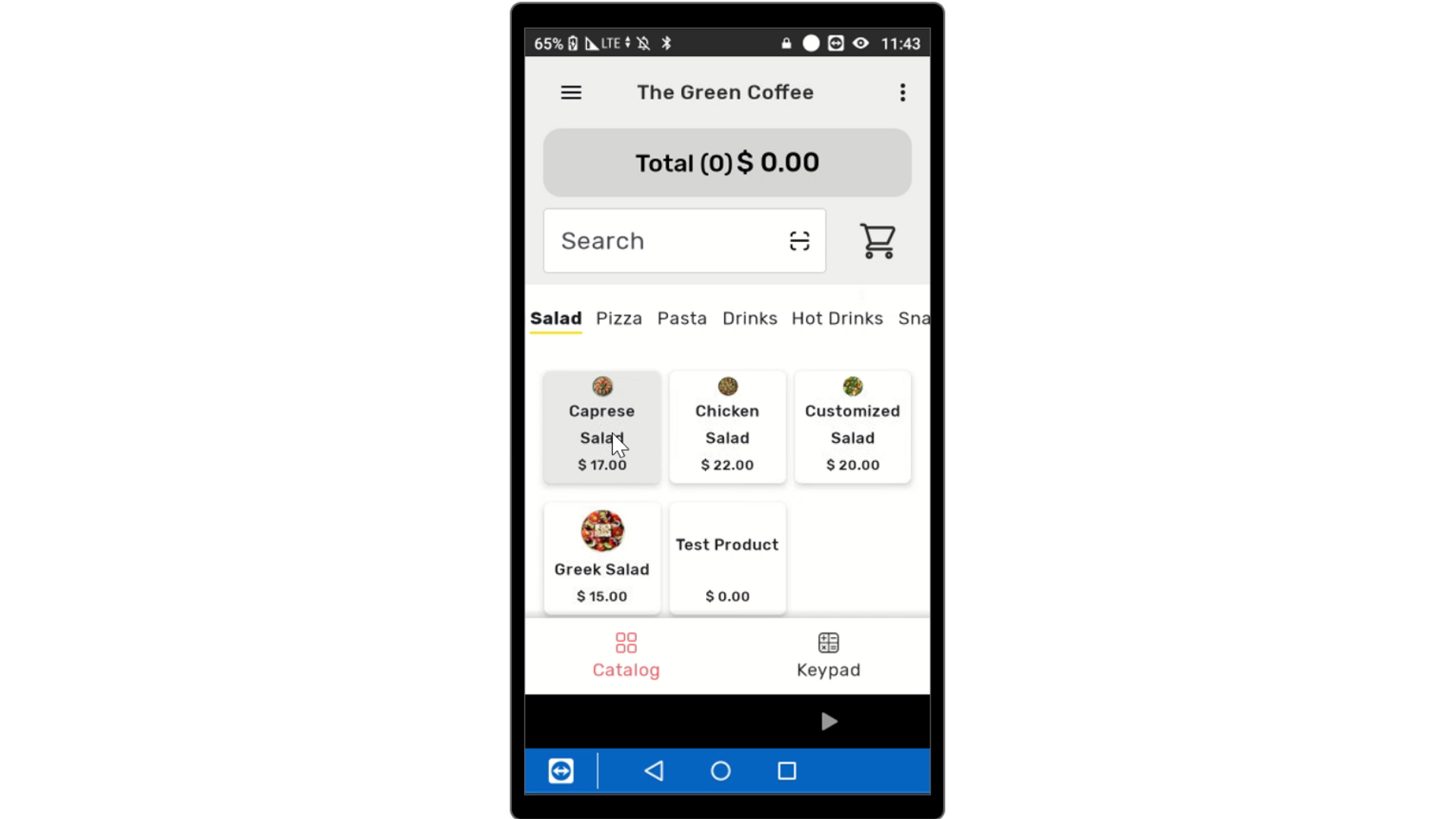
Select Items
Image AttachedSelect items to add to the cart.
3
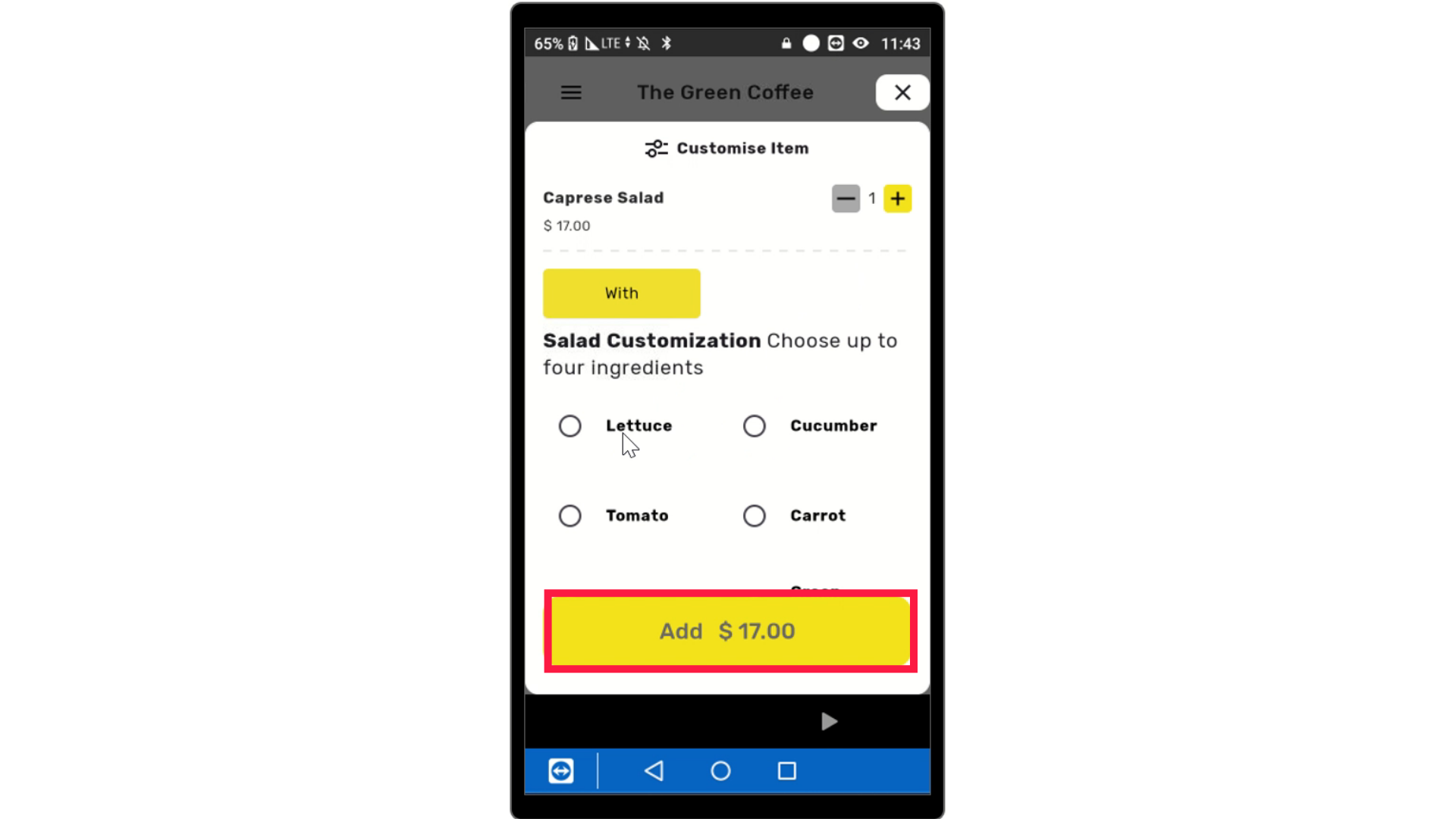
Customize Items
Image AttachedIf the item is not customizable, it will go automatically into the cart. If the item is customizable, select the preferred modifications to proceed. Then tap on Add as highlighted to add to the cart.
4
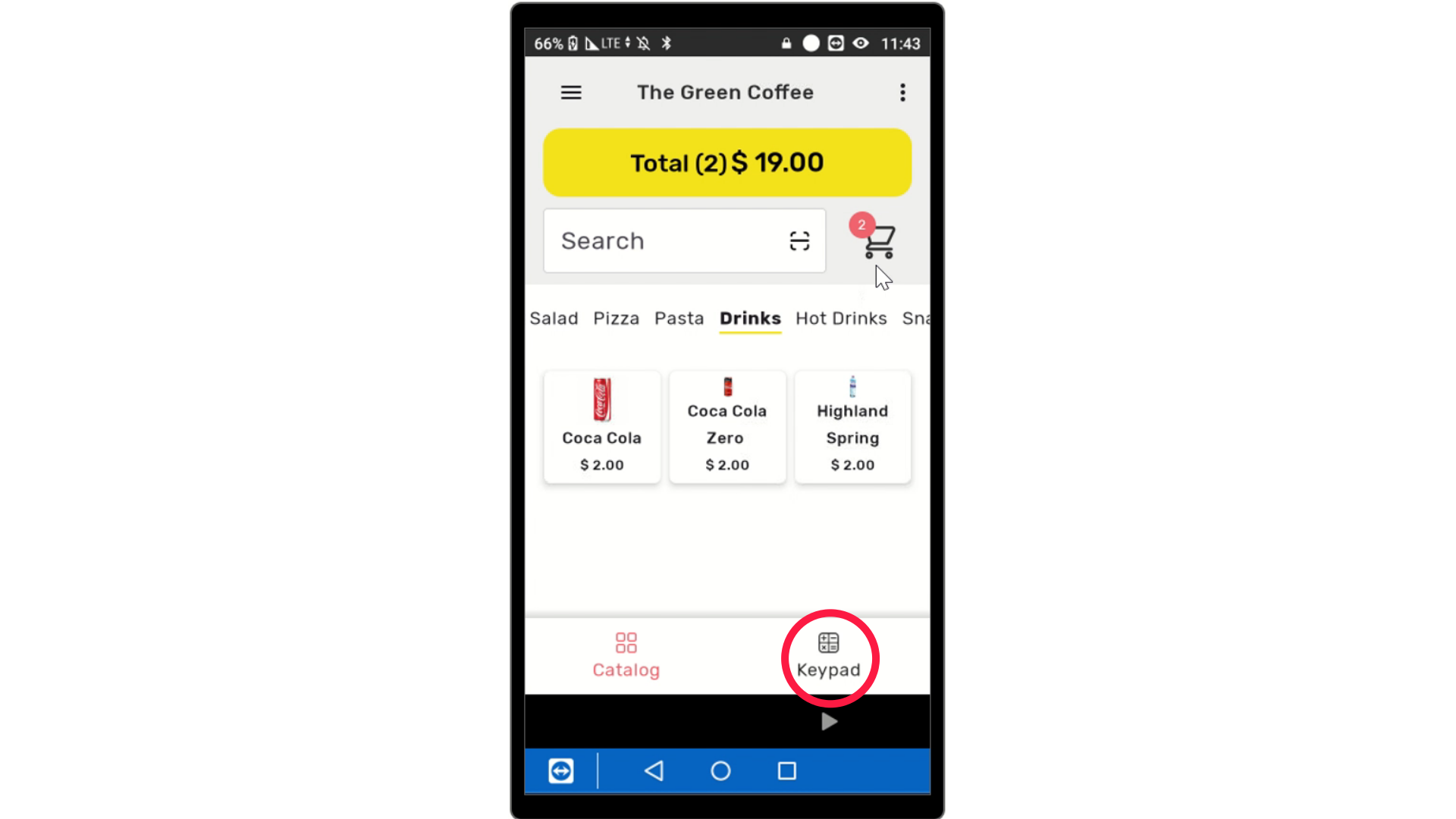
Tap Keypad Icon
Image AttachedTo add an additional charge with the calculator, tap the keypad as highlighted at the bottom of the screen.
5
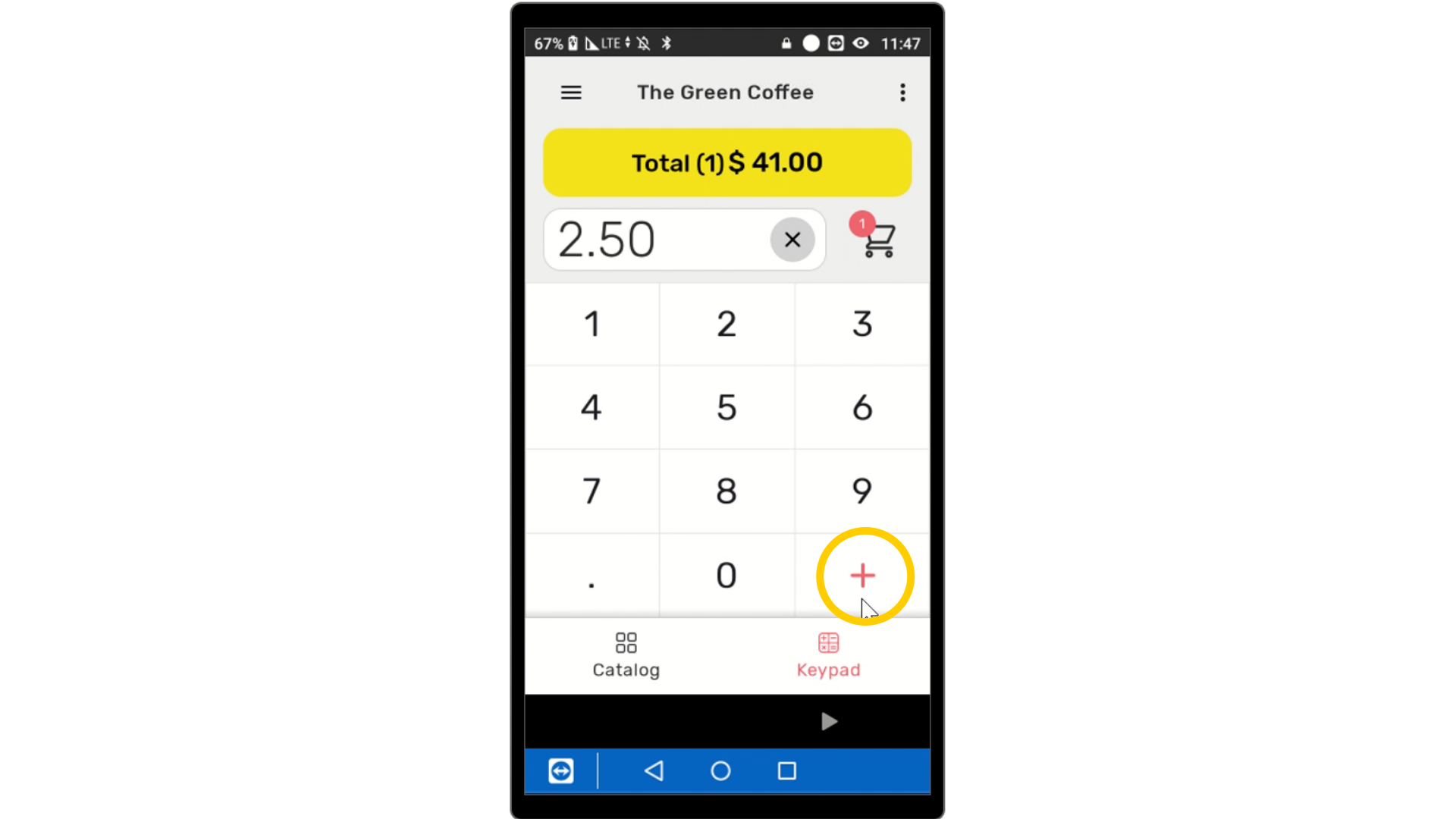
Manually Add Extra Amount
Image AttachedFrom the keypad you can add the extra cost manually and tap the plus symbol as highlighted to add it to the total bill.
6
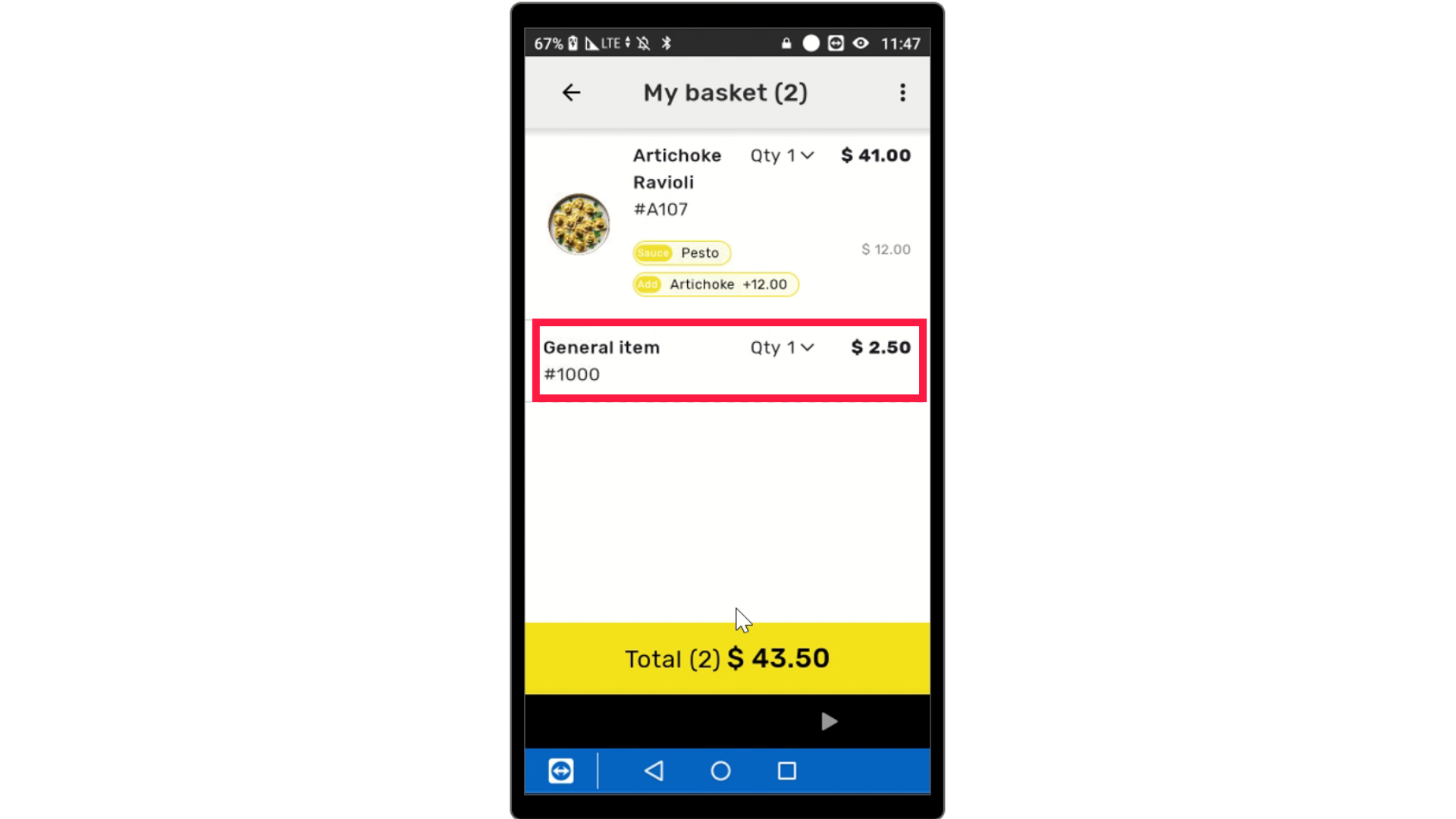
Click Total
Image Attached
Once the order is finished, the extra charge is listed as highlighted in RED, then tap on the yellow bar that reads total with cost.
7
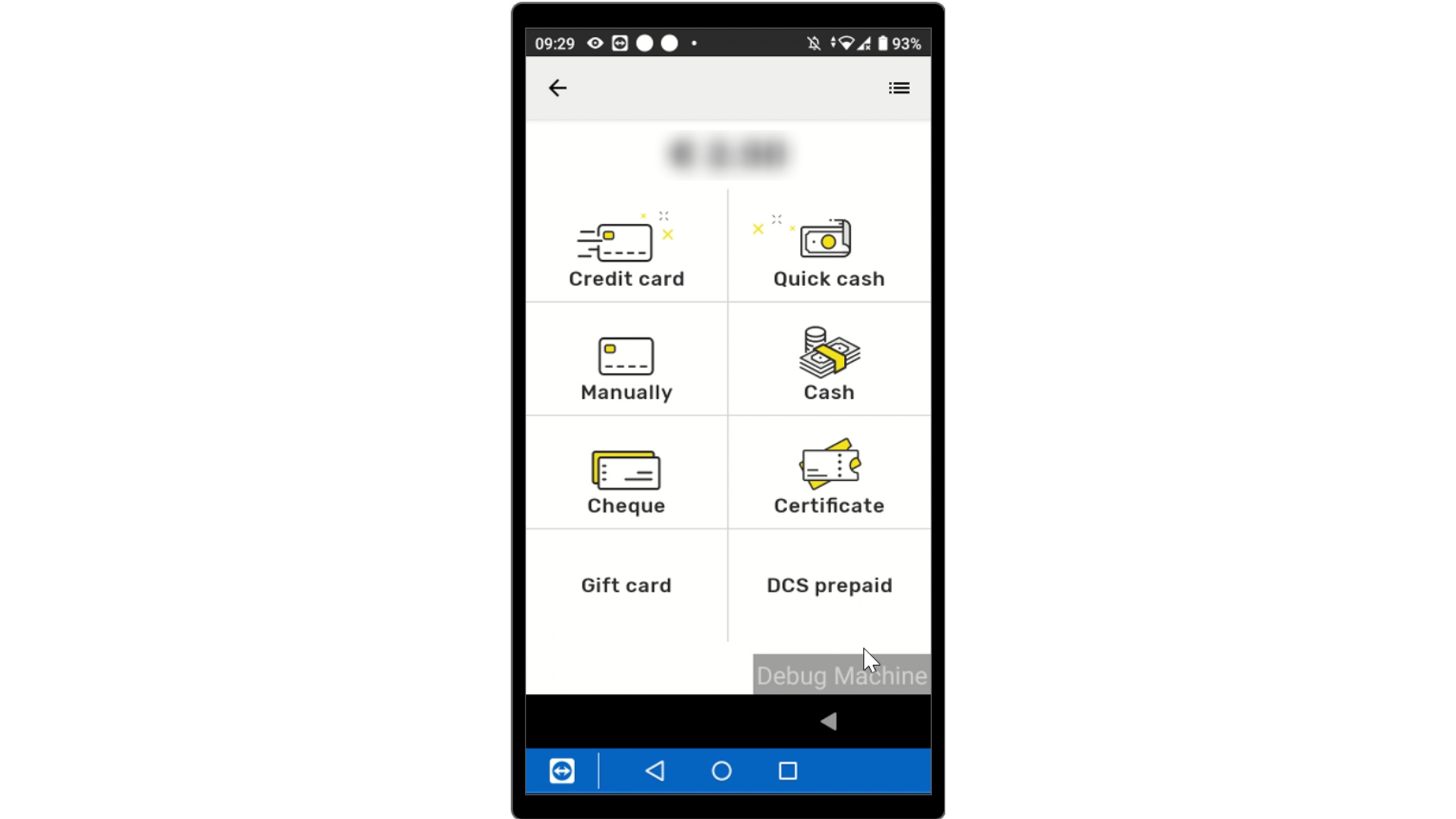
Select Payment
Image AttachedSelect the payment type from the options listed below.
LINK How to use different methods: gift card, prepaid, ect.
8
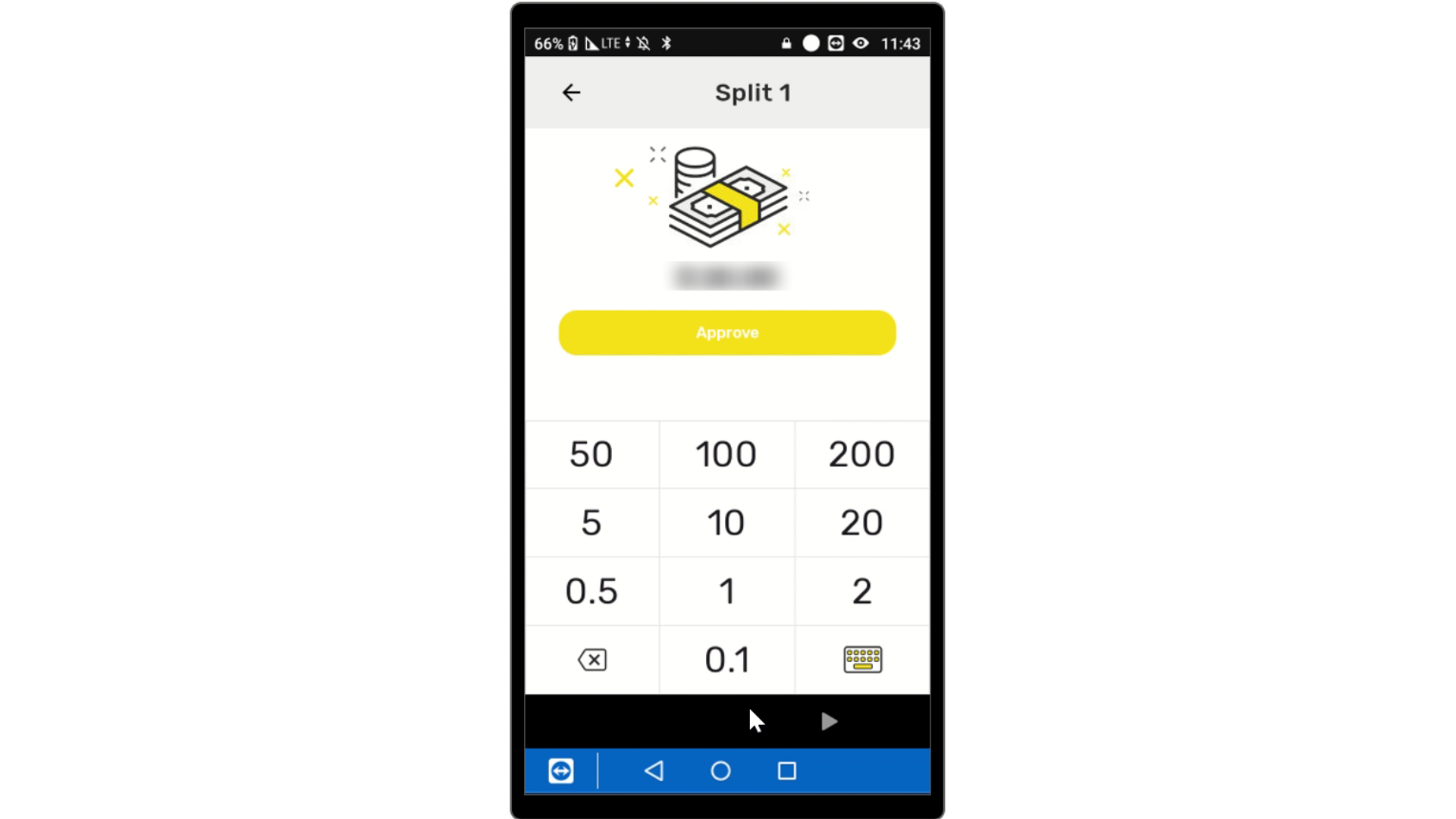
Input Payment
Image AttachedIf cash, type amount of cash and tap approve.
9
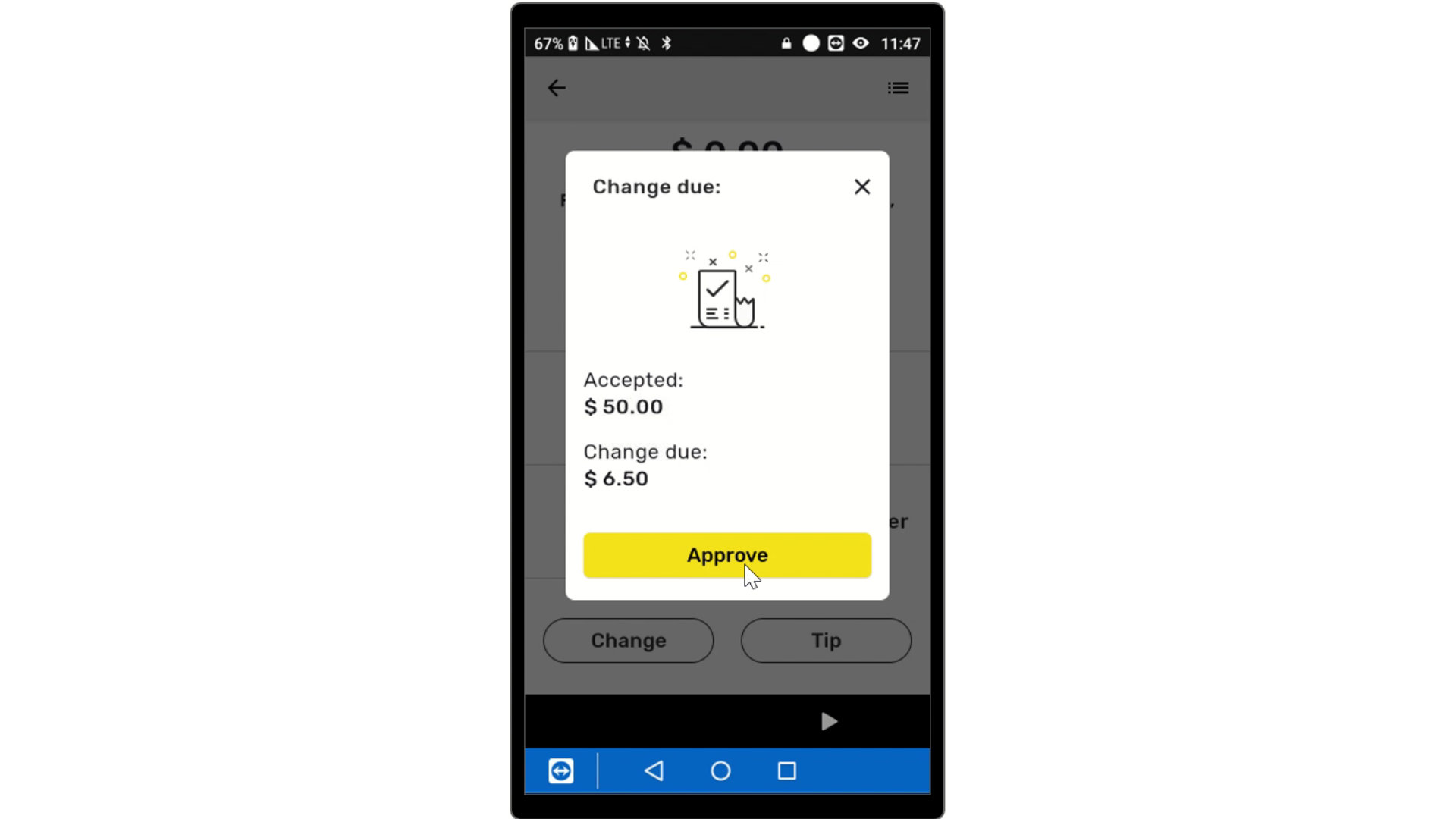
Approve Change
Image AttachedApprove Change if applicable.
10
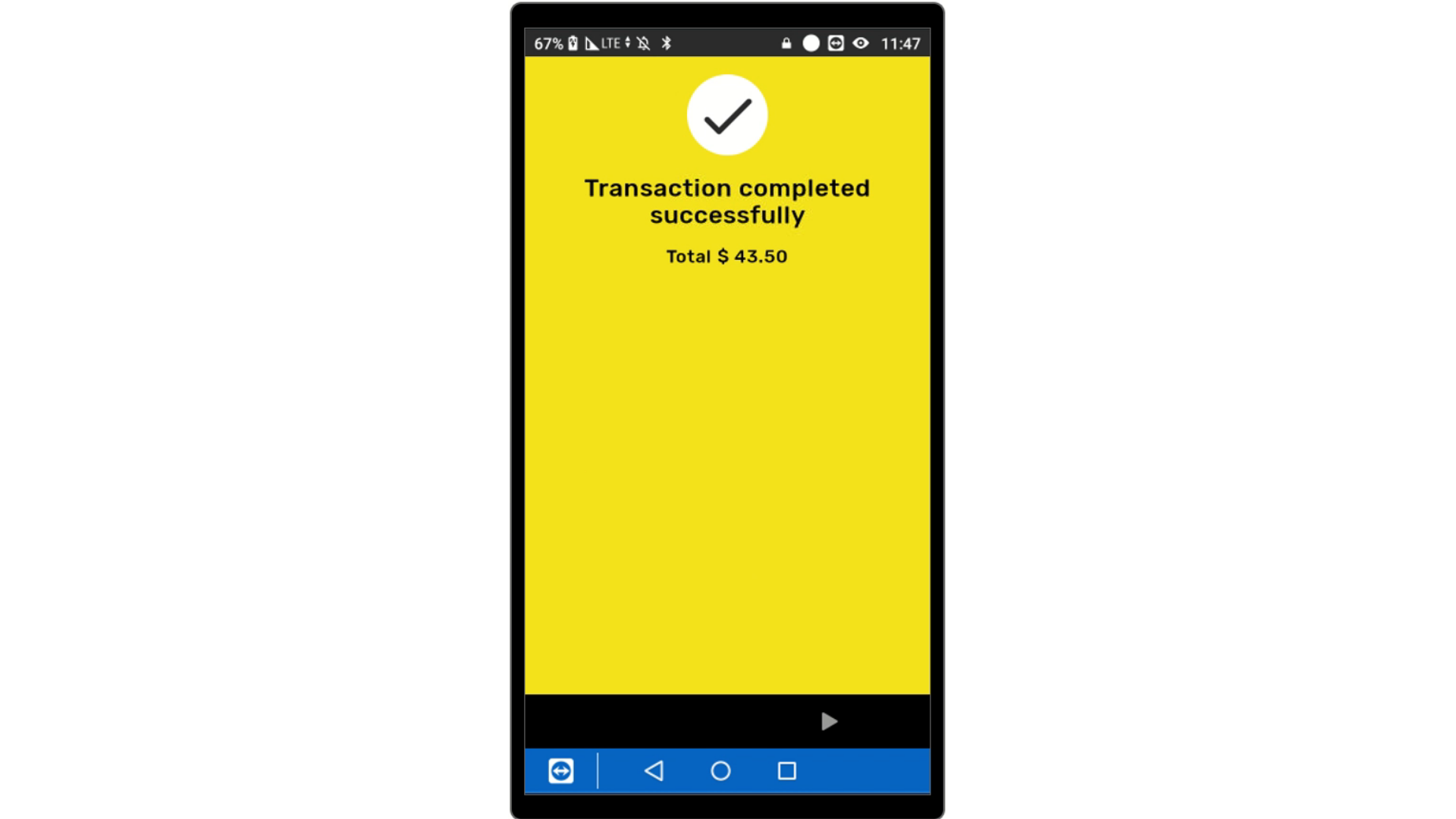
Transaction Successful
Image AttachedTransaction Successfully completed
Thank you!
Did you find this article helpful?