
How to Top Up a Prepaid Card | Nova Market
Video Guide
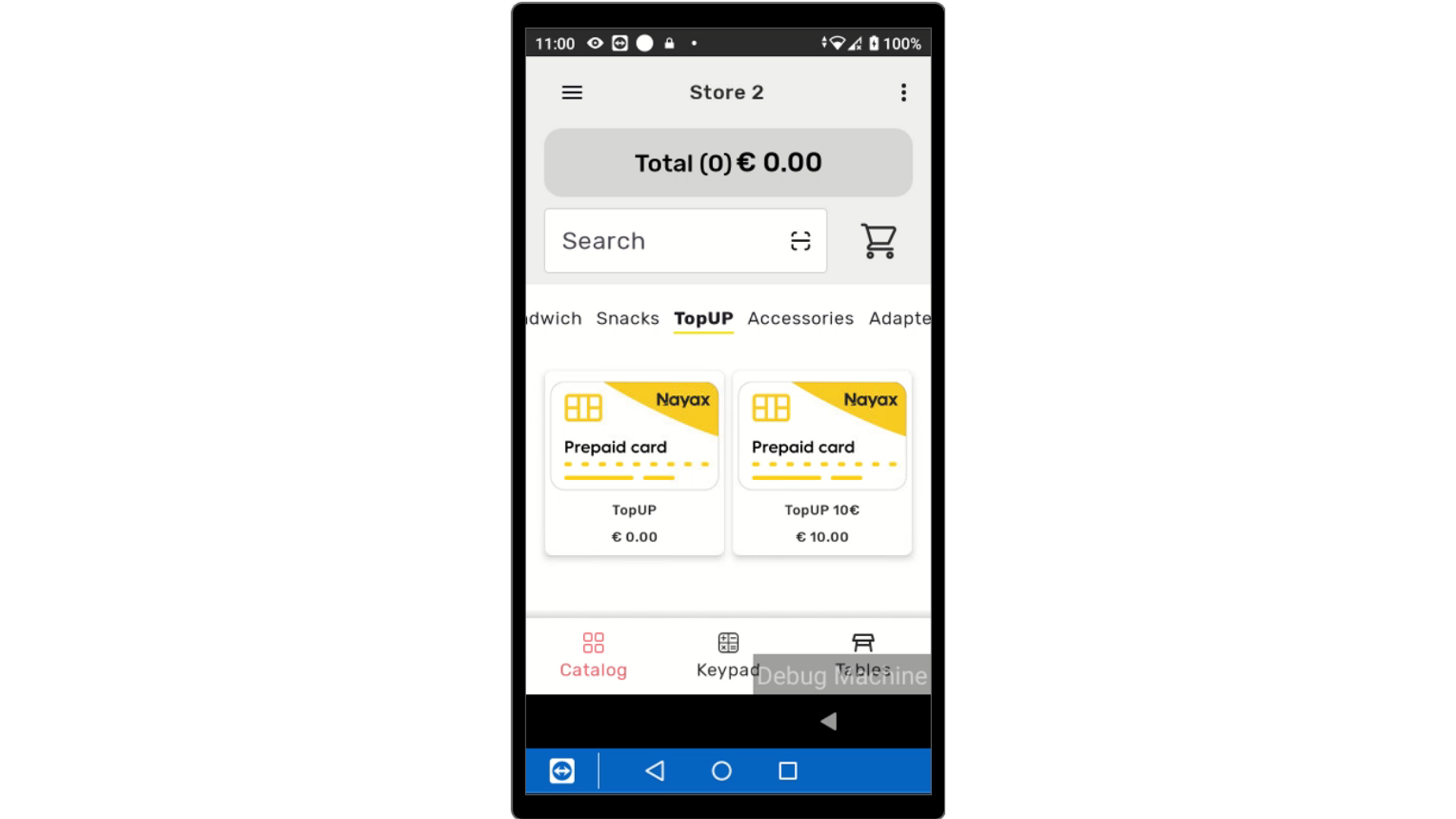
Add Top Up
Image AttachedFrom your device, tap on the top up item from the options €5, €10 or a calculator option to load a value of choice.
If you have yet to create top up items, click on the following link to create options to reload a prepaid card.
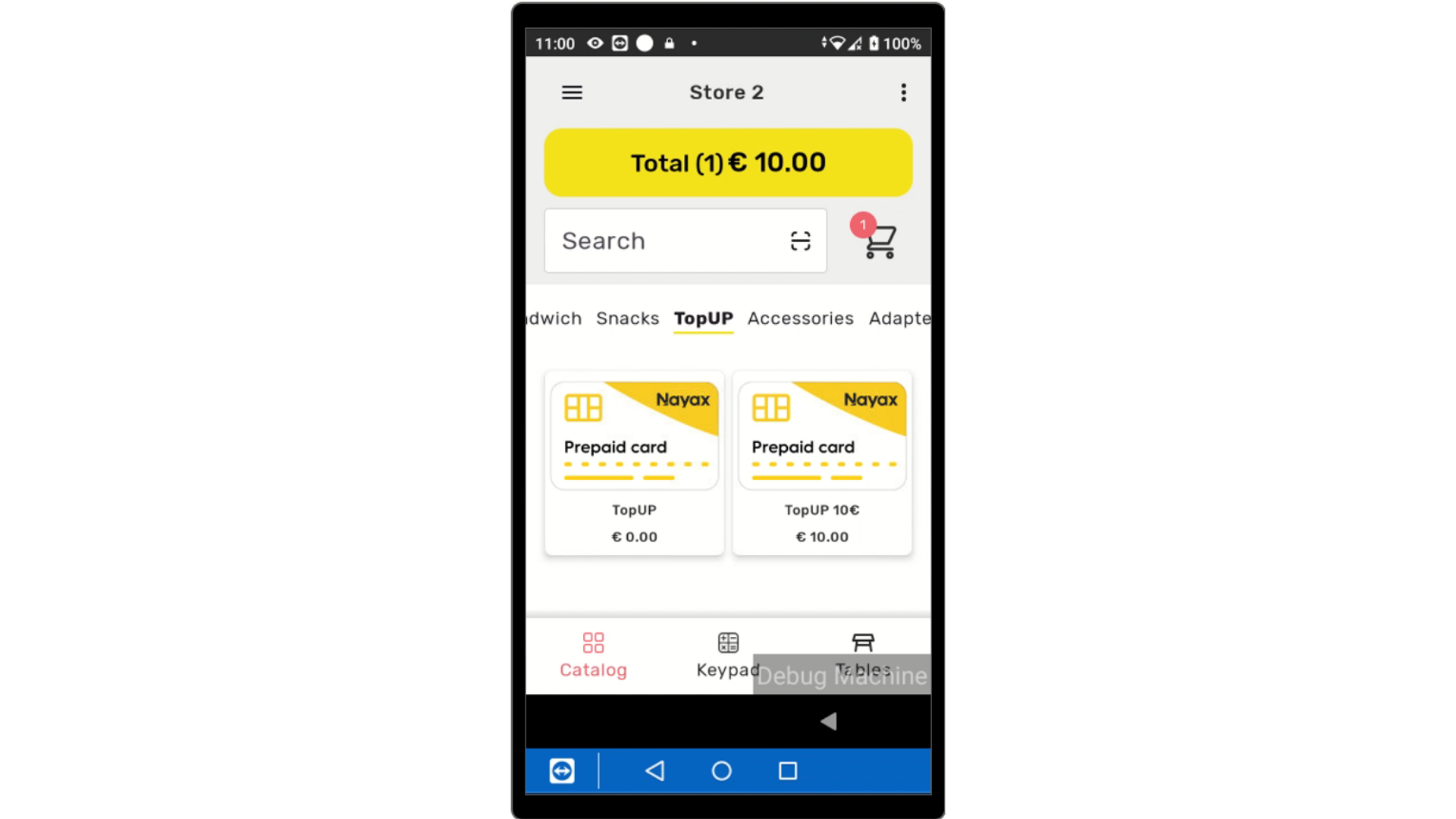
Tap to Checkout
Image AttachedTap on the total to check out.
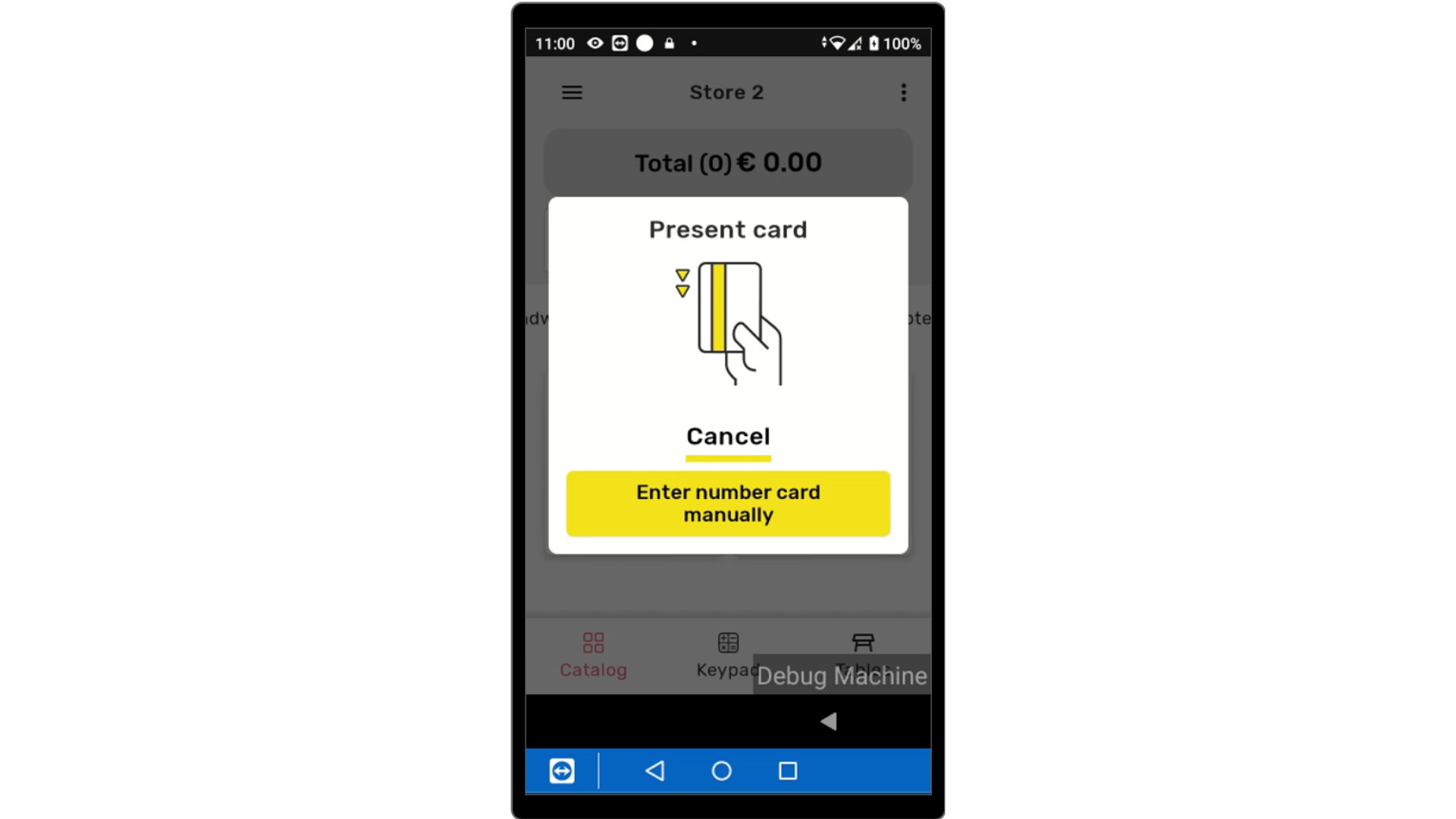
Present Prepaid Card
Image AttachedPresent the Prepaid card to the device.
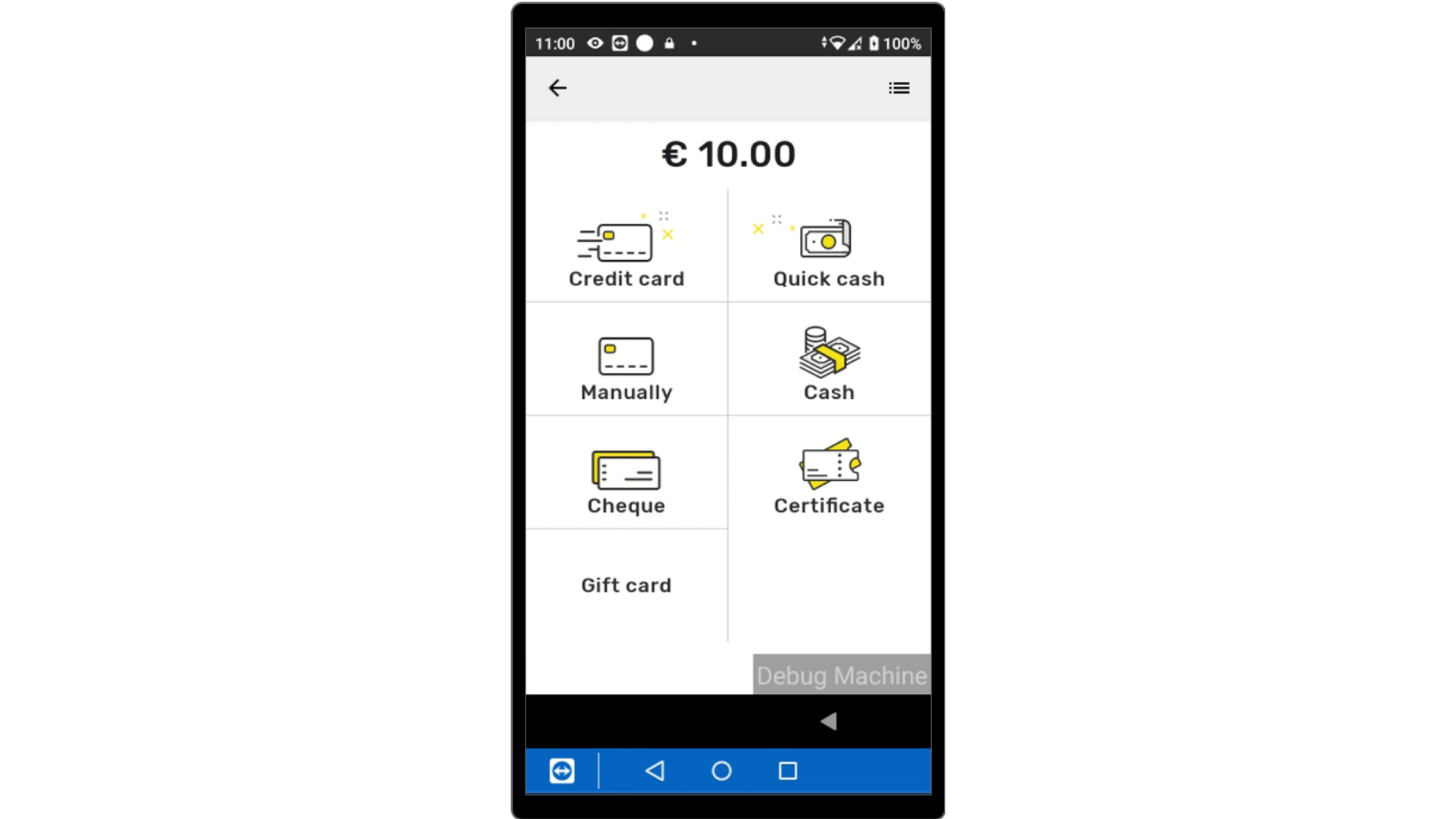
Select Payment Method
Image AttachedSelect the payment type from the options listed below.
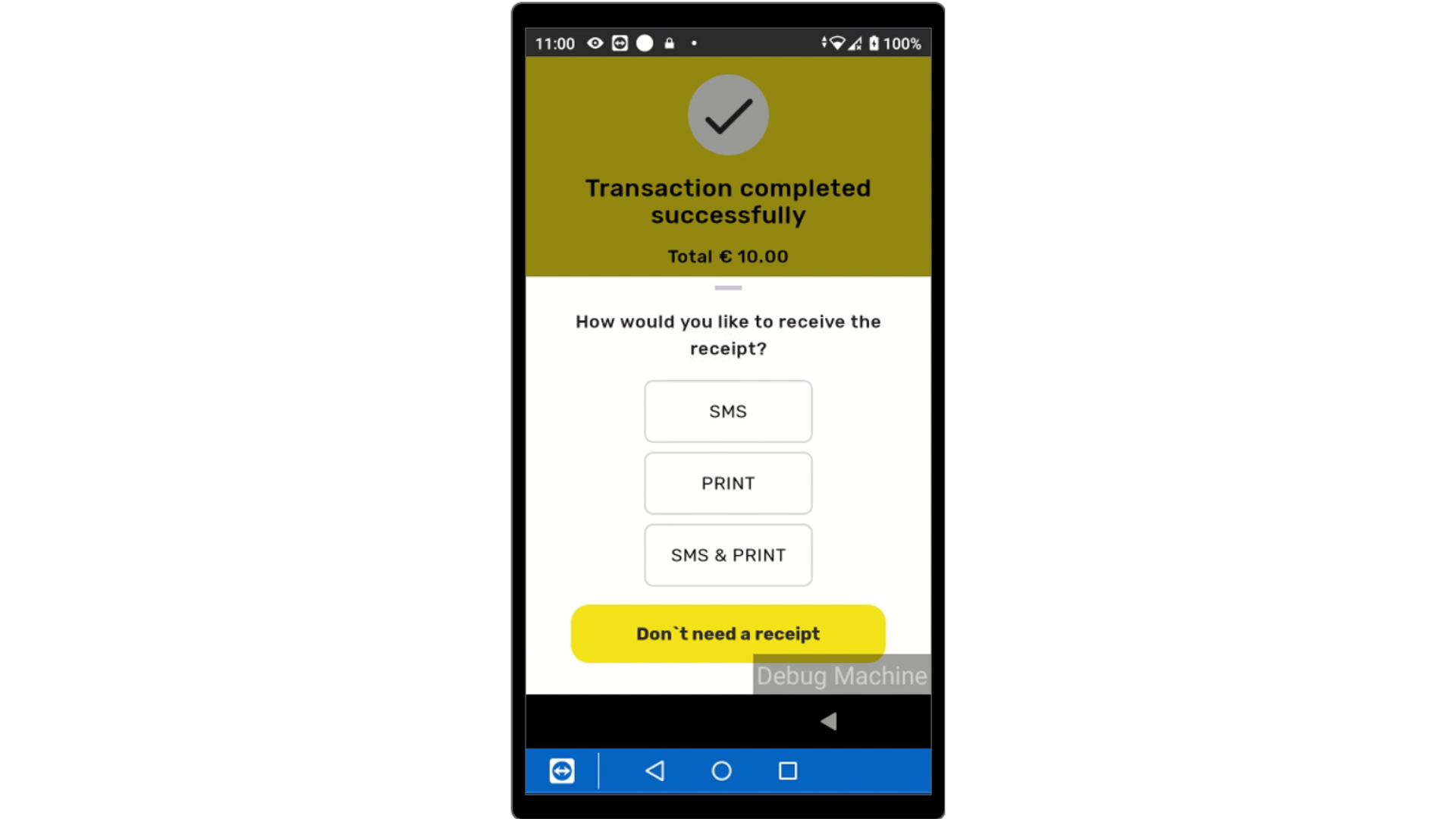
Transaction Successful
Image AttachedTransaction Successfully completed.
Thank you!
Did you find this article helpful?