
How to Process a Refund | Nova 55F
1
Video guide
2
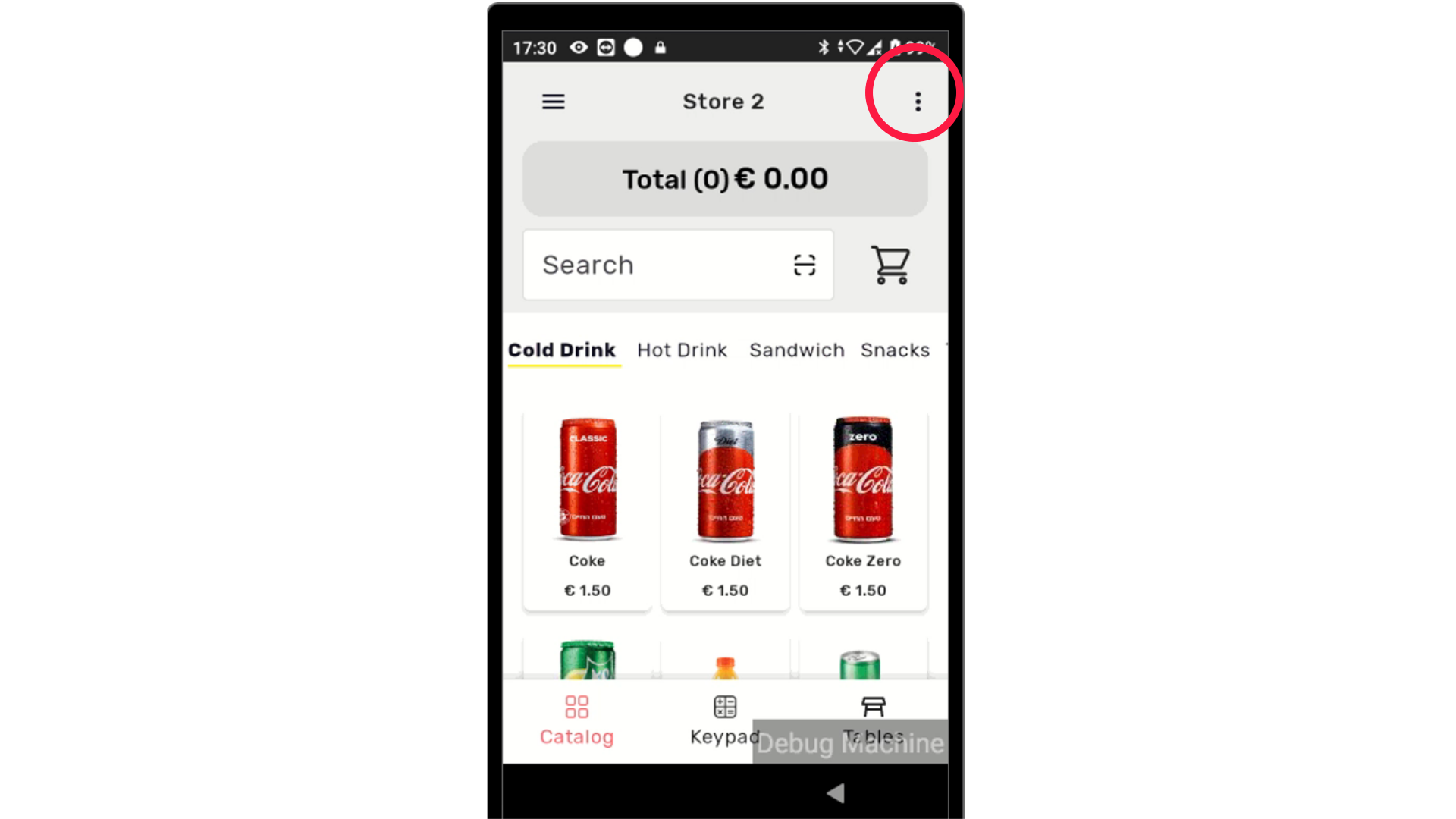
Click Three Dots
Image AttachedOn your device click the three dots on the right side of the screen as highlighted.
3
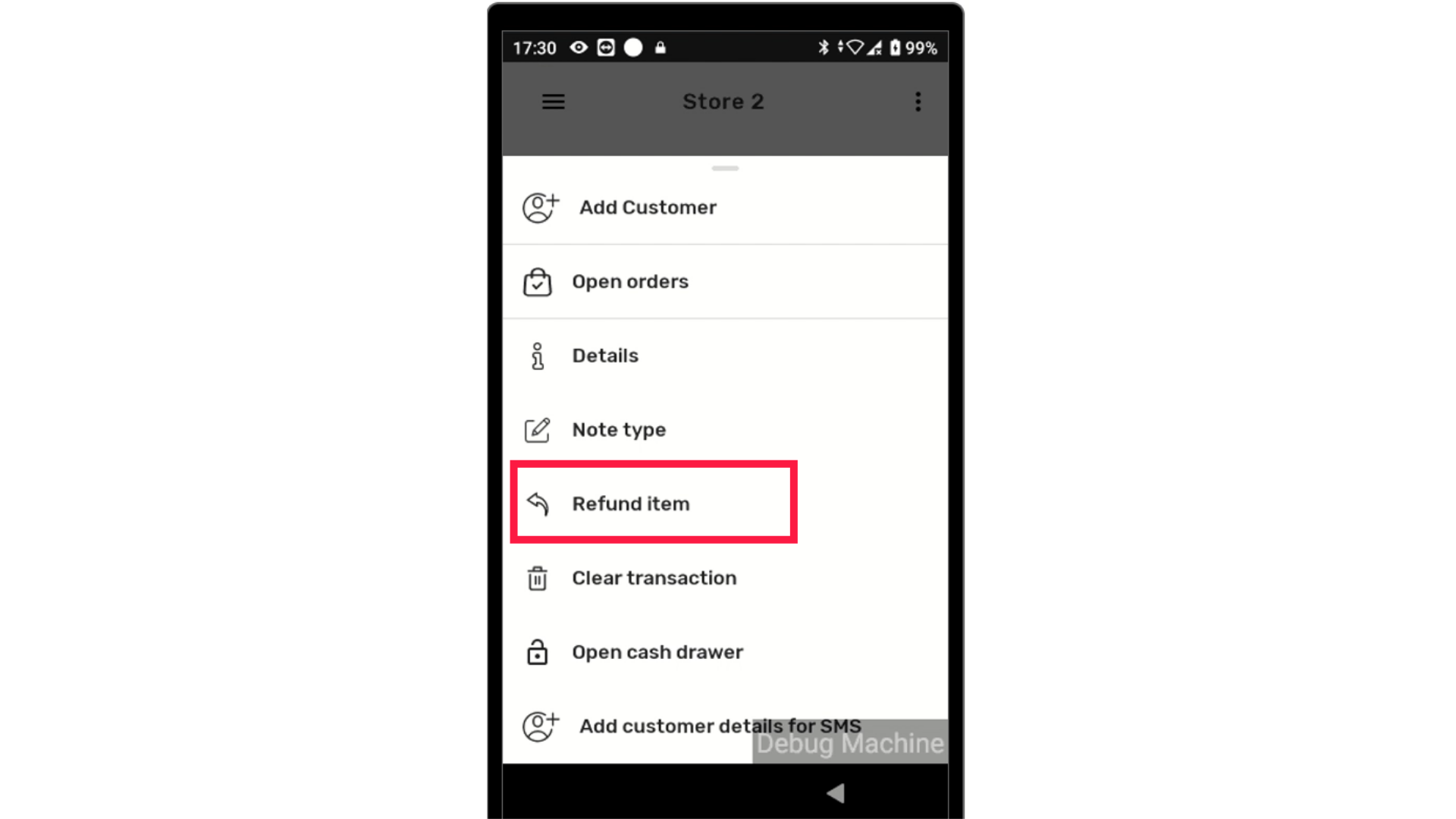
Tap Refund Item
Image AttachedFrom the menu, tap Refund Item as highlighted.
4
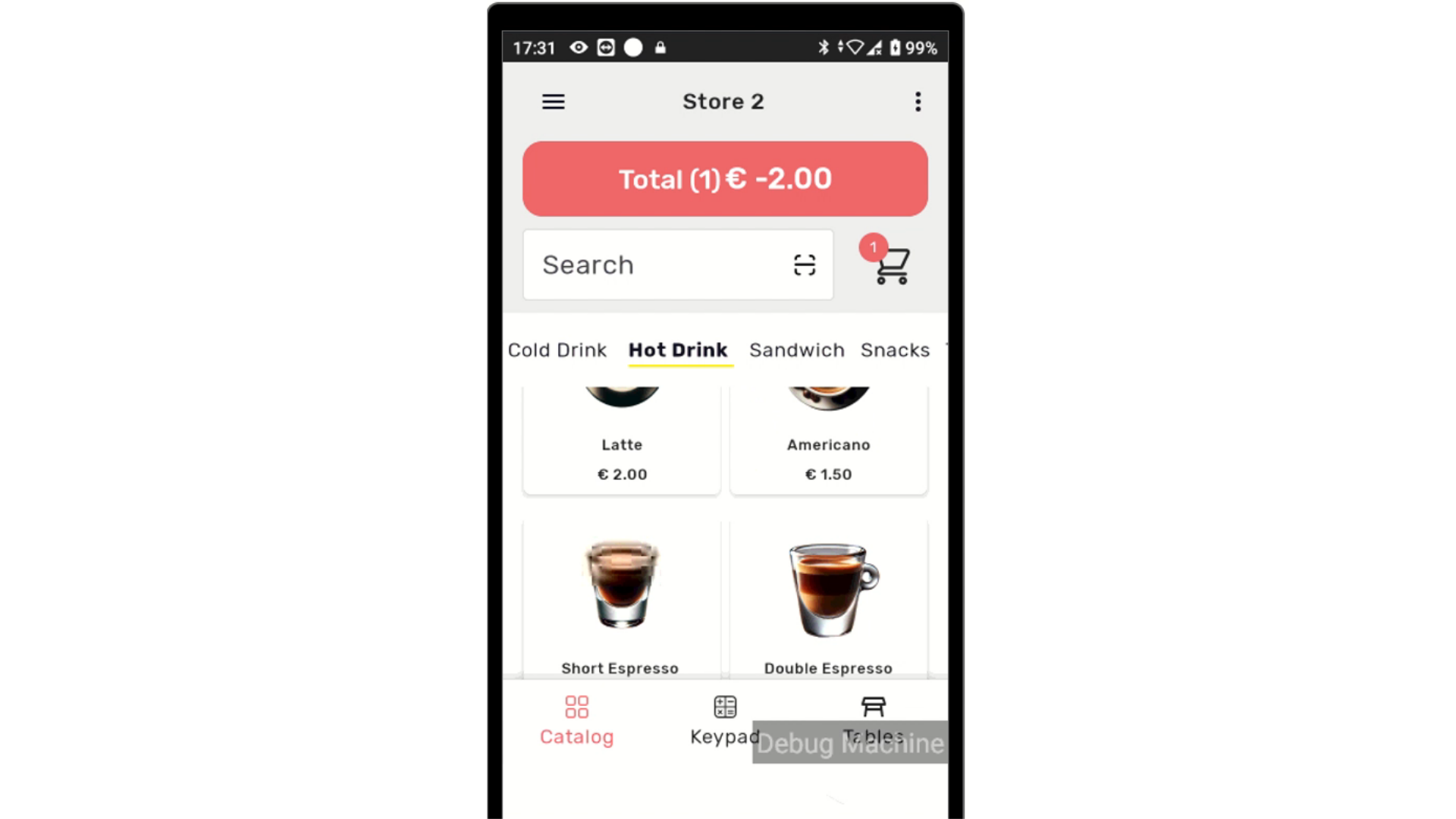
Select Items for Refund
Image AttachedA list of items will appear in the cart with their corresponding negative monetary values.
Select the item that the customer wishes to return.
To refund multiple items, simply continue selecting them. If you need to stop selecting items for a refund, click the three dots again and choose Product Charge.
5
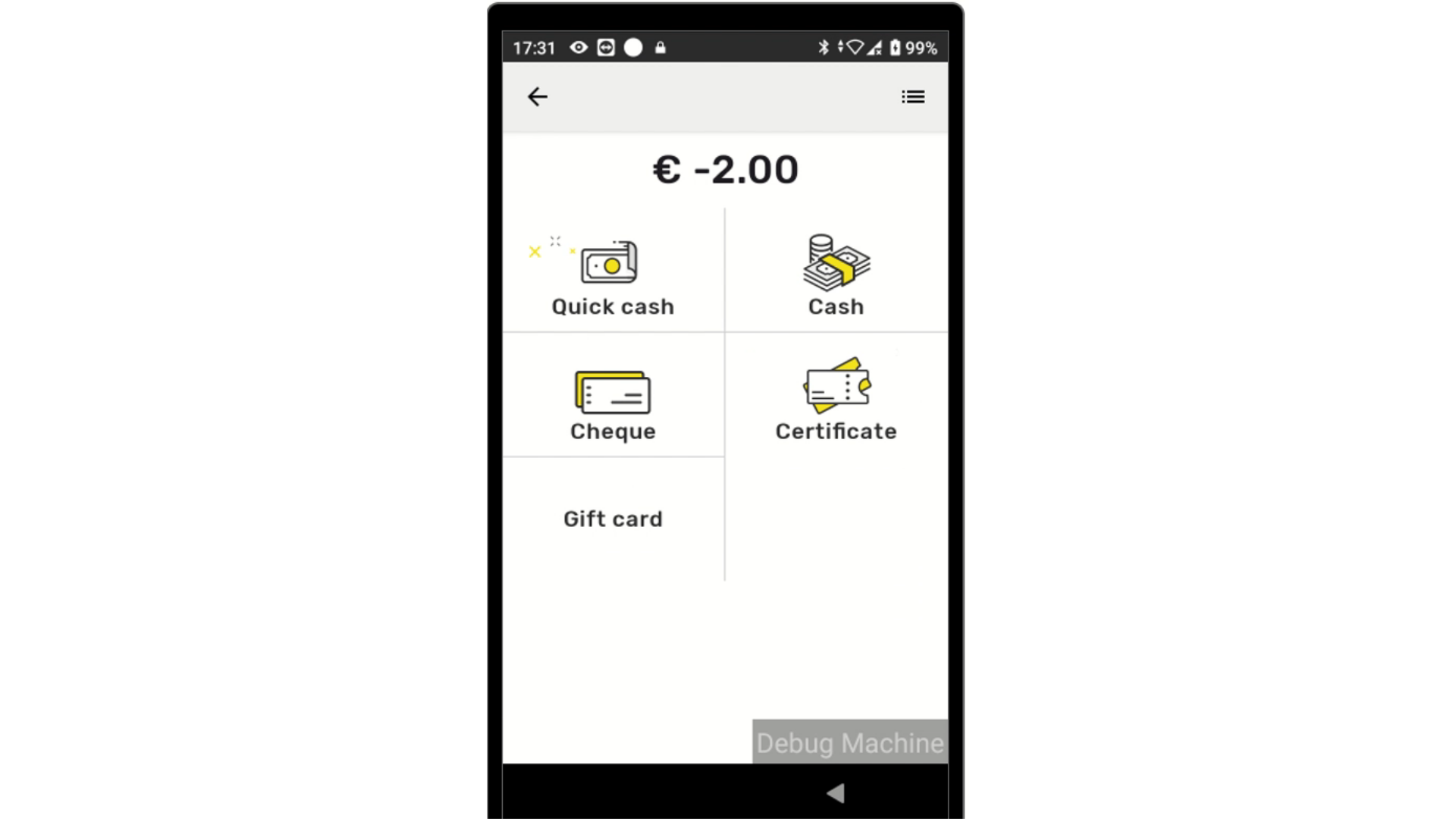
Select Payment Method
Image AttachedSelect the payment method to process the refund.
6
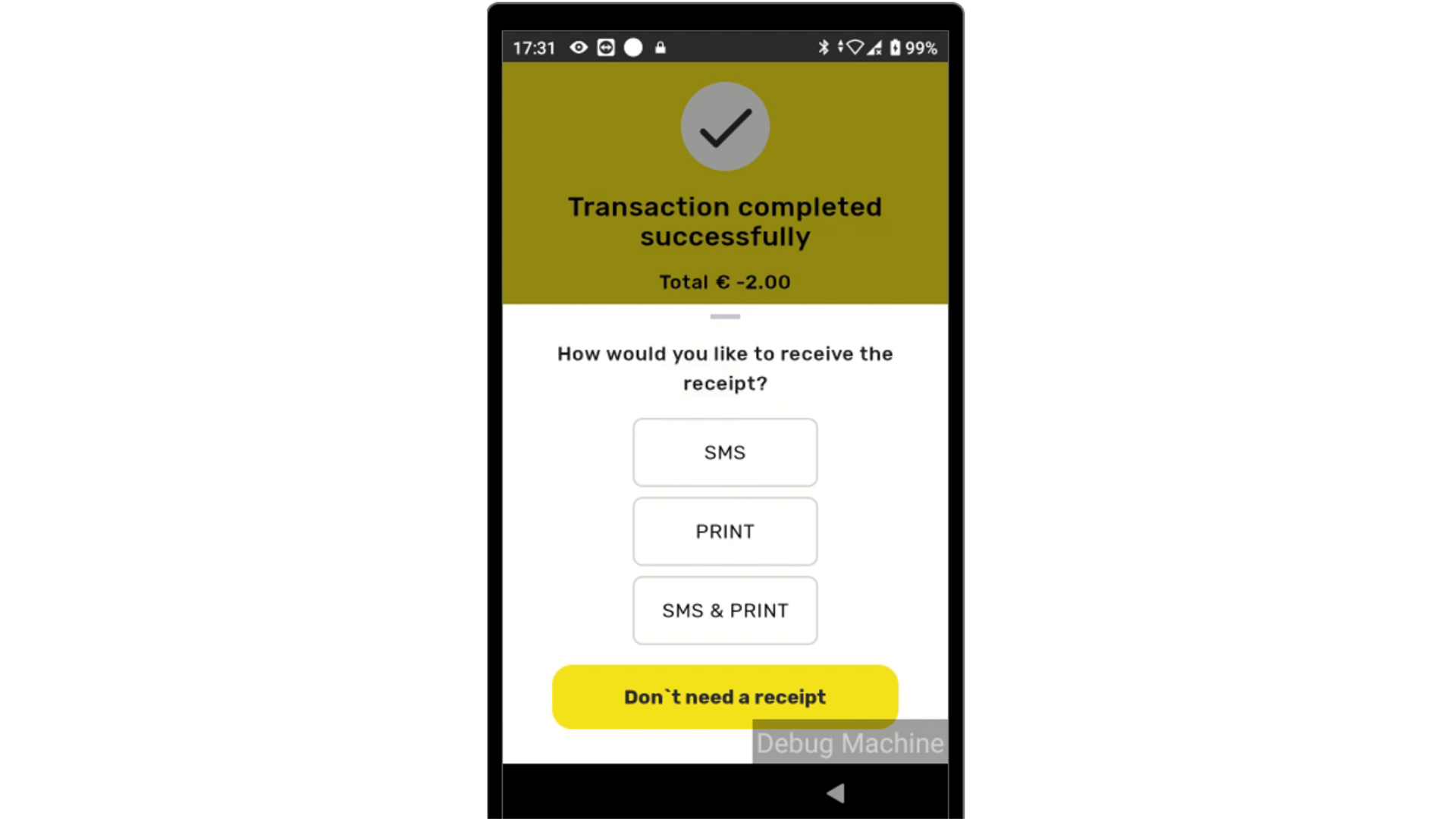
Refund Successful
Image AttachedConfirmation screen of refund successfully processed.
Thank you!
Did you find this article helpful?