
How to Process a Purchase | Nova 55F
1
Video Guide
2
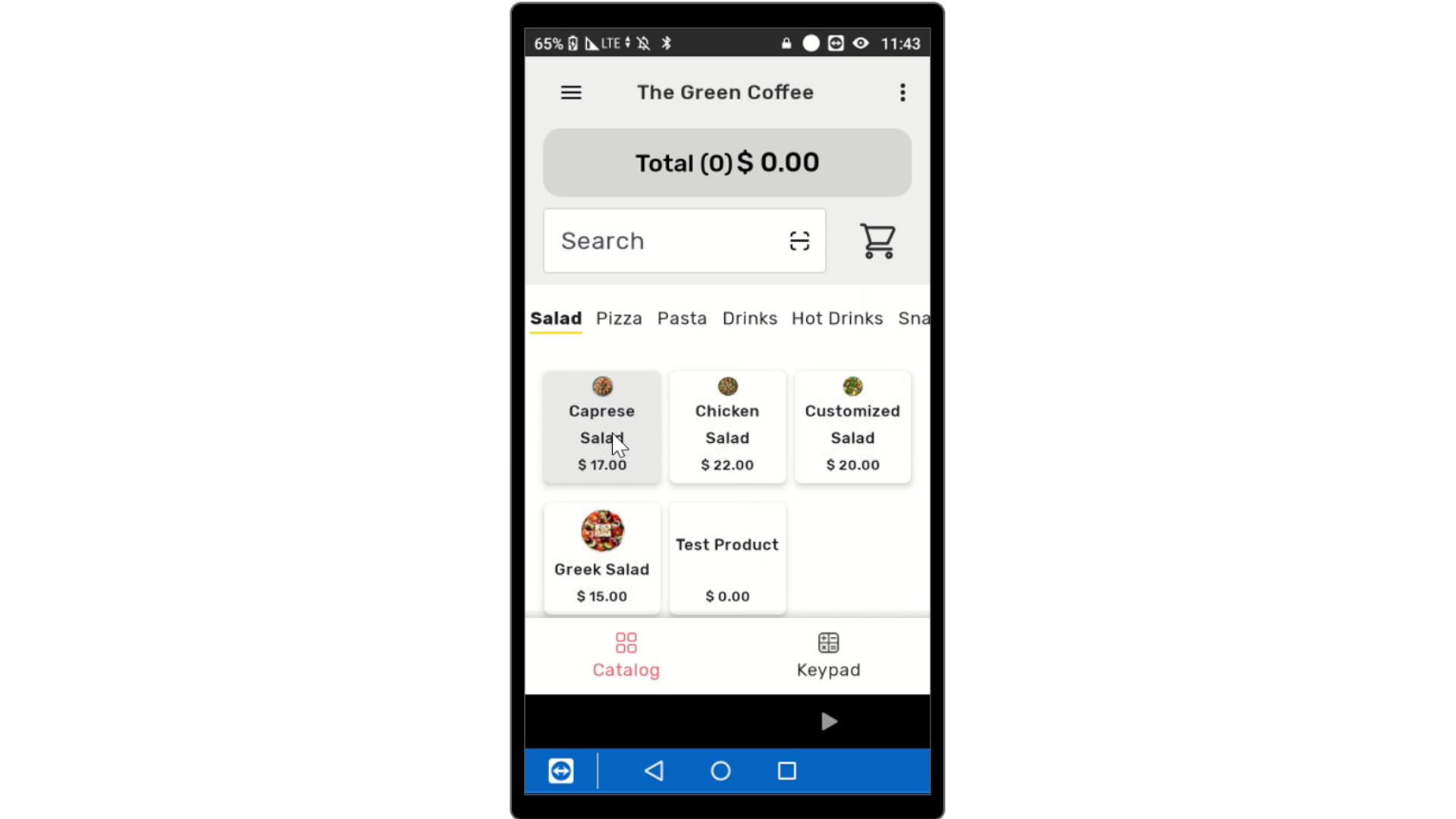
Select Items
Image AttachedSelect items to add to the cart.
3
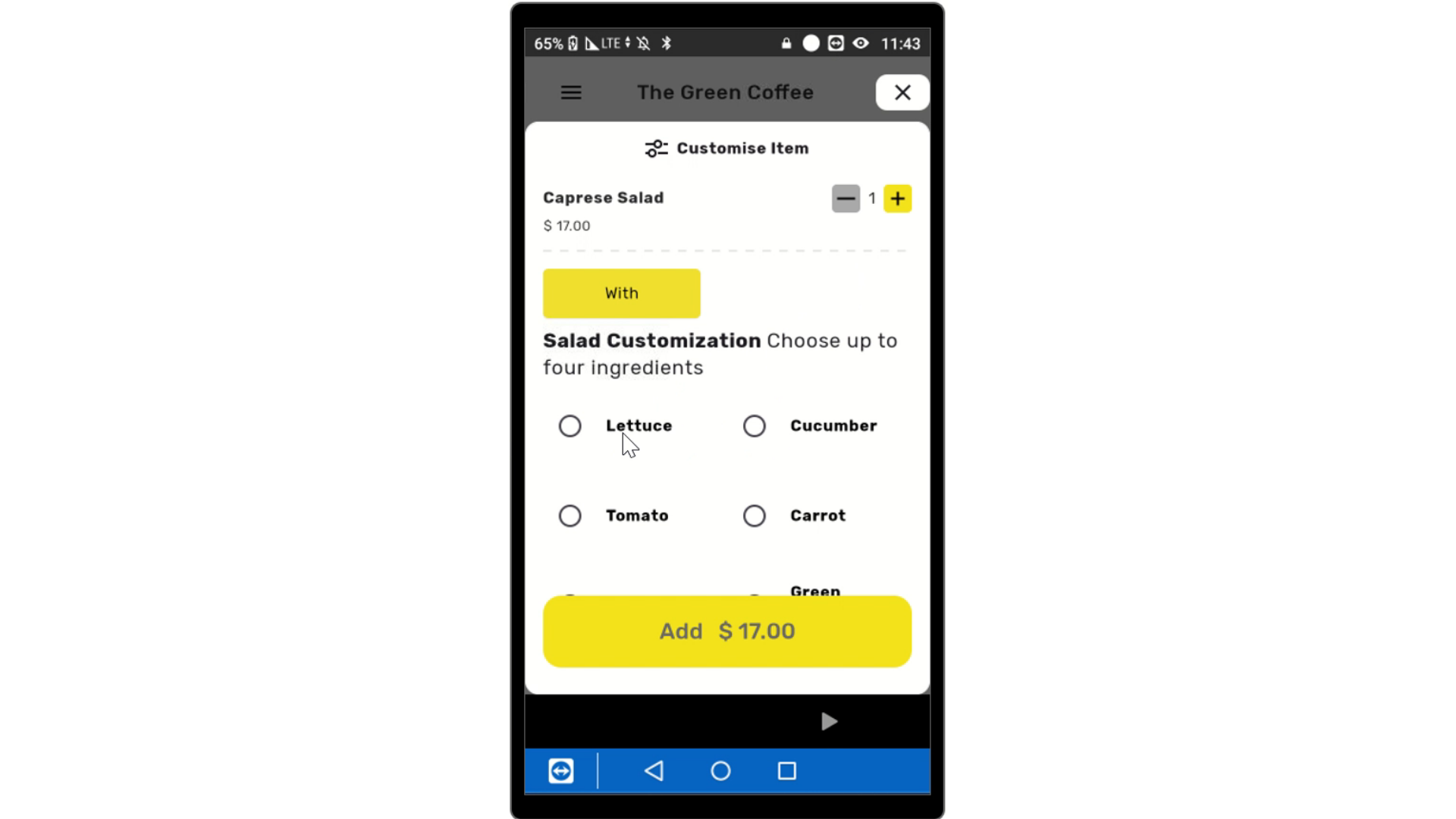
Customize Items
Image AttachedIf the item is not customizable, like purchasing a coke, it will go automatically into the cart. If the item is customizable, select the preferred modifications to proceed.
4
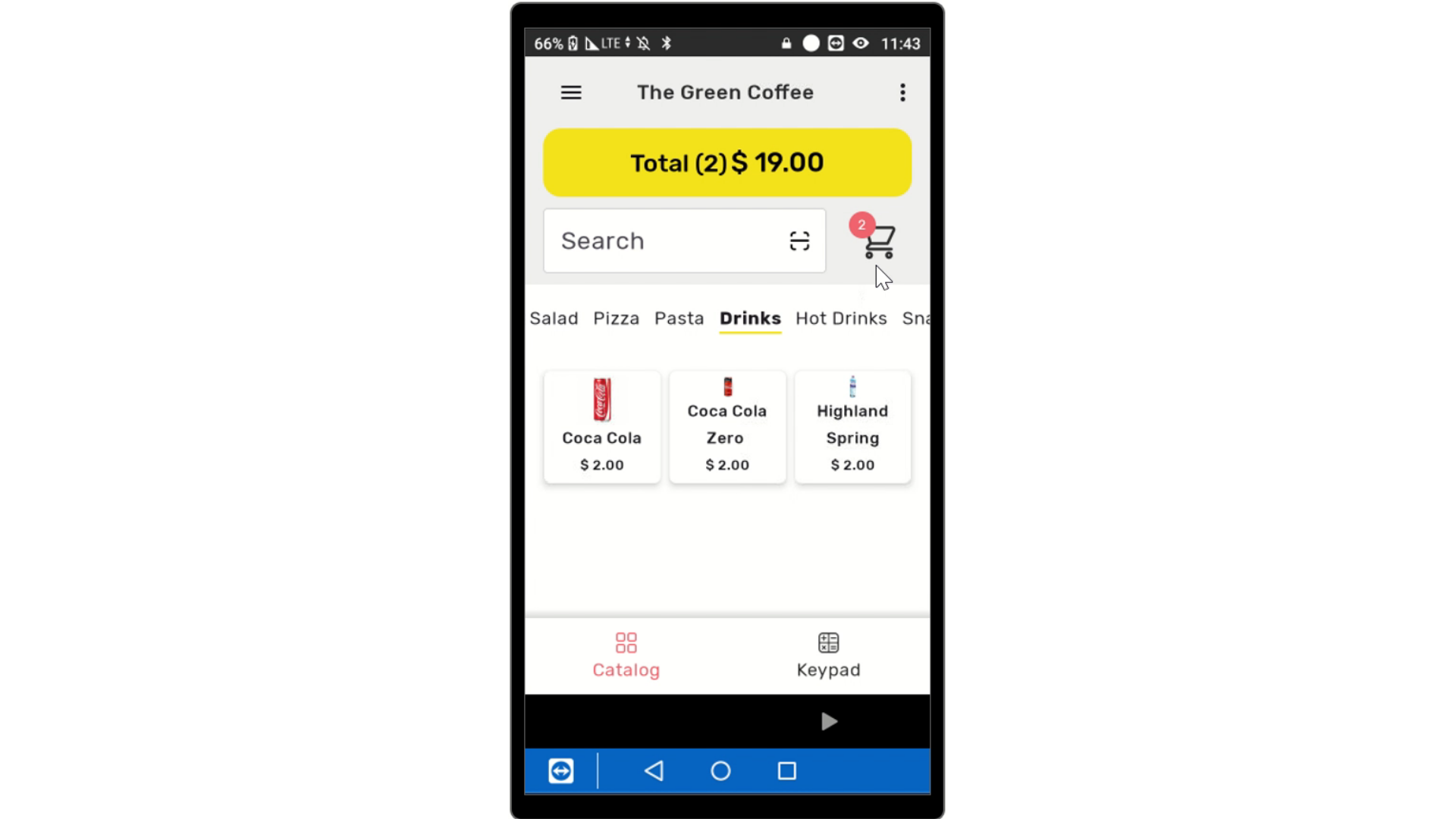
Click Add
Image AttachedAt the bottom of the screen, click add to add the item to the cart.
5
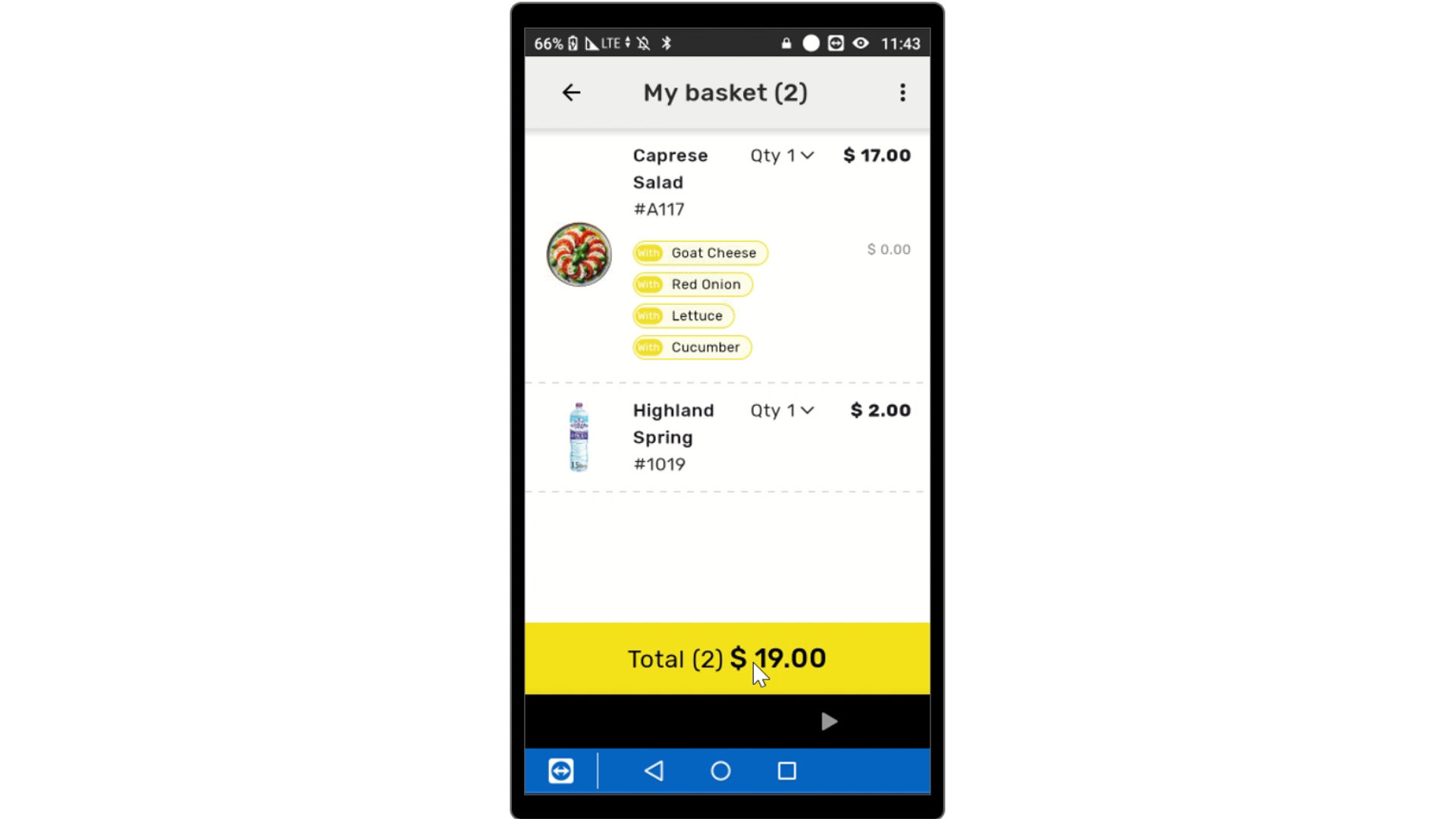
Click Total
Image AttachedOnce the order is finished, click on the yellow button that reads total.
6
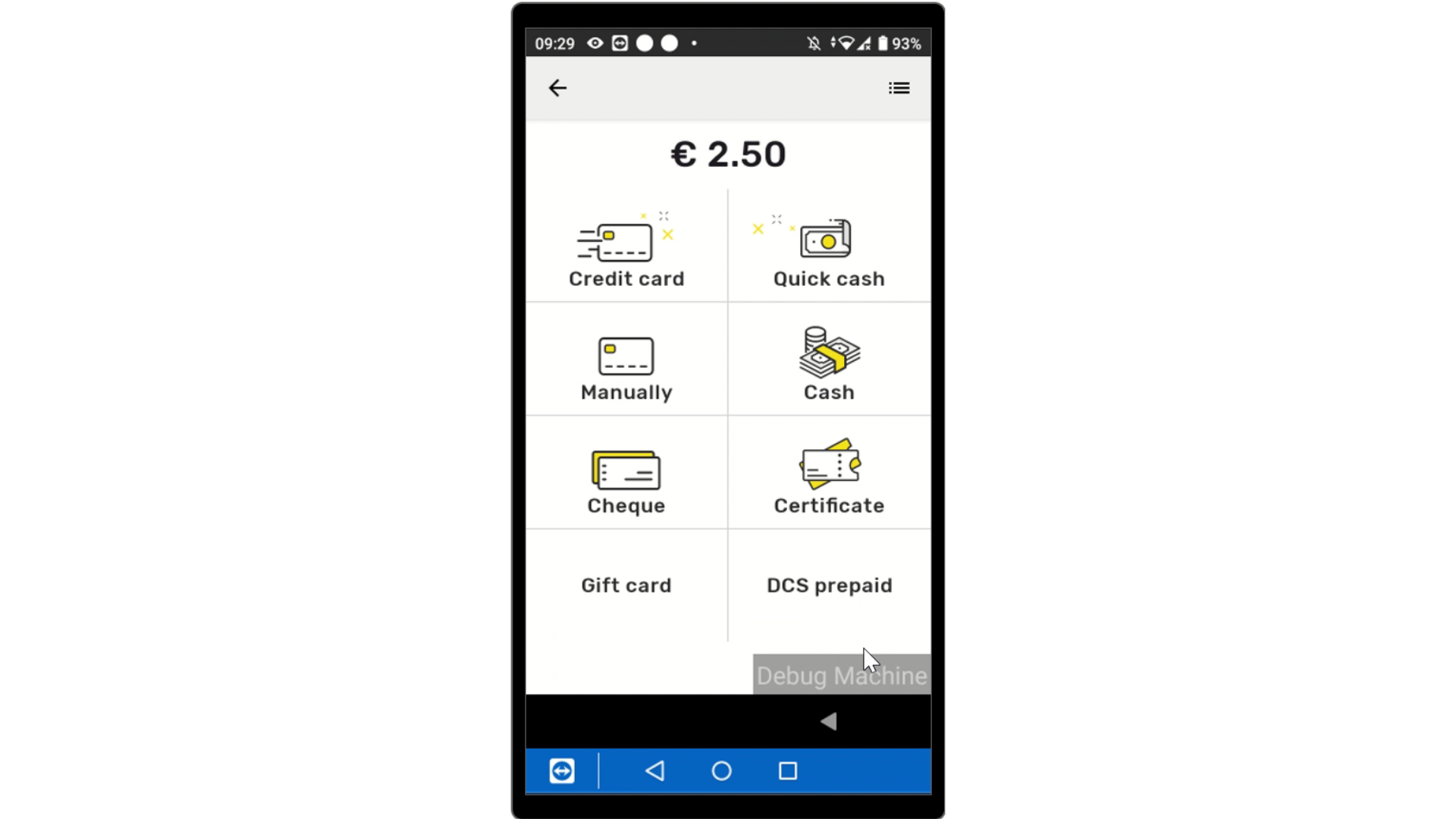
Select Payment
Image AttachedSelect the payment type from the options listed below.
LINK How to use different methods: gift card, prepaid, ect.
7
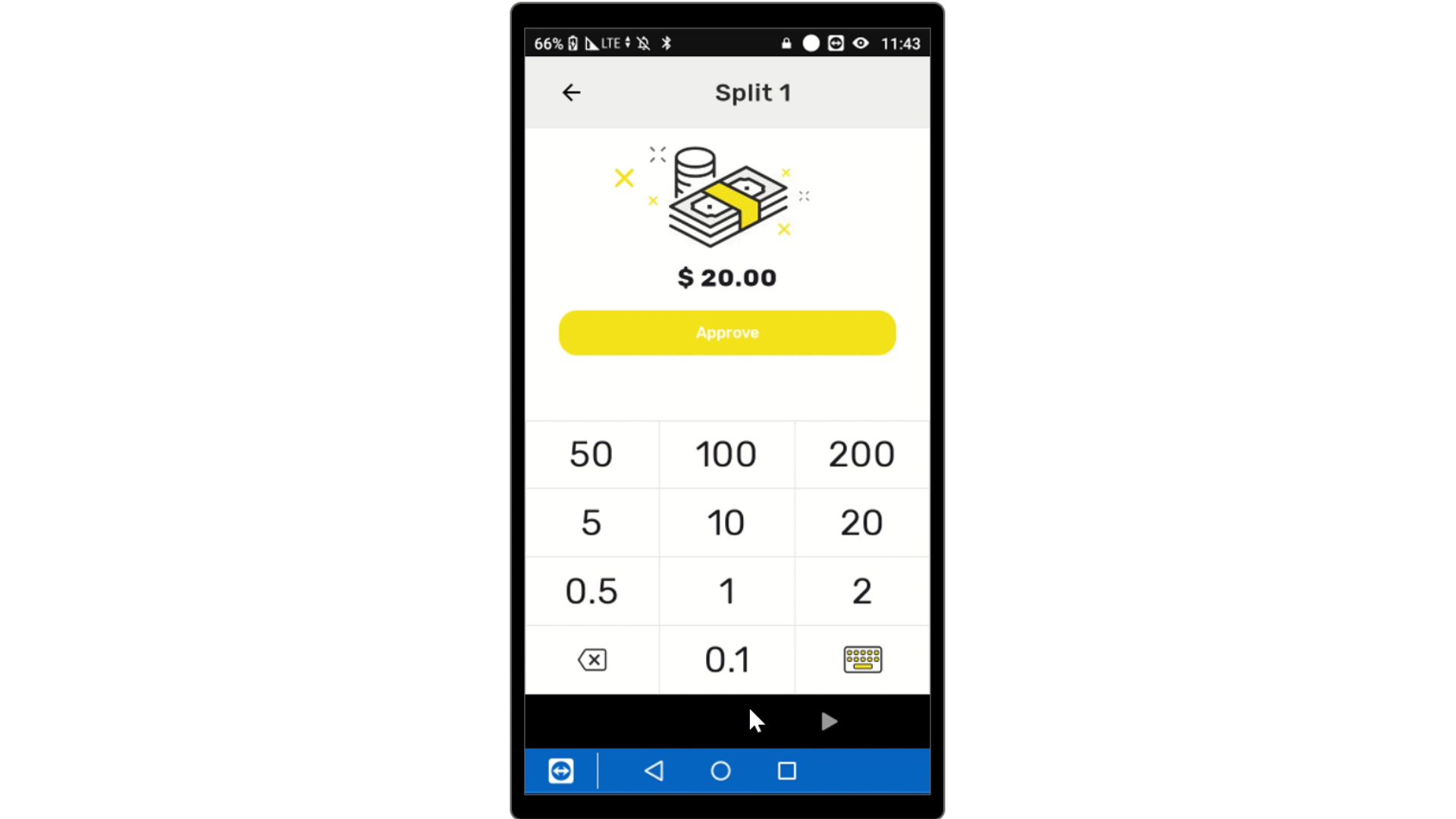
Input Cash Payment
Image AttachedIf cash, type amount of cash and tap approve.
8
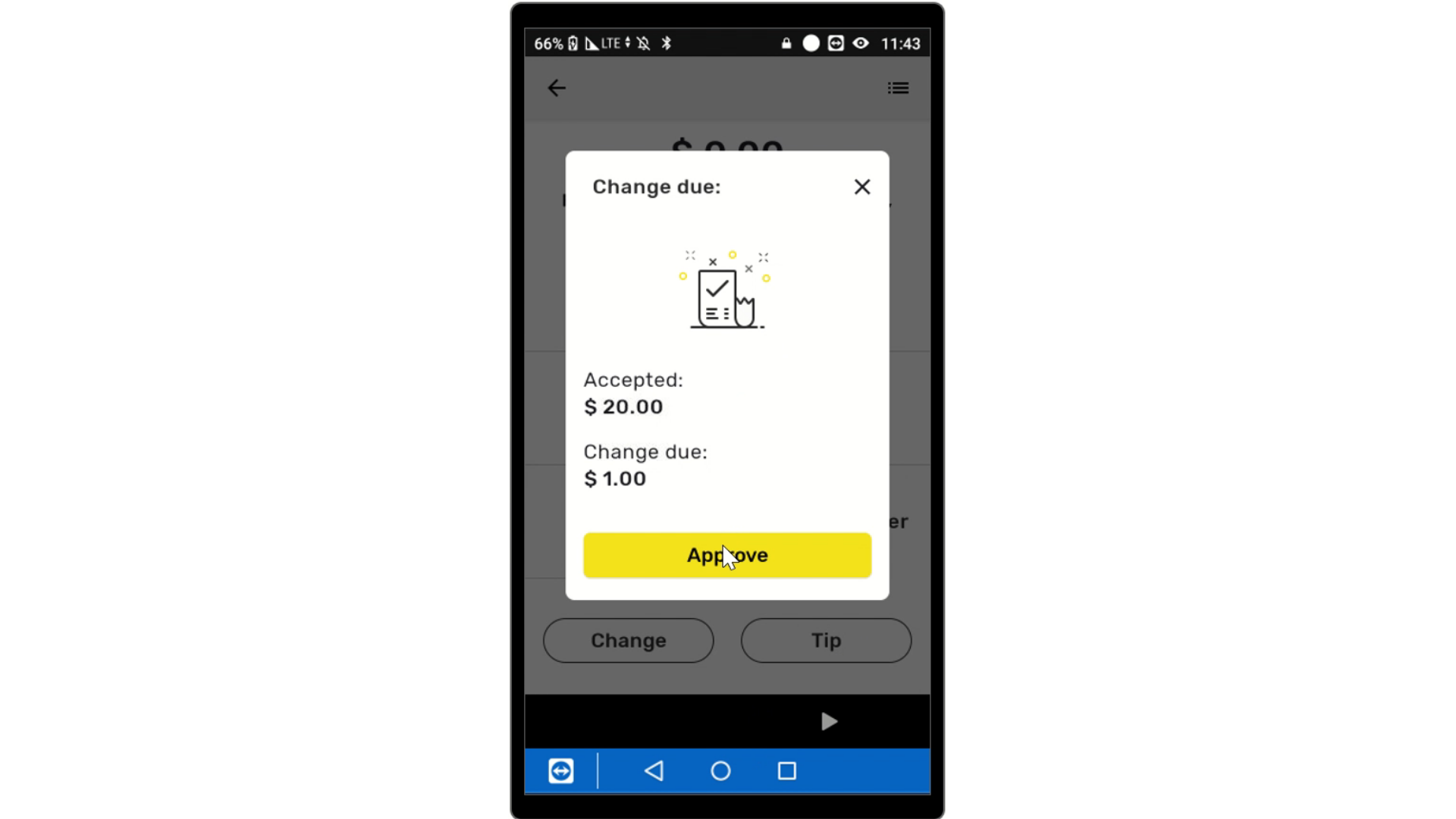
Approve Change
Image AttachedApprove Change if applicable.
9
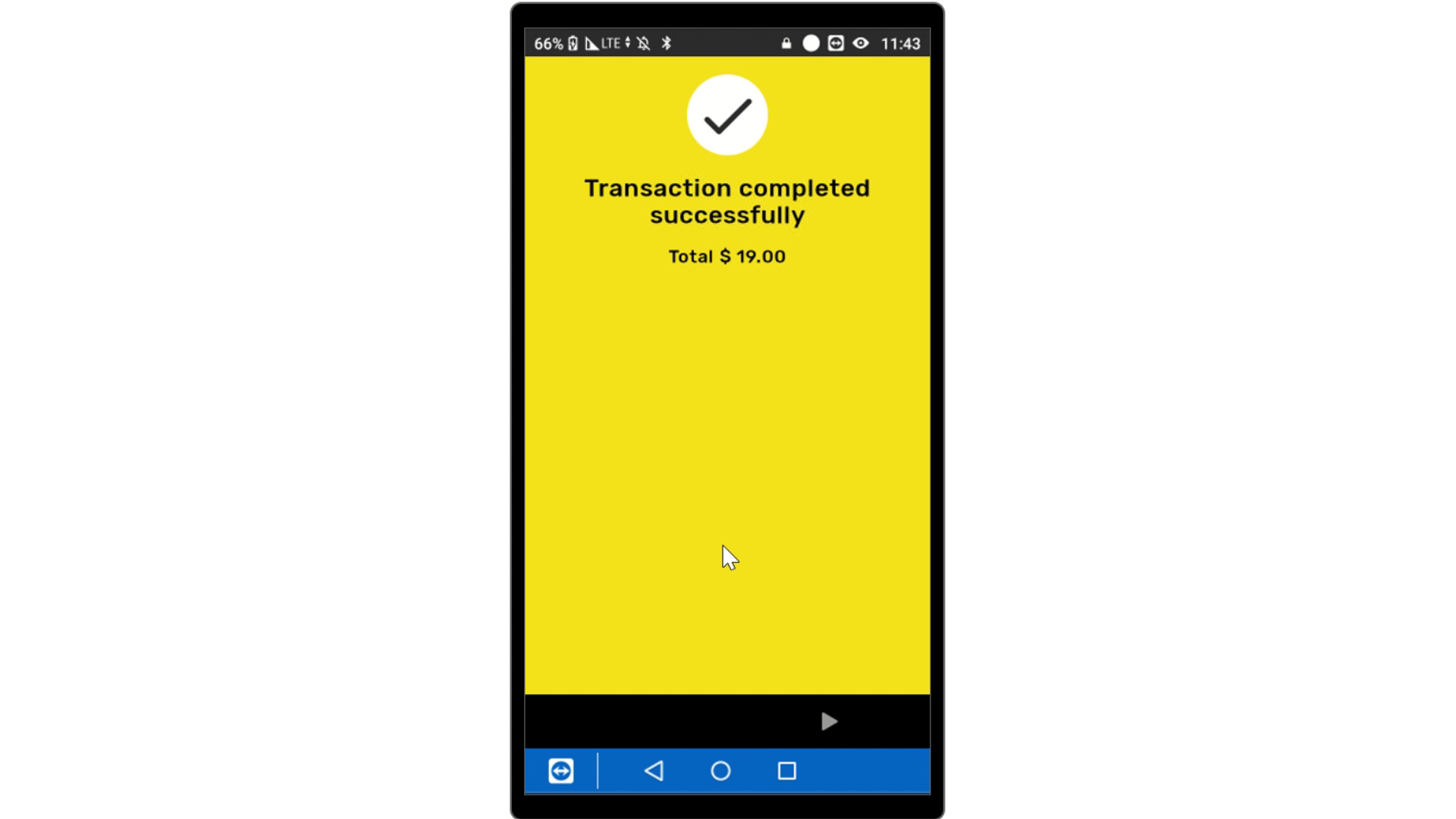
Transaction Successful
Image AttachedTransaction Successfully completed
Thank you!
Did you find this article helpful?