
How to Generate a Z Report | Nova 55F
1
Video guide
2
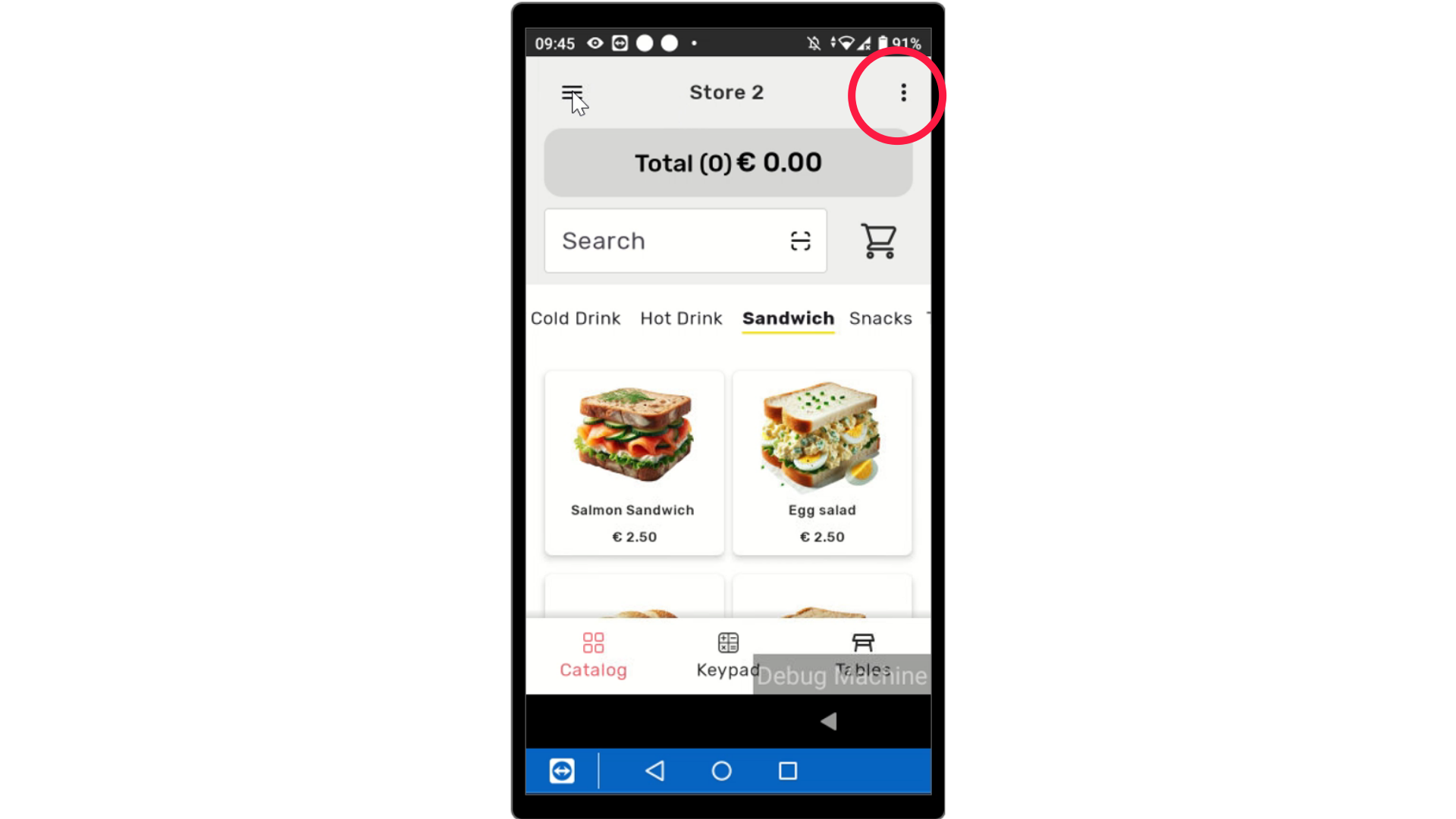
Tap Three Lines
Image AttachedOn the device, tap the three lines as highlighted at the top of the screen to open the menu.
3
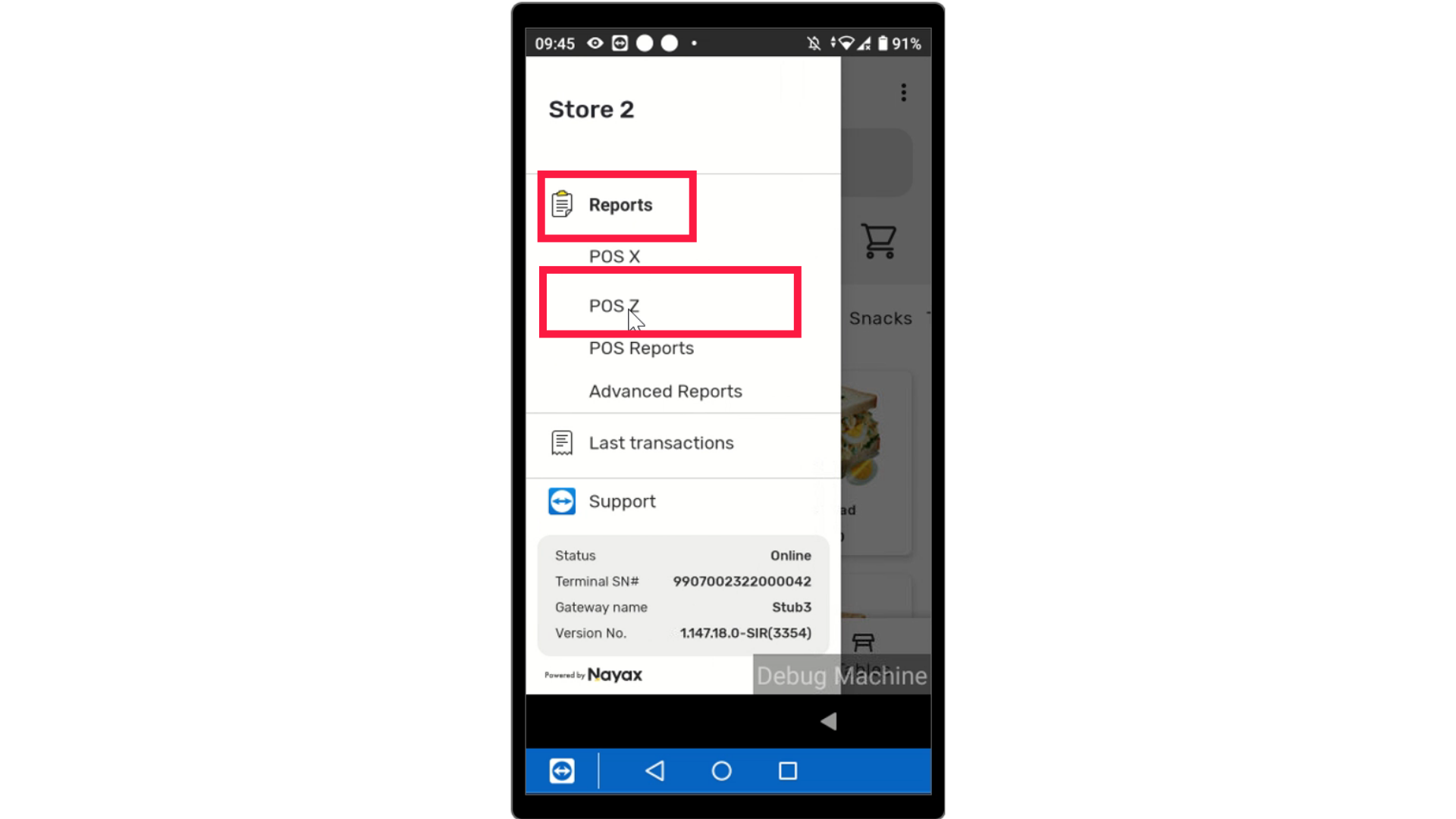
Select Reports
Image AttachedTap on Reports and select POS Z from the options.
4
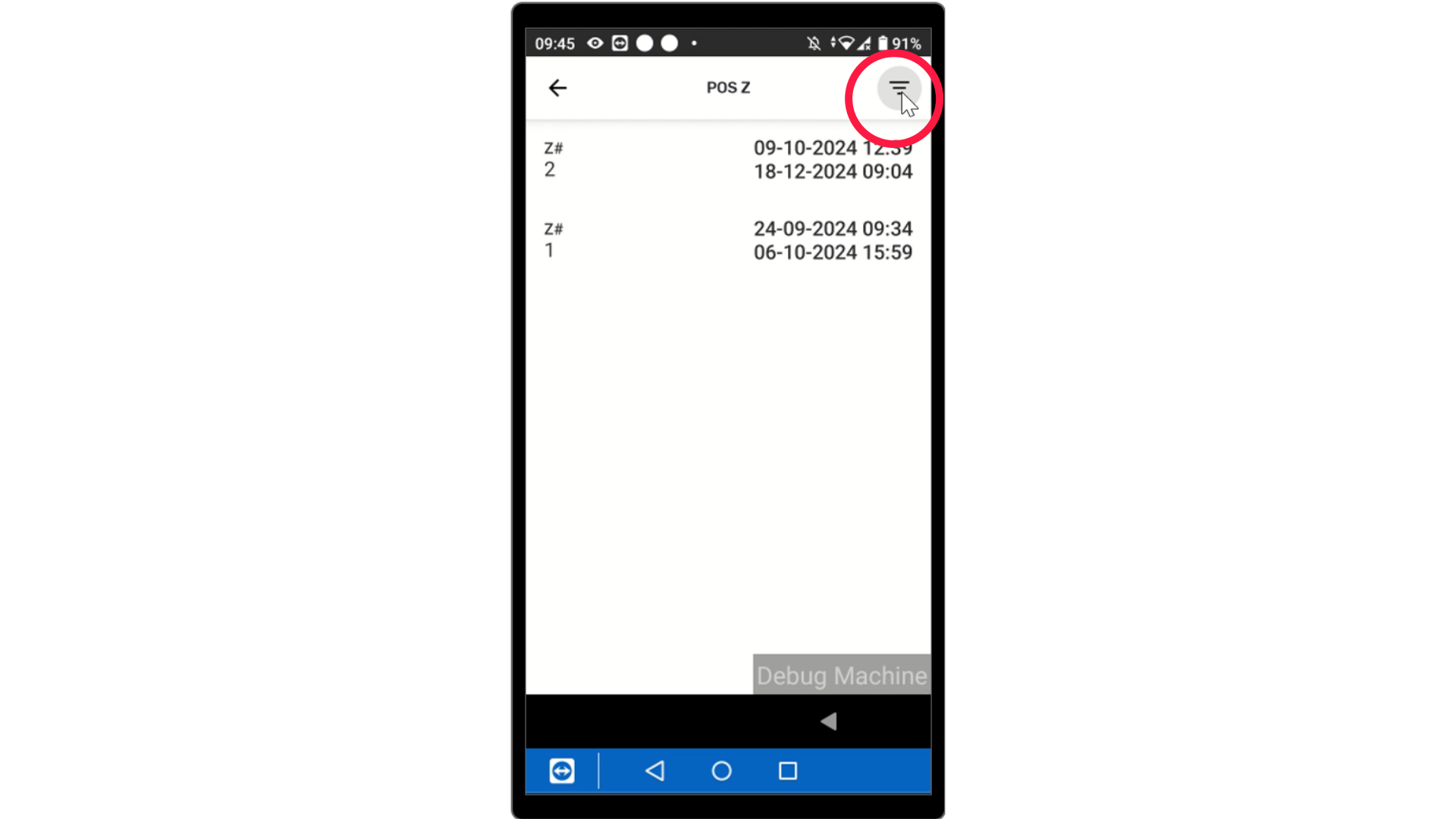
Filter Options
Image AttachedClick on the three lines as highlighted to filter the report.
5
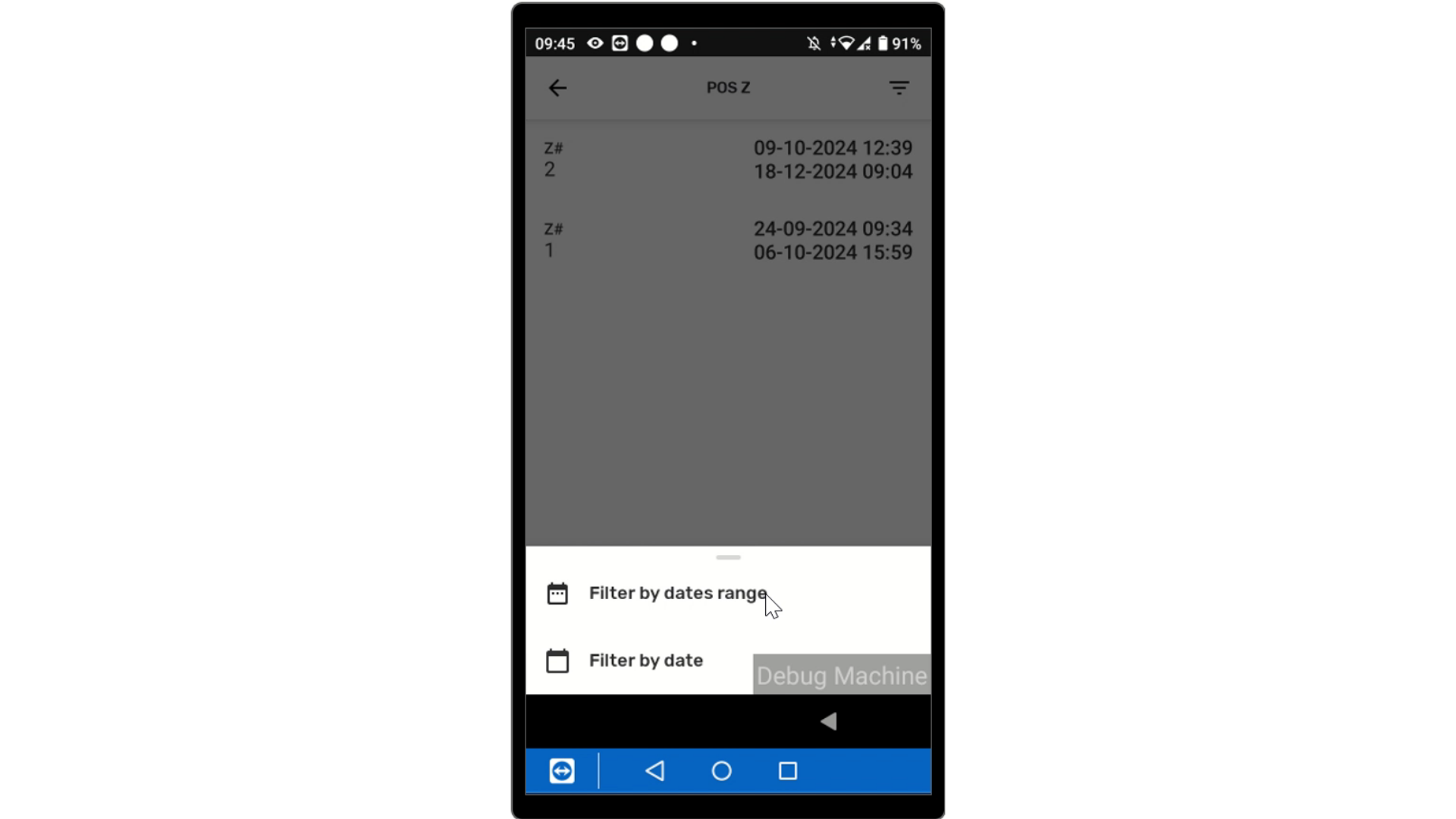
Date Range or Date
Image AttachedFilter by dates range or filter by date.
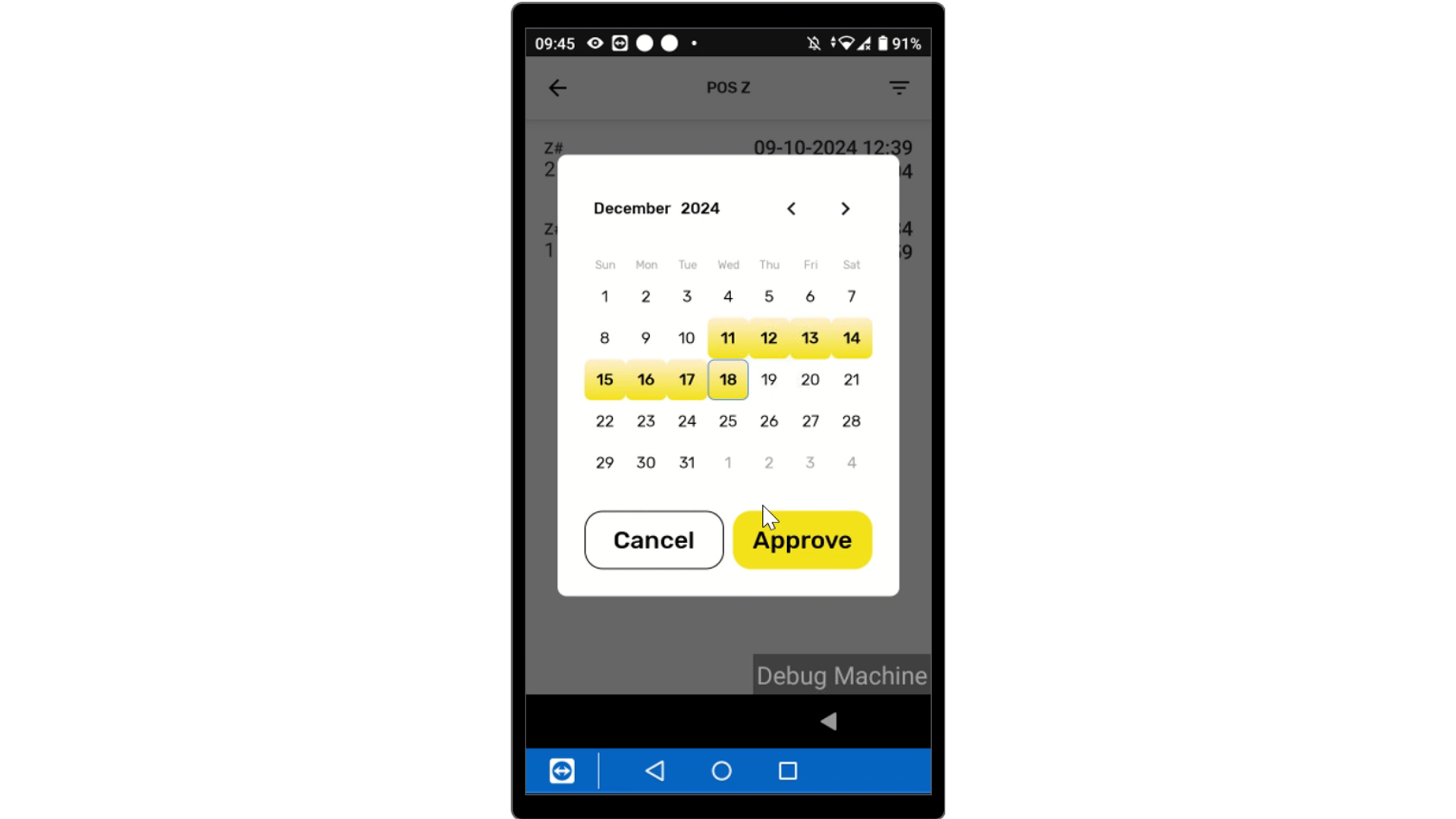
6
Calendar Displayed
Image AttachedThe screen will display a Calendar to set a time period for the report and tap approve.
7
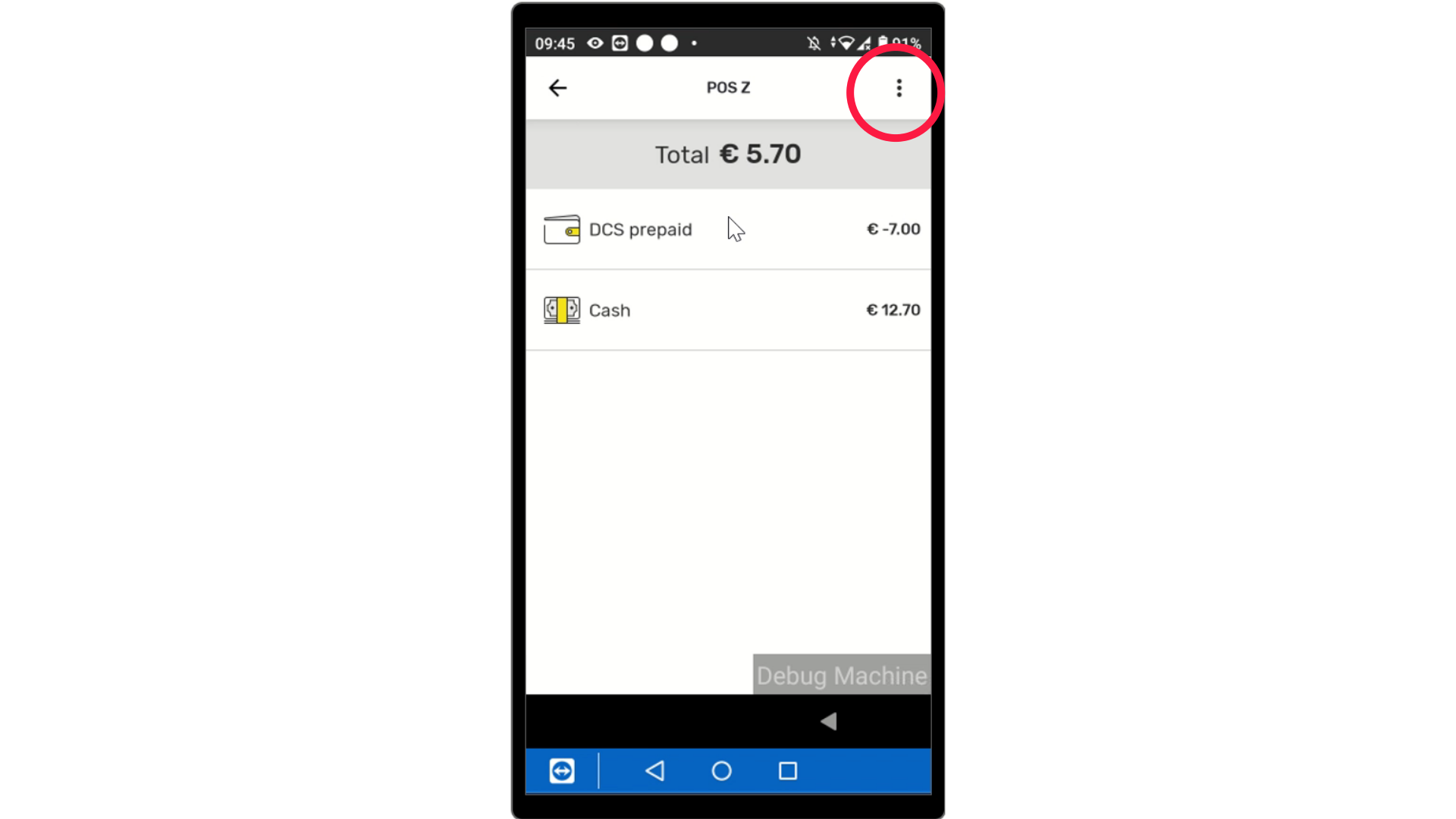
To Receive Report
Image AttachedTap the Three Dots as highlighted for options to receive report.
8
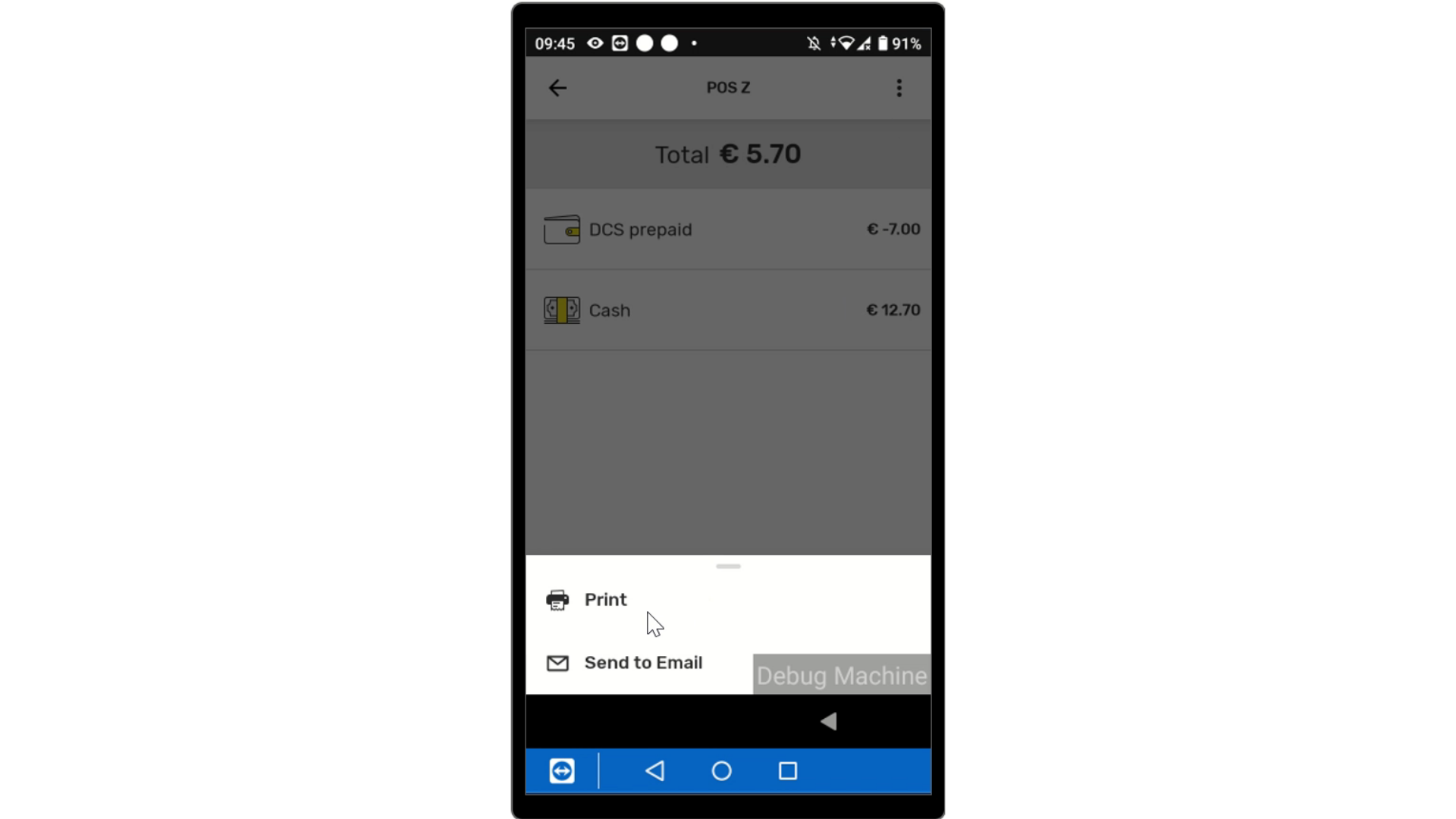
Prefered Report Receipt
Image AttachedChoose how to receive the report to be printed or emailed.
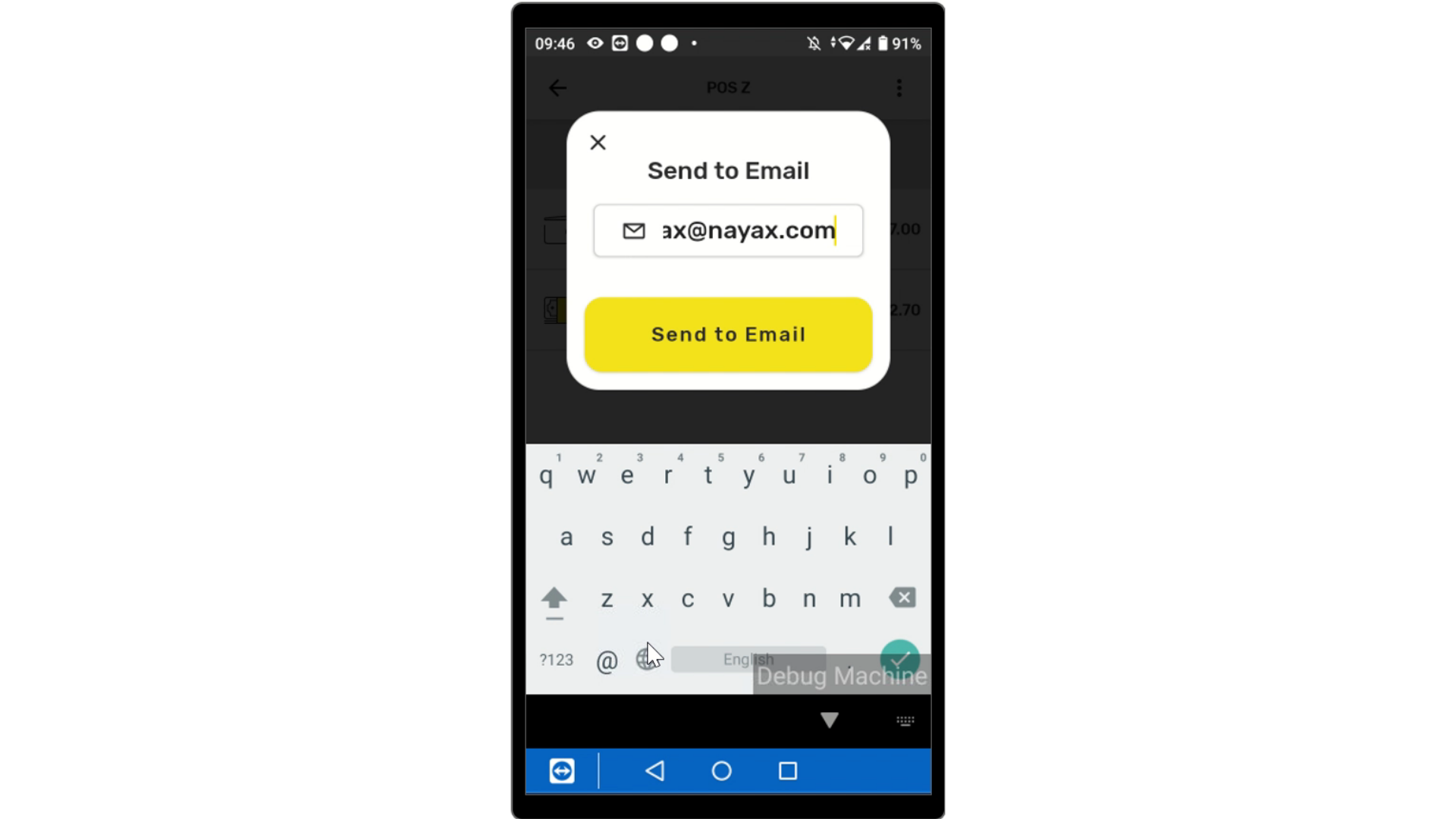
9Email
Image Attached
Insert your email and tap Send.
Thank you!
Did you find this article helpful?