
How to Edit / Change a Cash Only Message on a POS Device | Operations
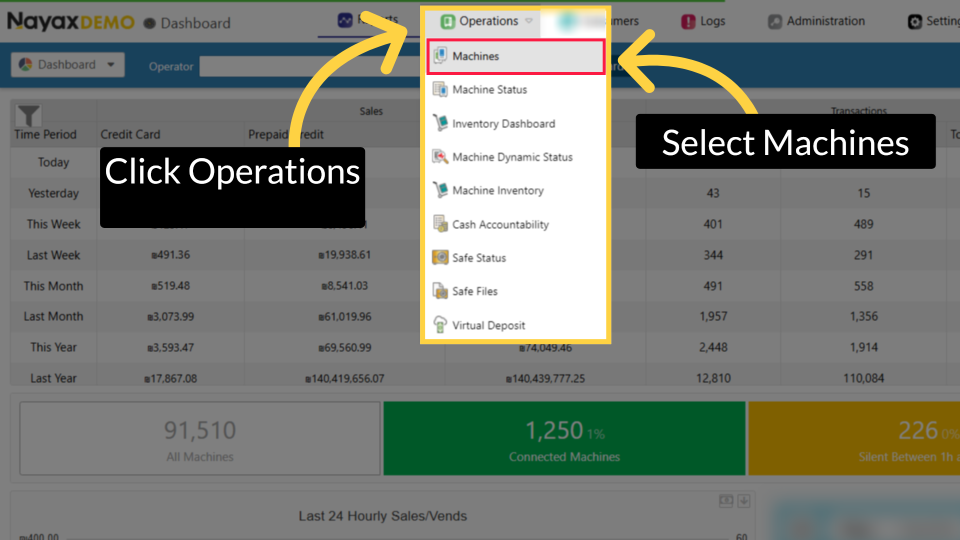
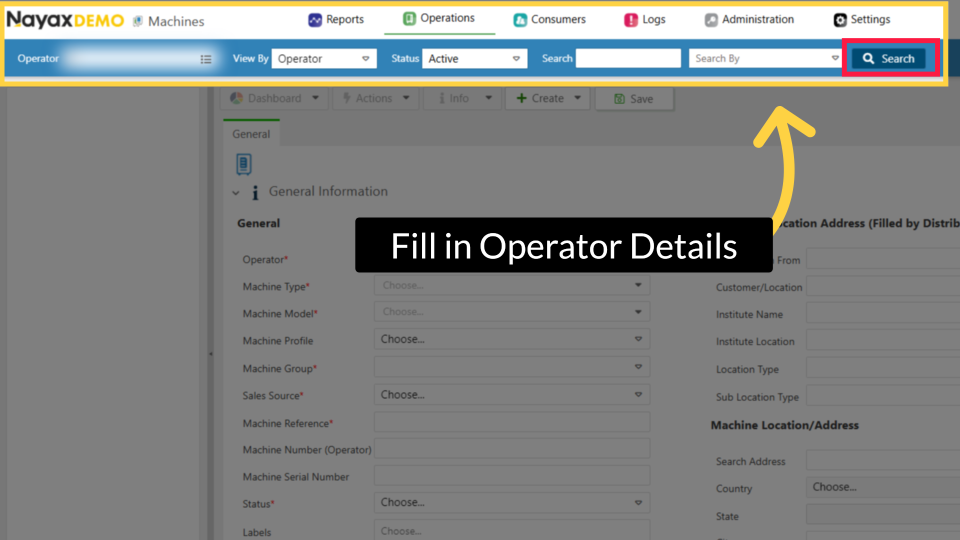
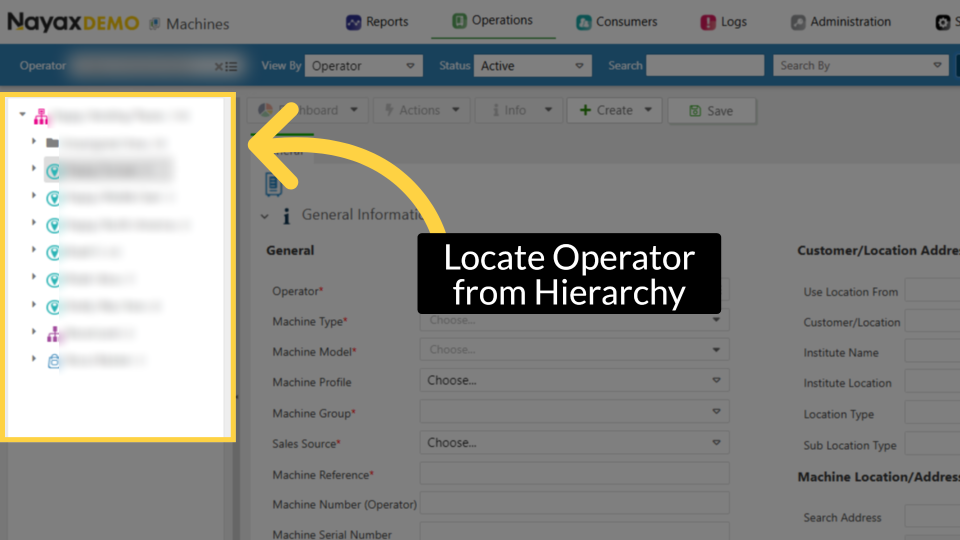
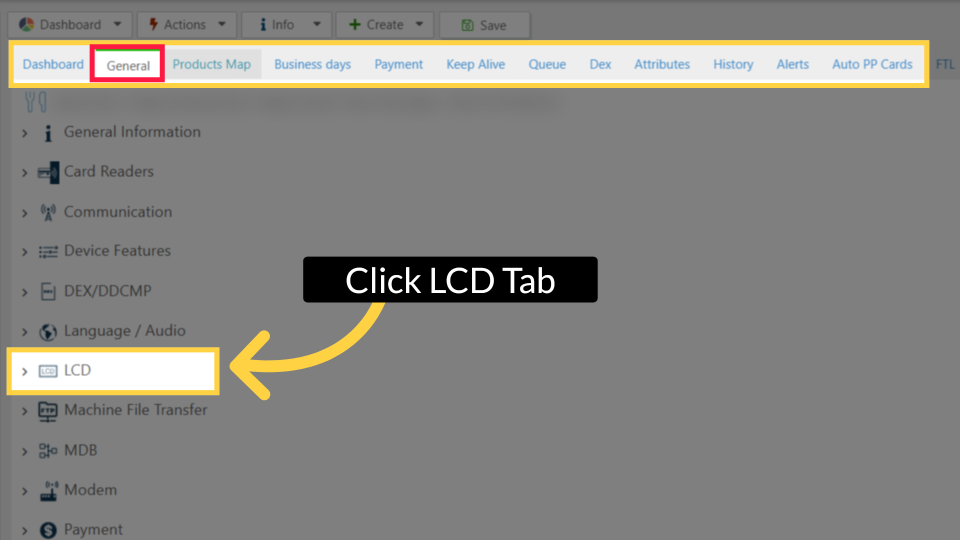
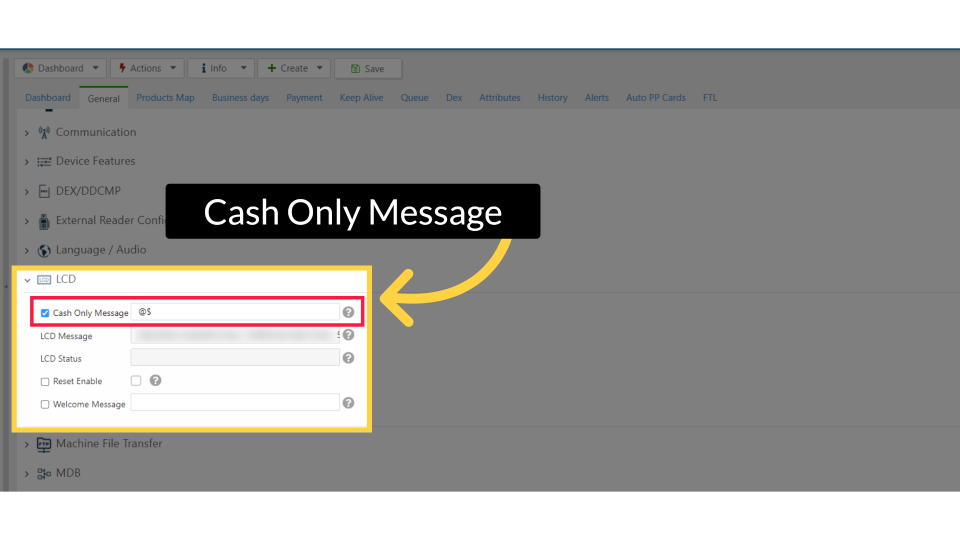
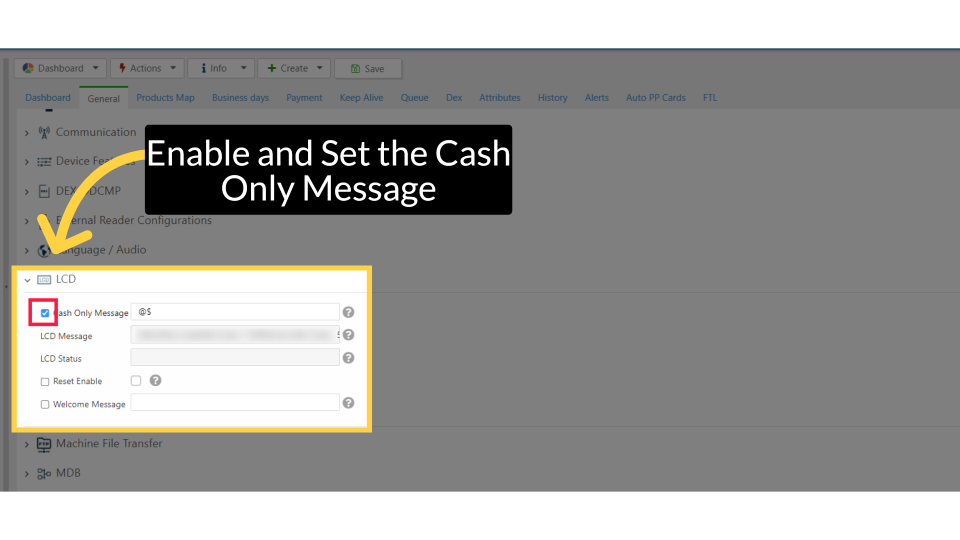
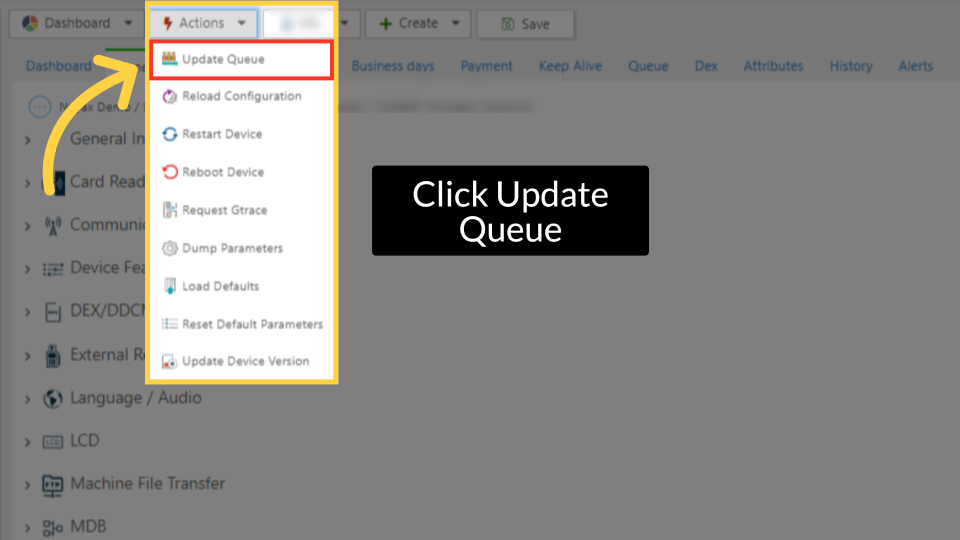
Change the Cash Only message on your Nayax device screen using LCD Attributes in Nayax Core Management Platform. This does not fix the Cash Only state, use it to customize the display for your operators.
What is Cash Only?
What Is Cash Only?
Cash Only is the state shown on your Nayax device screen when the device and the vending machine are not communicating with each other. Common causes include:
1A fault on the vending machine board
2Cashless payments not enabled on the machine board
3A faulty or wrong cable between the device and the VMC
4The device is configured to Marshall protocol instead of MDB
Retrieval Aid
Quick Reference: LCD Attributes
| Attribute | Default value | What it controls |
|---|---|---|
| Cash Only Message | Cash Only | The text shown on the device screen when in Cash Only state - this is what you're changing. |
| LCD Message | (blank) | A custom message shown on the device LCD at other times. |
| LCD Status | (blank) | Status indicator shown on the LCD display. |
| Welcome Message | @$ | The message shown on the device screen when idle and ready. |
Did you find this article helpful?