
How to Assign a Transaction to a Customer | Nova Market
Video Guide
Tap Guest/Employee Identification
Image AttachedTap the Guest/Employee Identification button under the Nayax logo.
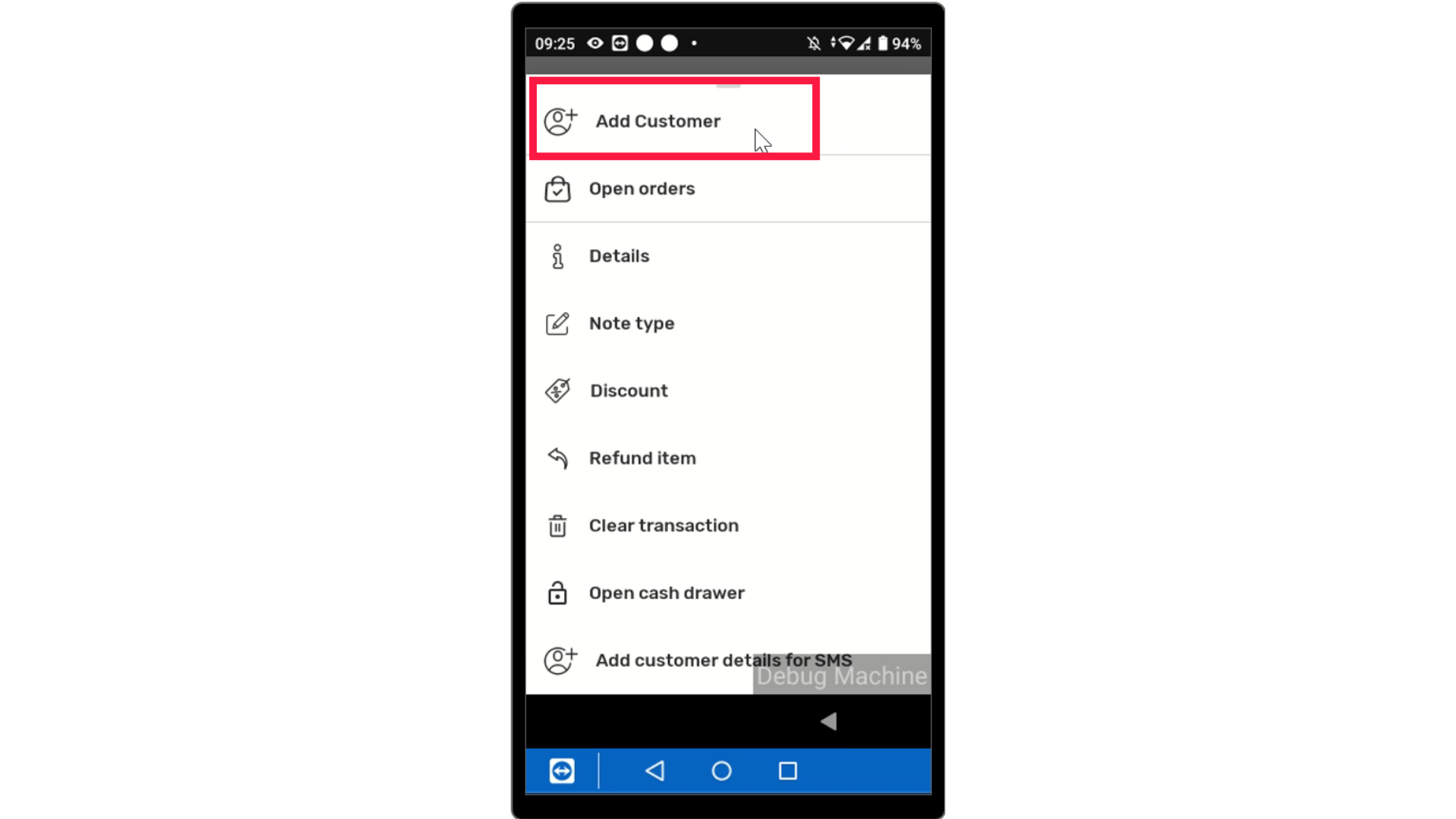
Enter Phone Number
Image AttachedEnter the guest or employees phone number.
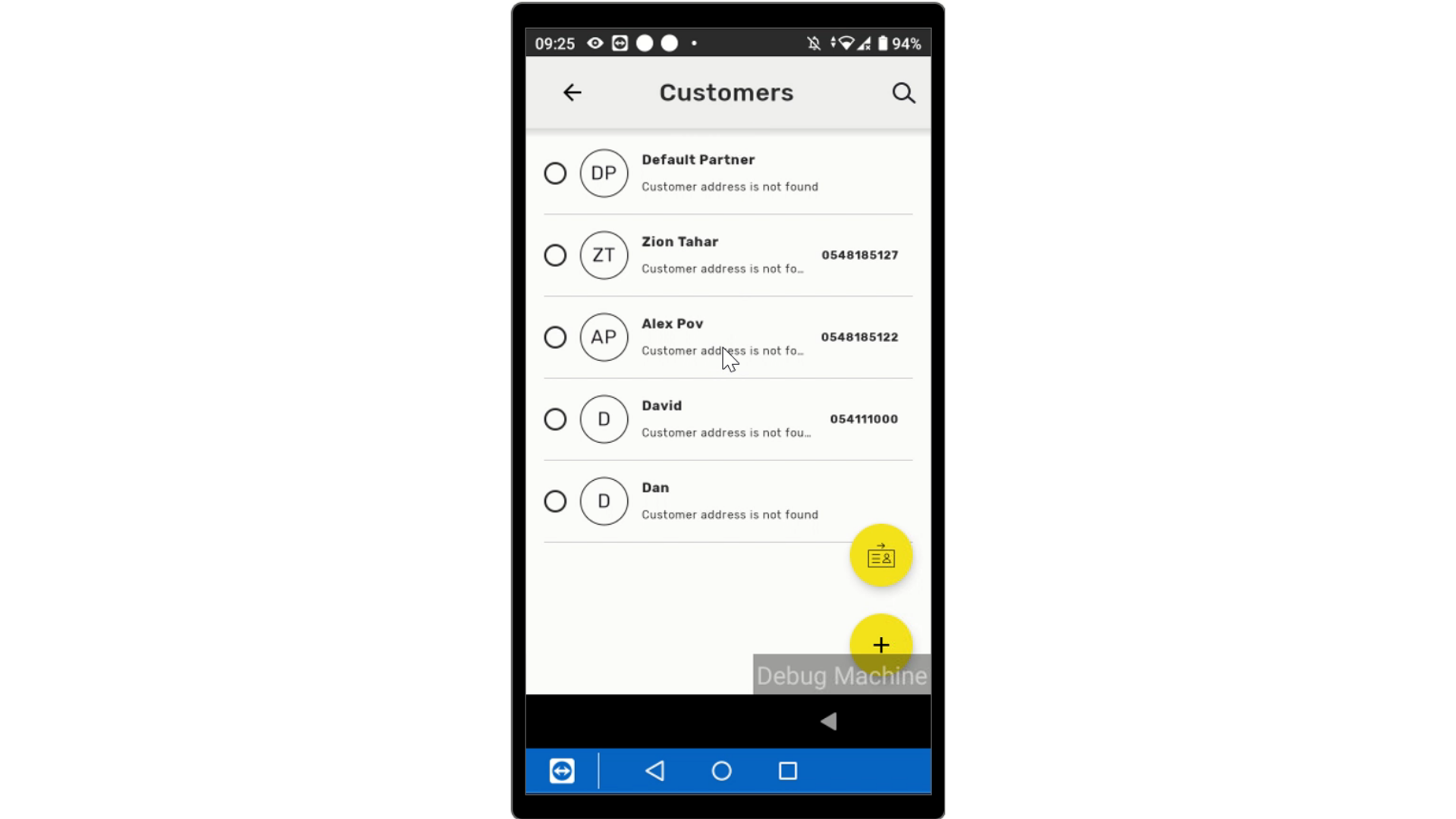
Click Search
Click on the search button.
Select Items
Image AttachedSelect items to add to the cart.
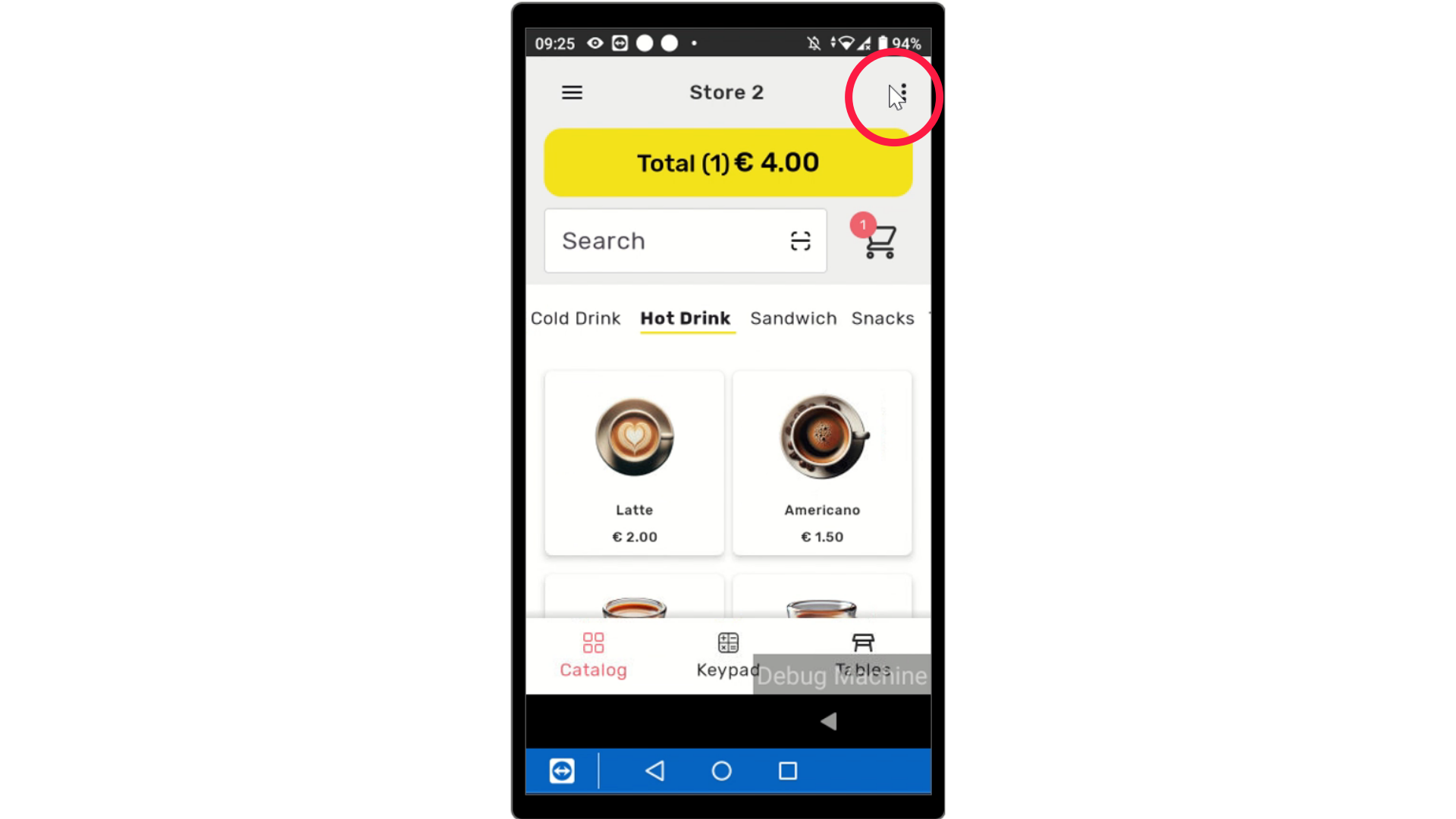
Click Info Icon
Click on the info icon next to the guest/employee profile to view account information.
View Account Information
Here is all the information connected to the customers account including their punch cards, benefits, and coupons.
Click Checkout
Image AttachedClick checkout and process a payment.
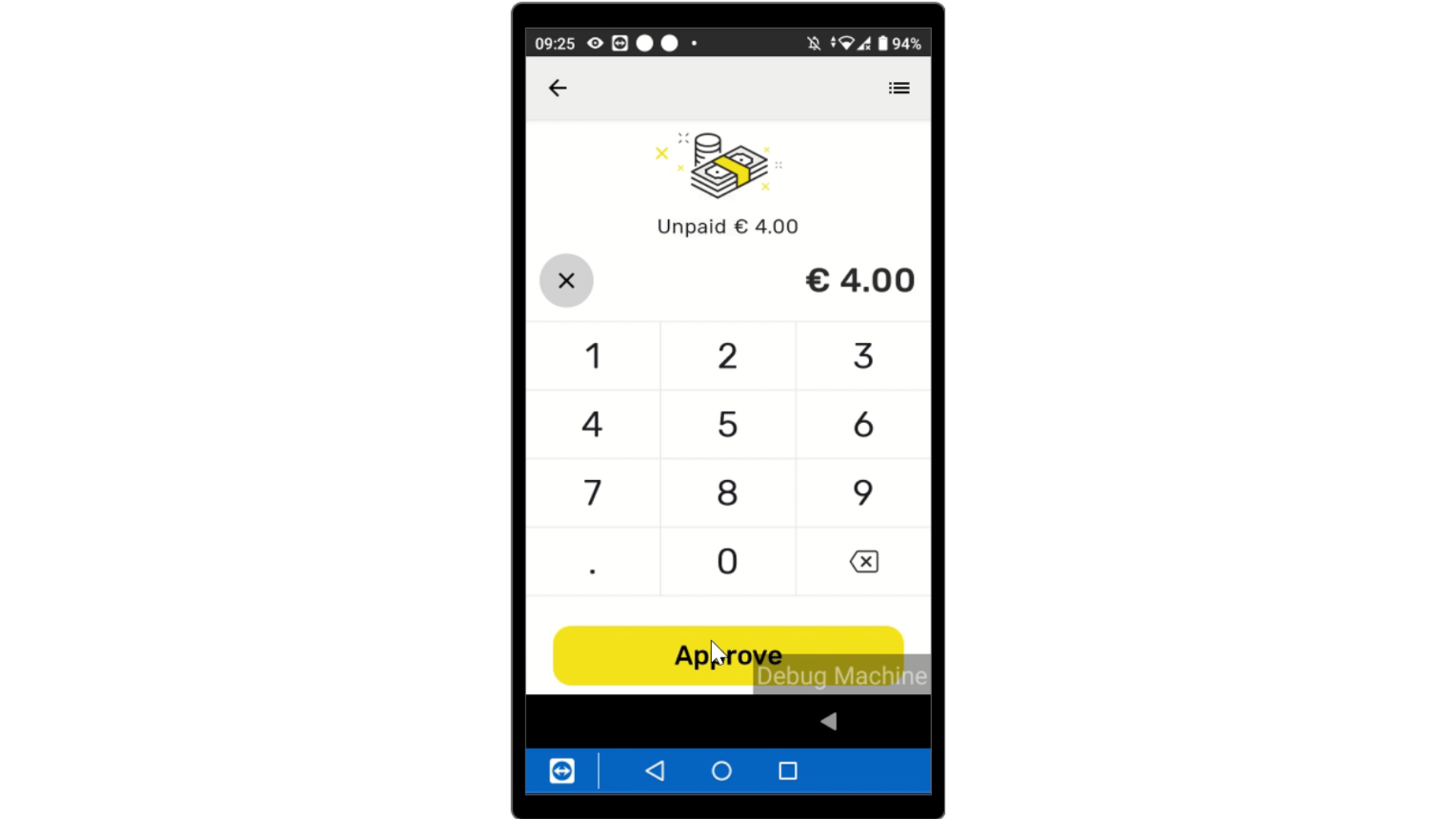
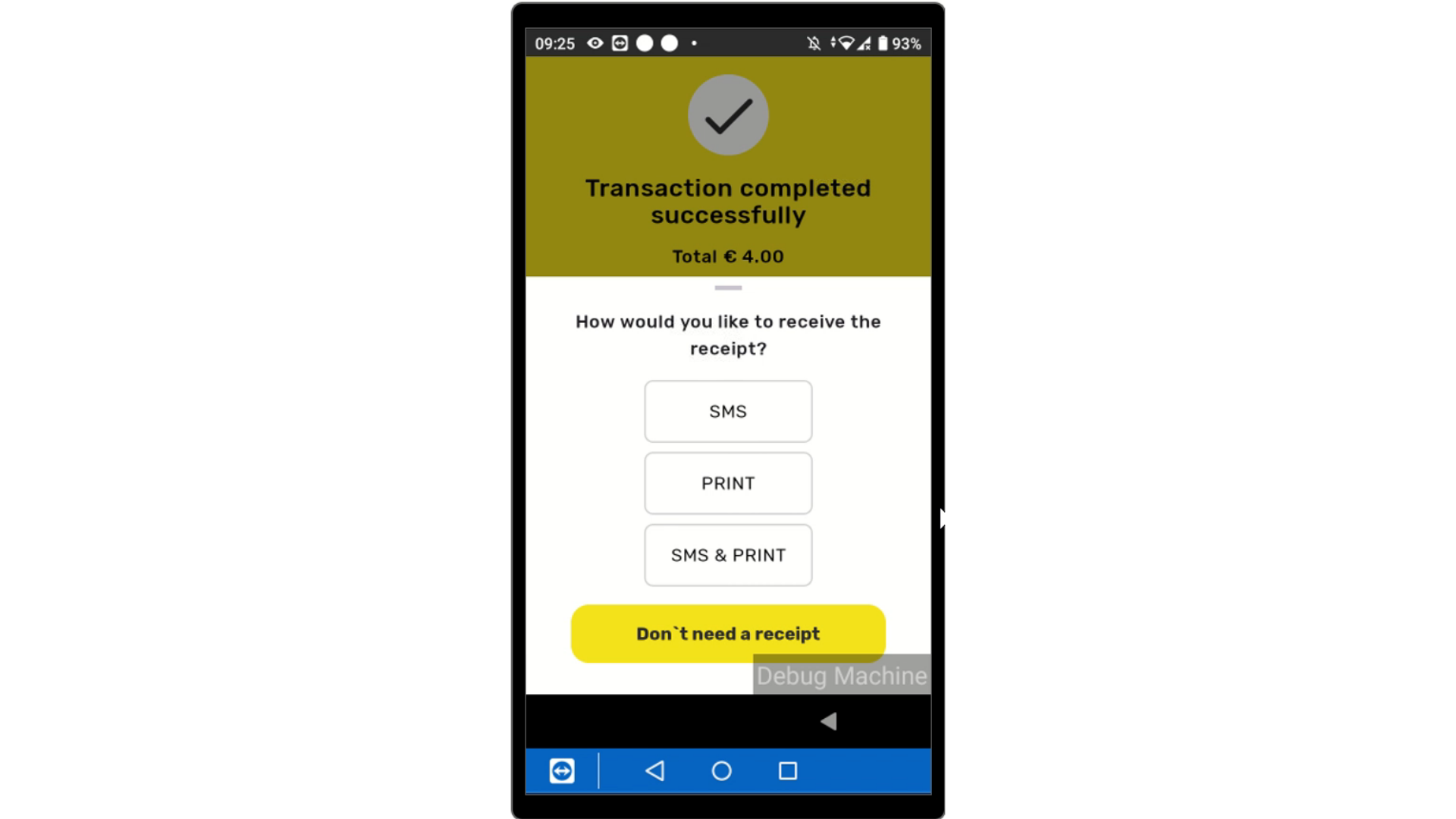
Transaction Successful
Image AttachedTransaction Successfully completed.
Thank you!
Did you find this article helpful?