
How to Assign a Transaction to a Customer | Nova 55F
1
Video
2
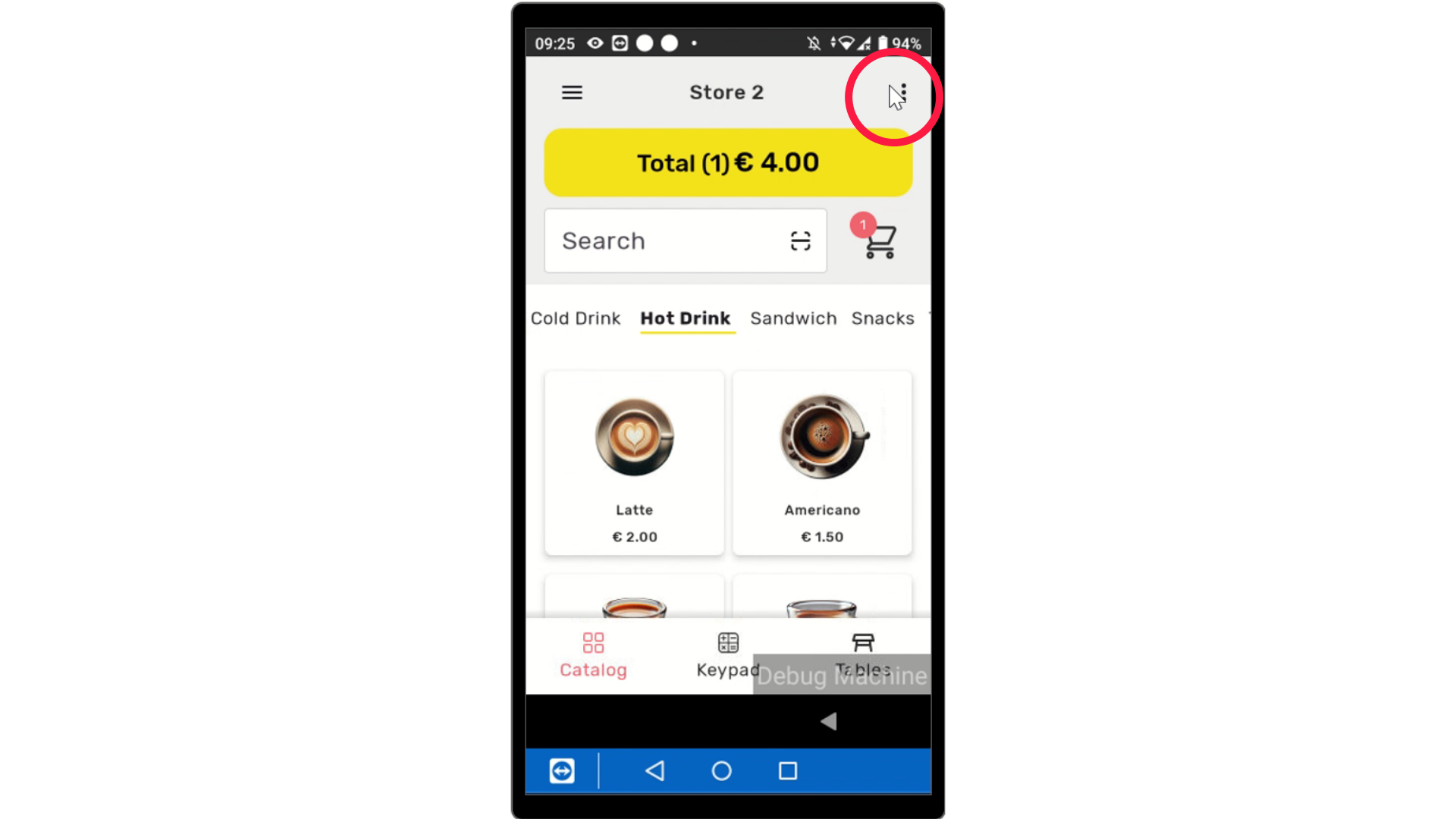
Select Items
Image AttachedSelect items to add to the cart then on the device click the three dots on right side of the screen.
3
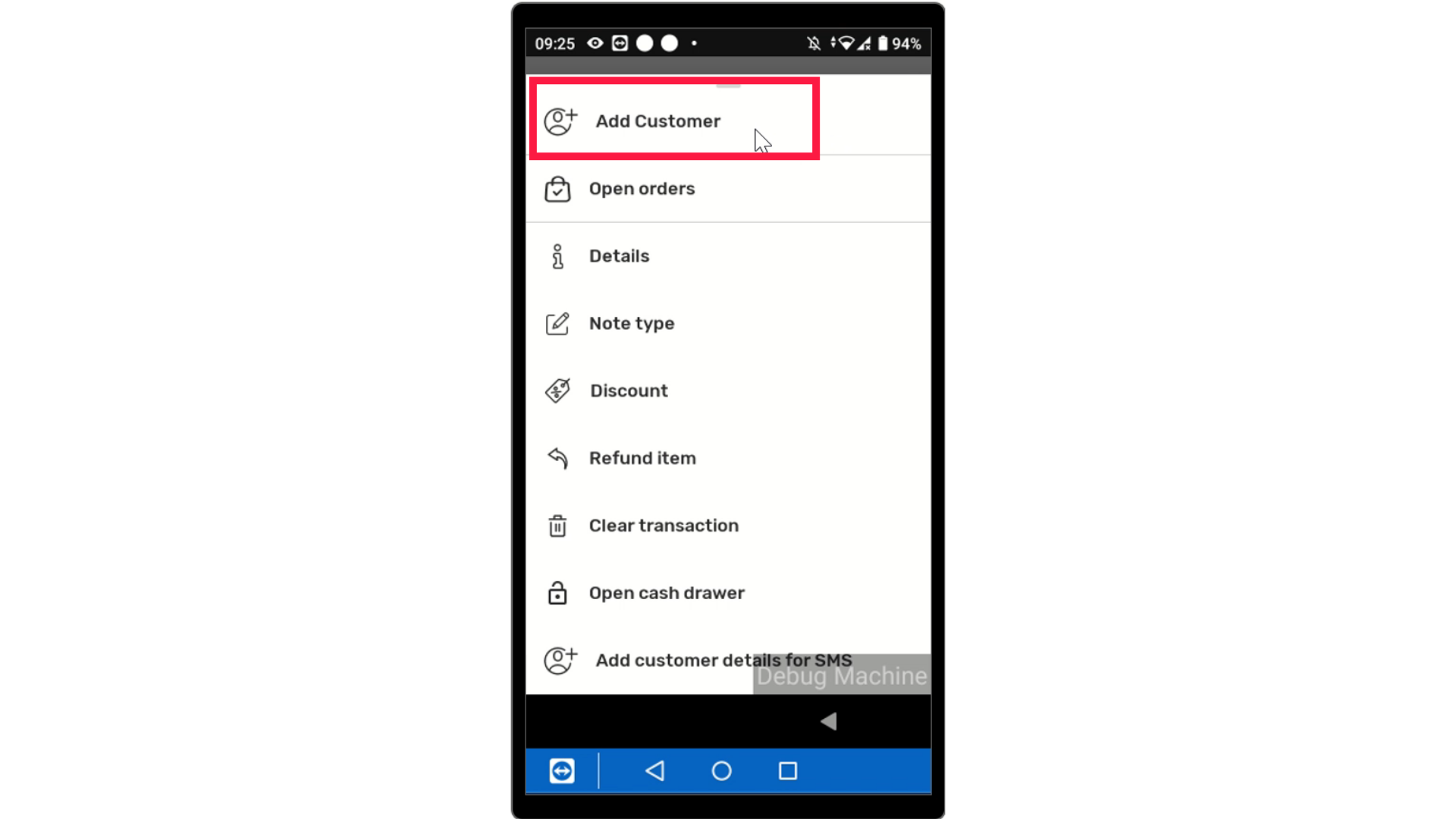
Tap Add Customer
Image AttachedTap Add Customer
4
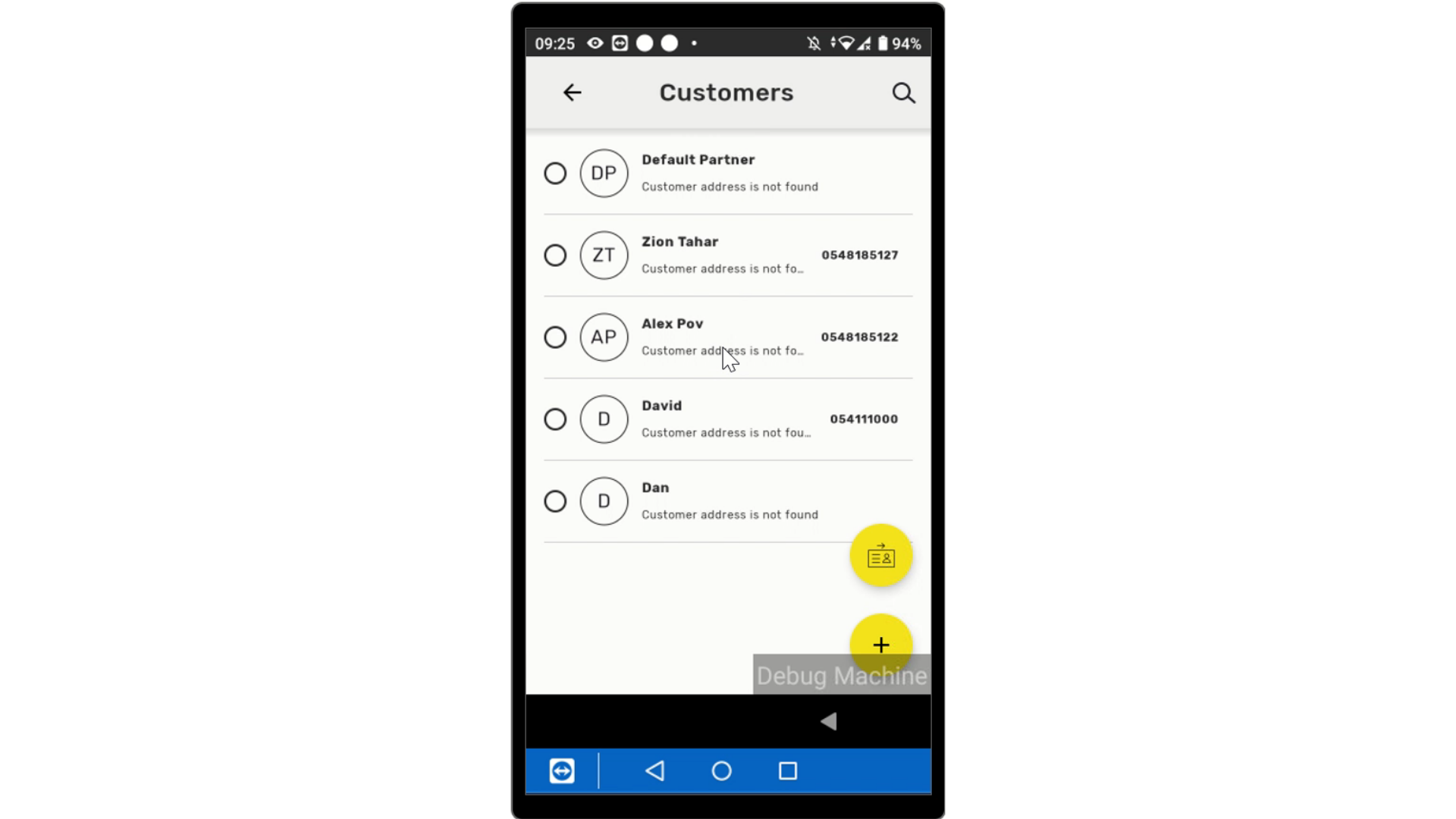
Tap on Customer
Image AttachedTap on customer to assign transaction to.
5
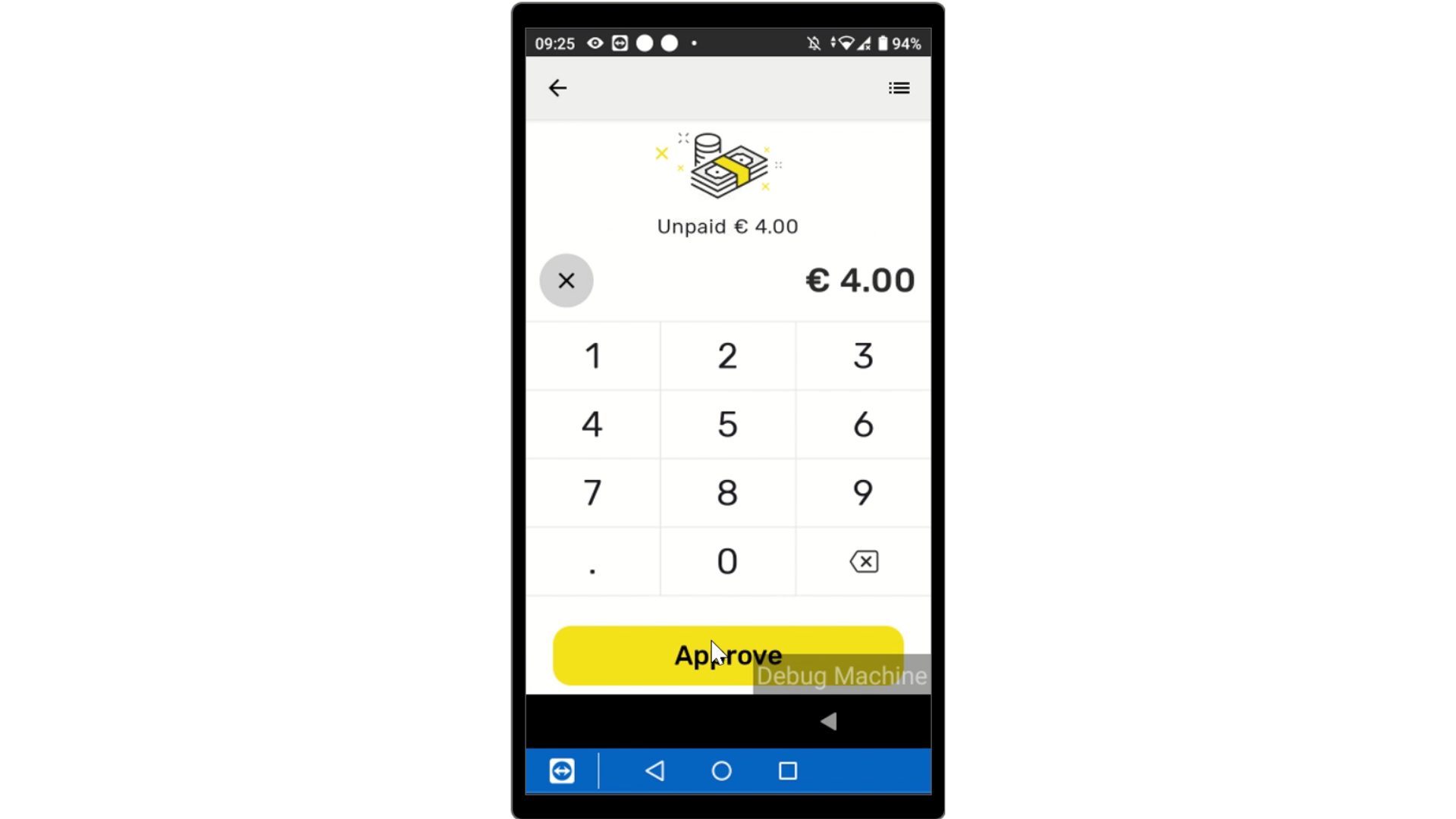
Input the Payment
Image AttachedInput the payment total.
6
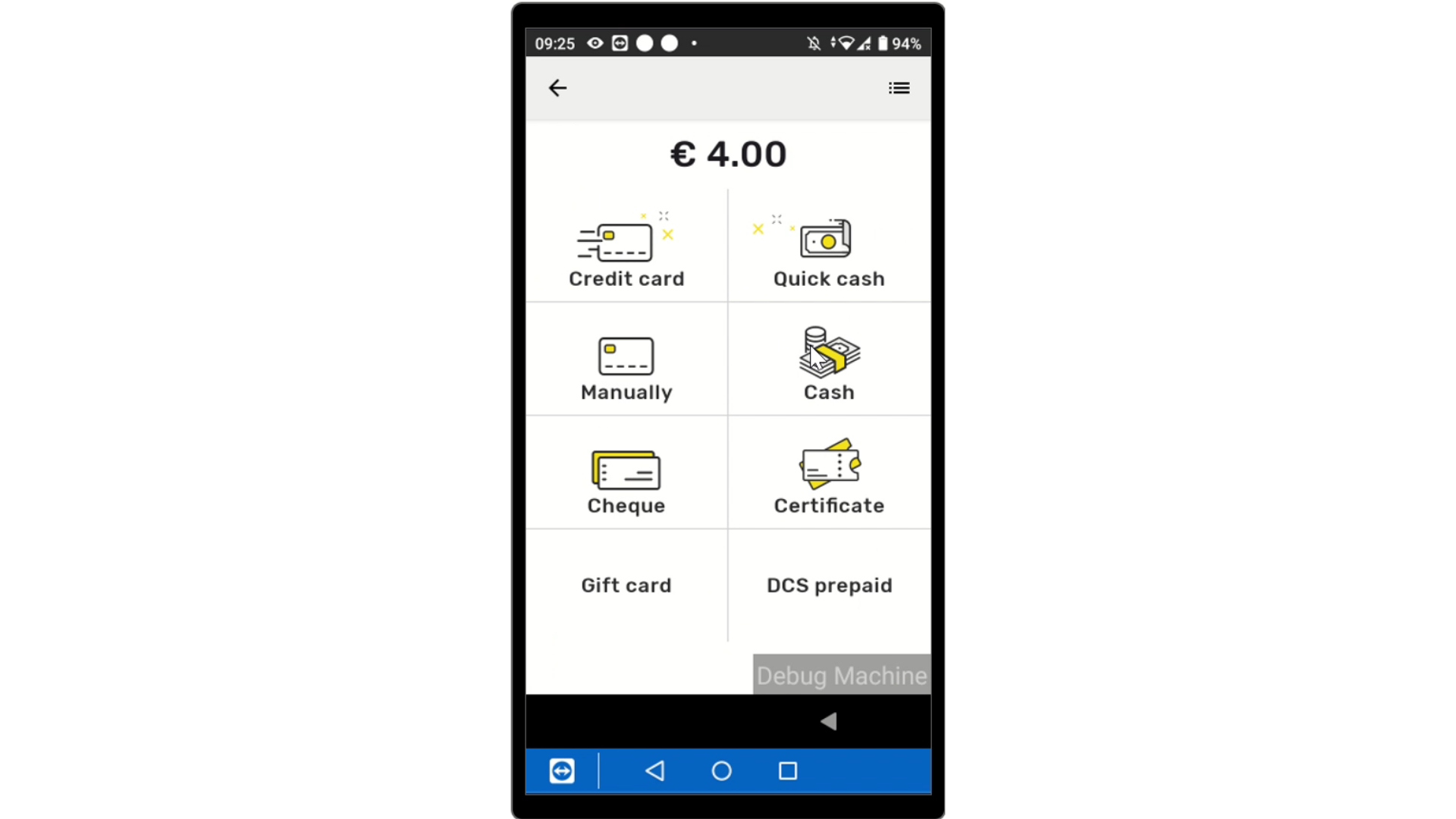
Select Payment
Image AttachedSelect the payment type from the options listed below.
7
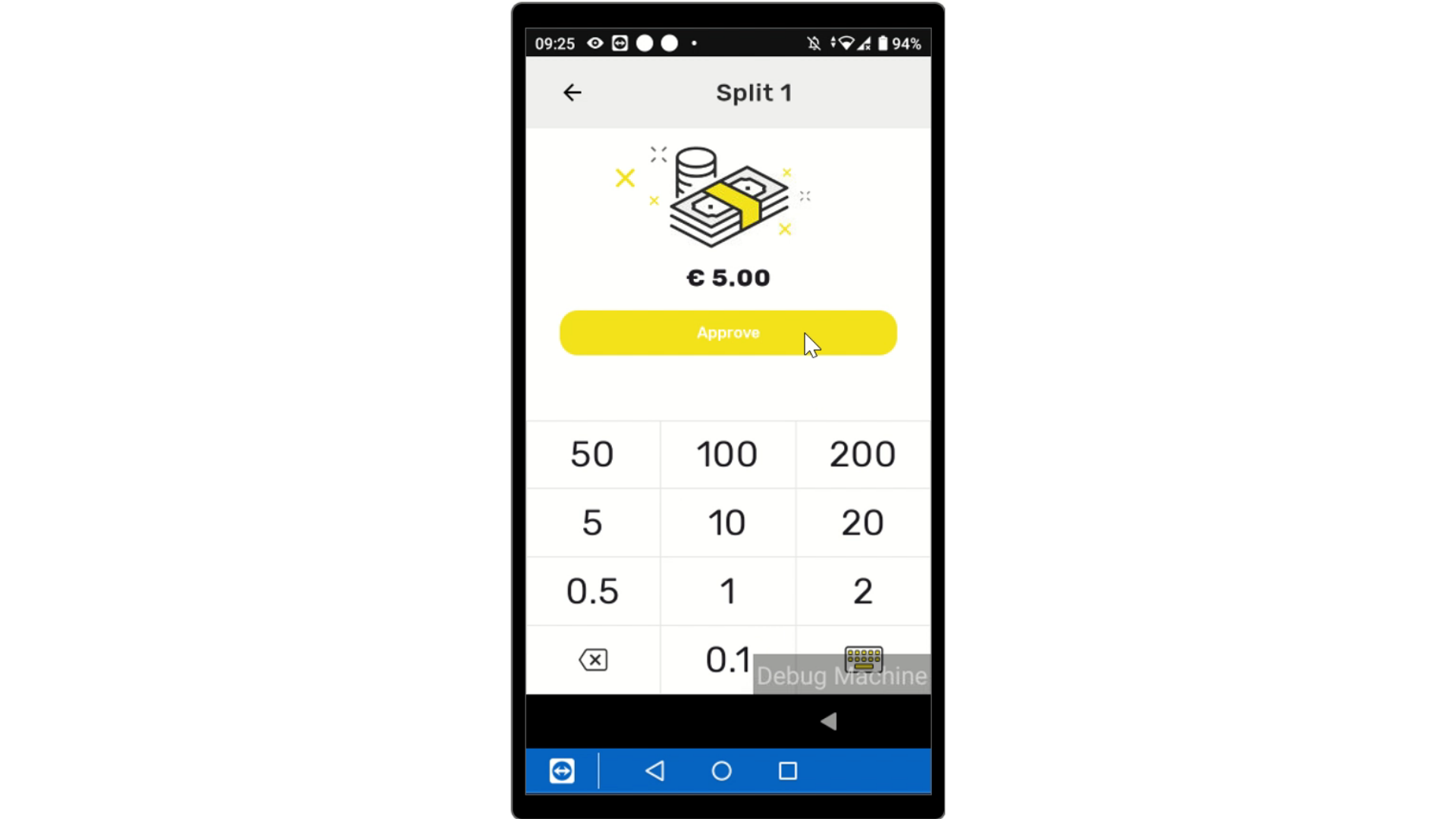
Input the Payment Received
Image AttachedInput the payment received and tap approve.
8
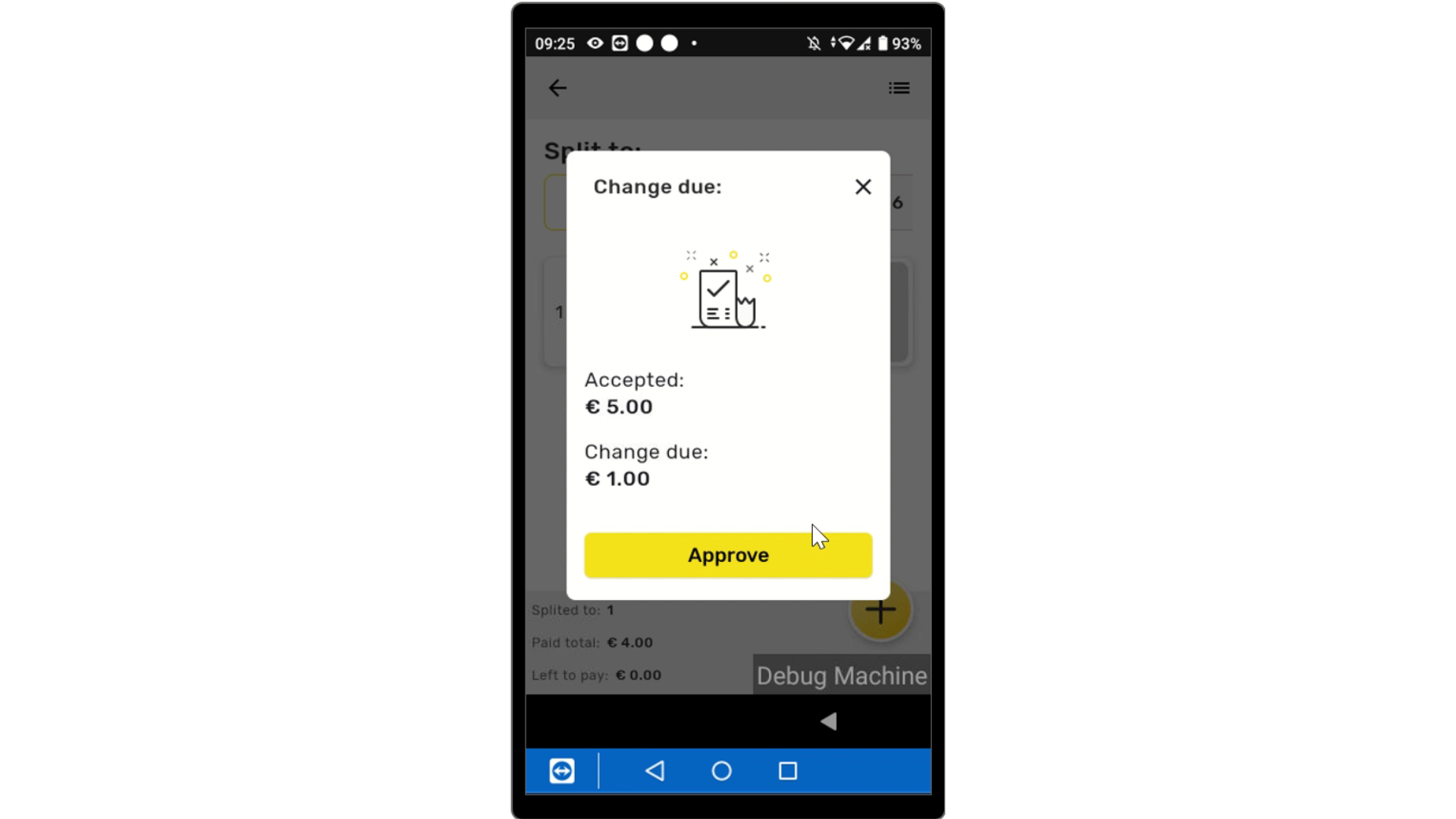
Approve Change
Image AttachedApprove Change if applicable.
9
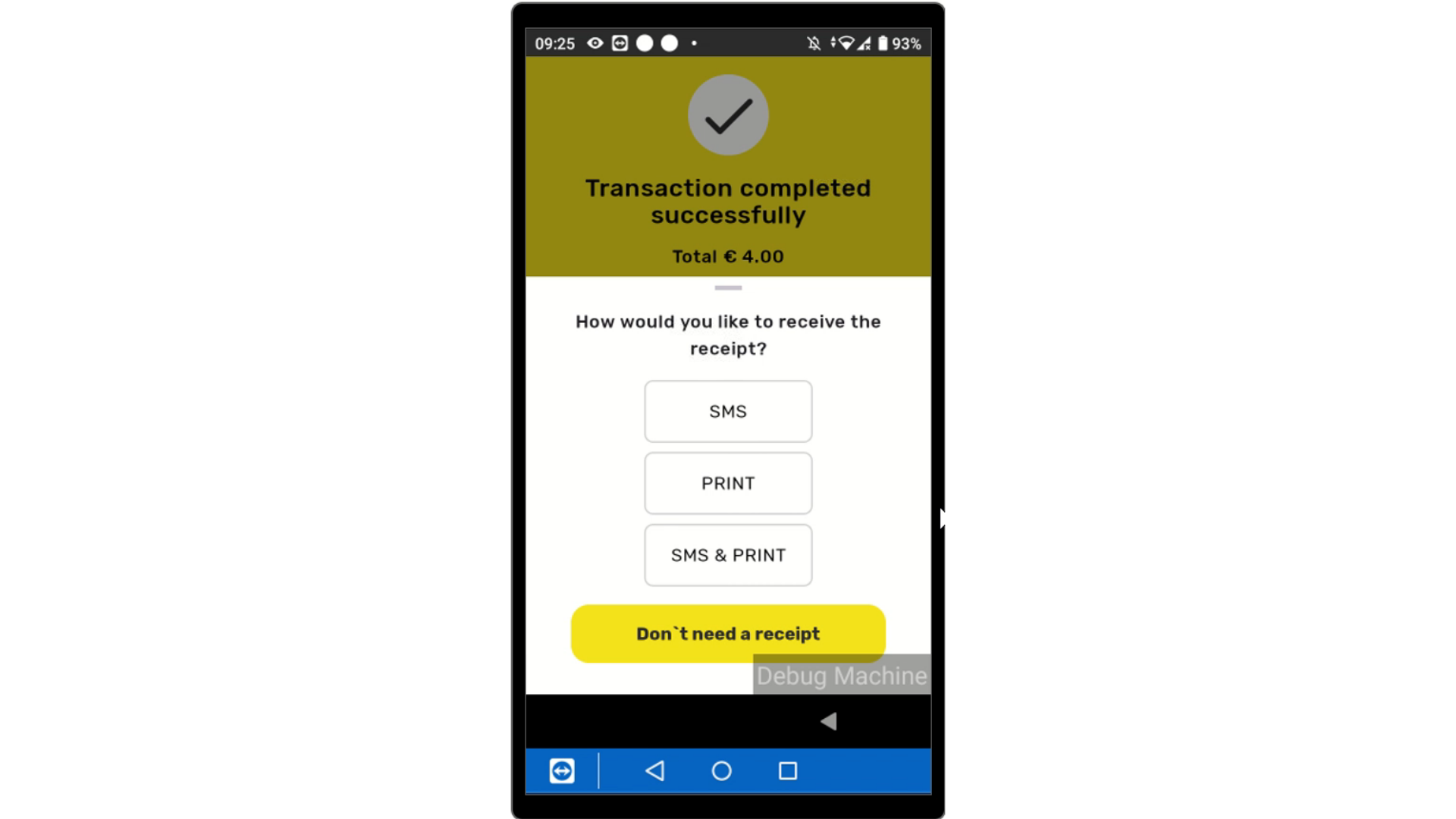
Transaction Successful
Image AttachedTransaction Successfully completed.
Thank you!
Did you find this article helpful?