
How to Generate a X Report | Nova 55F
1
Video guide
2
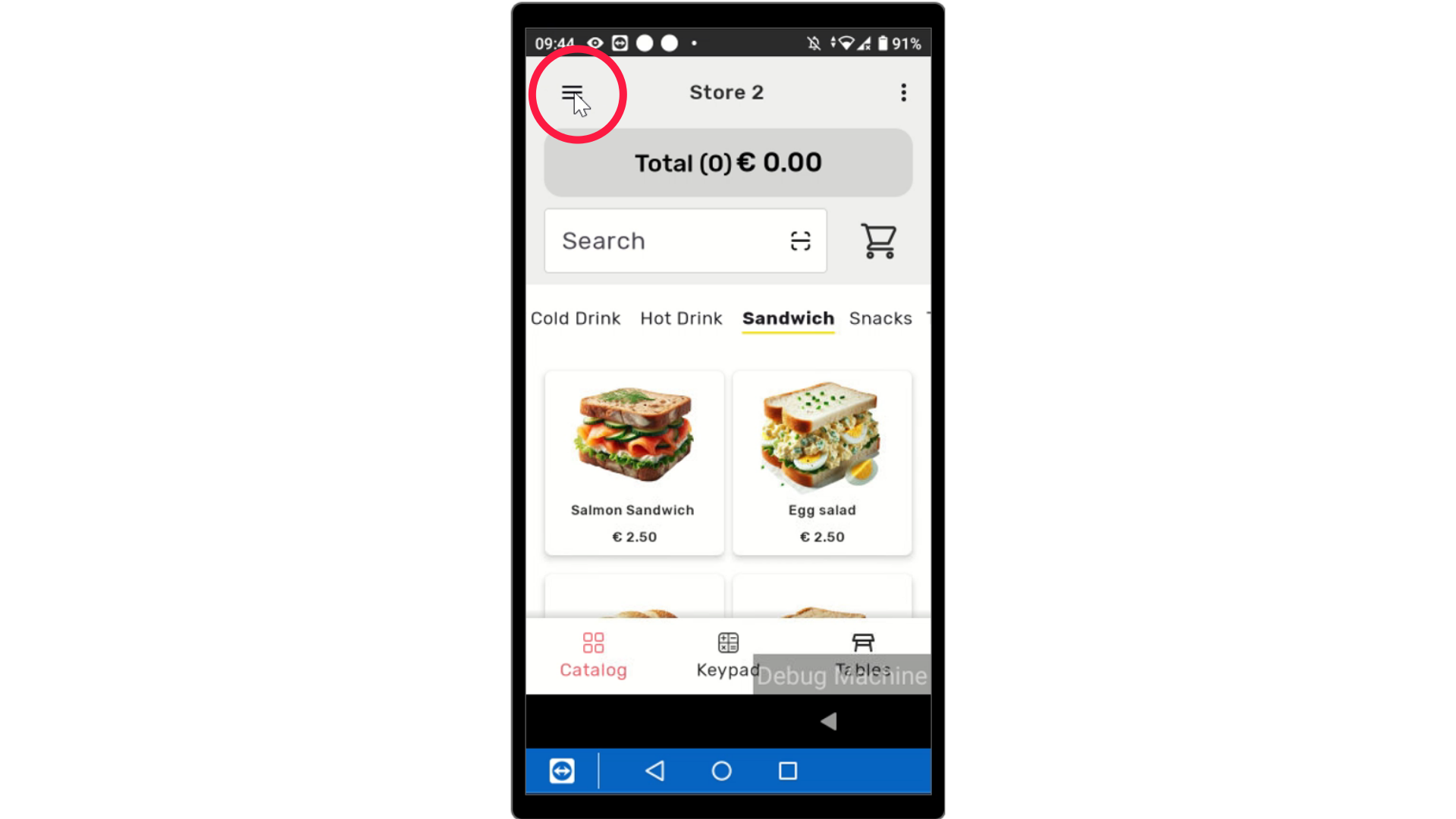
Click Three Lines
Image AttachedOn the device, click the three lines as highlighted at the top of the screen to open the menu.
3
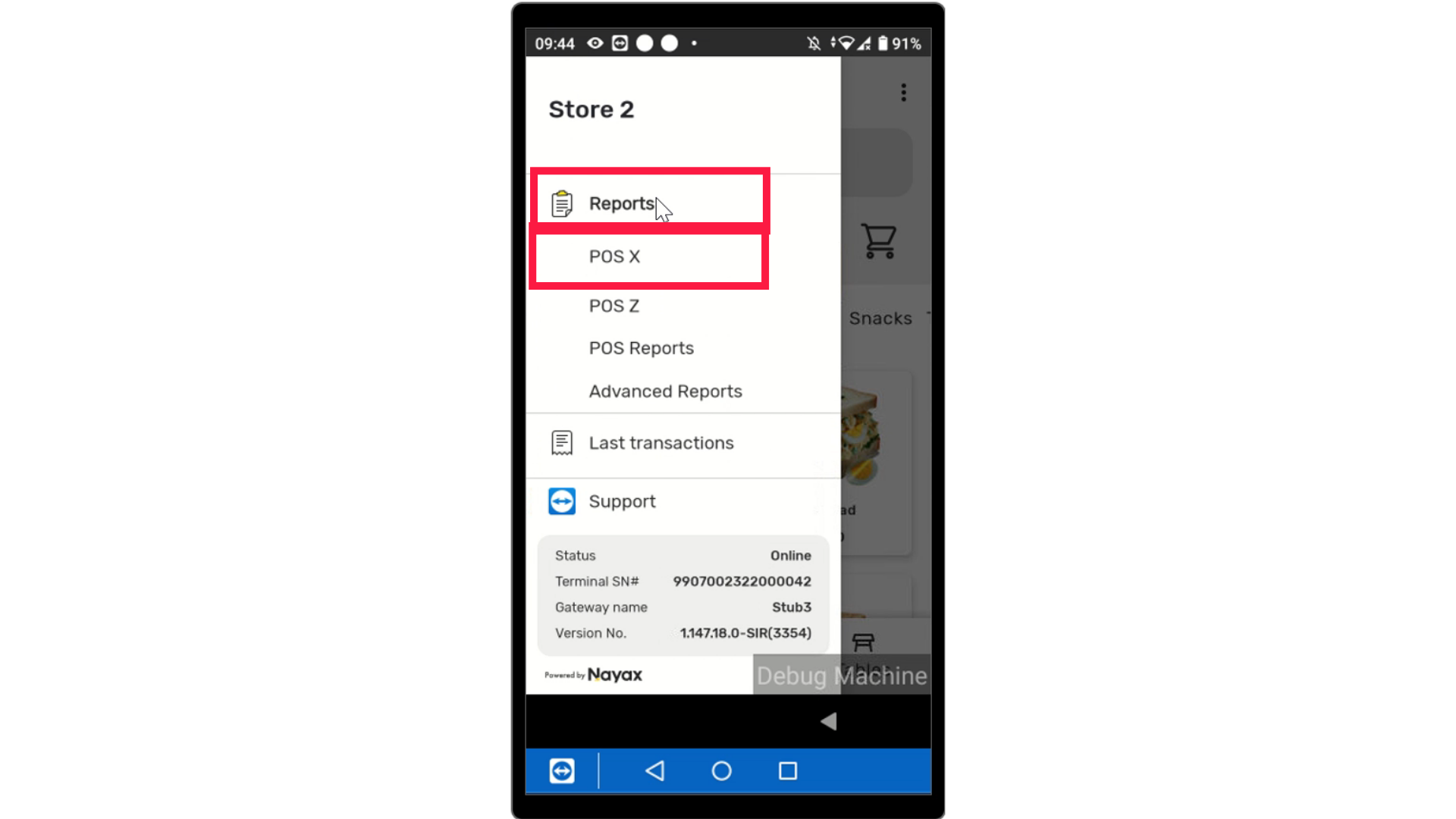
Tap Reports
Image Attached
Tap on Reports and select POS X from the options as highlighted..
4
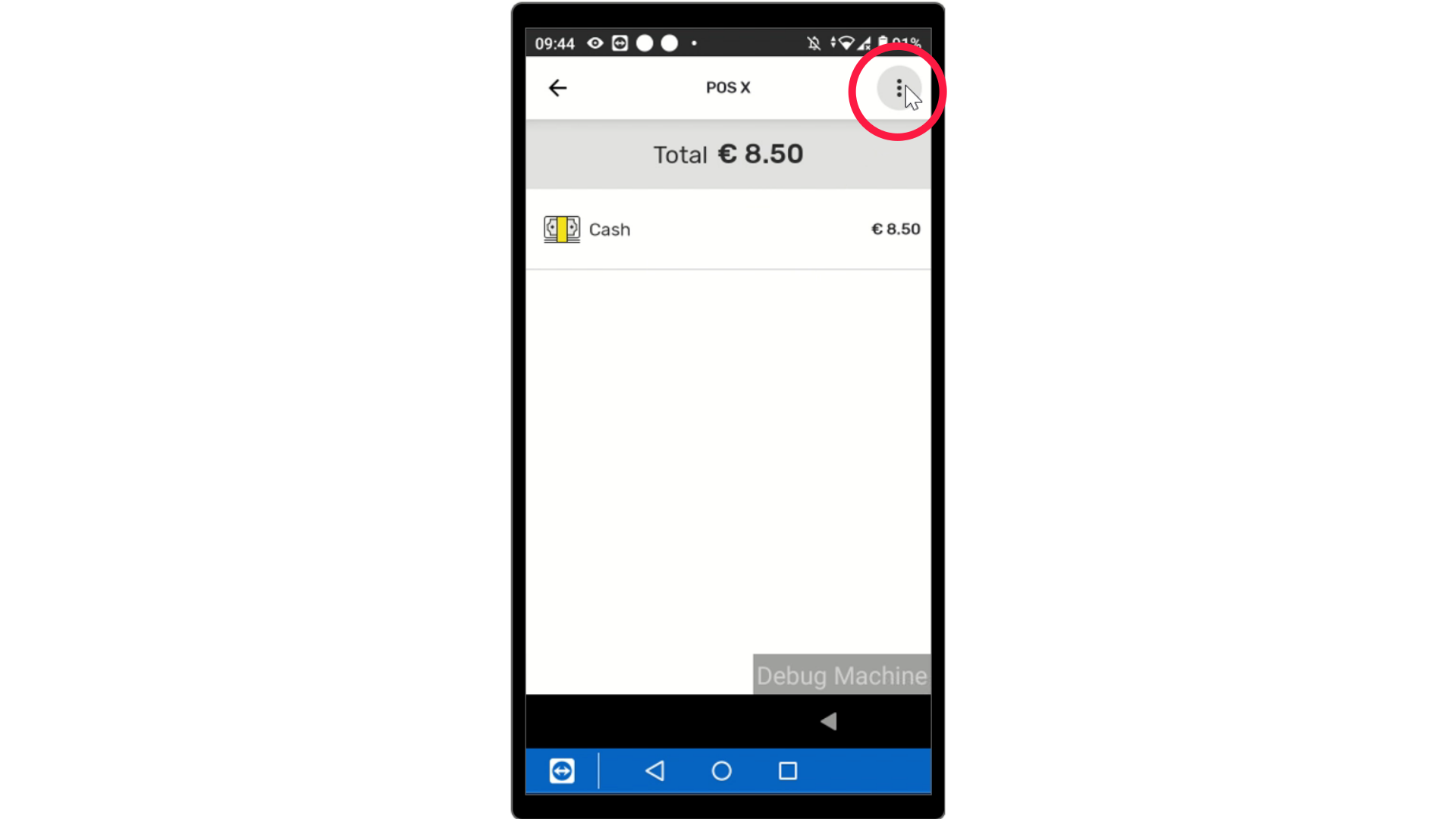
POS X Report
Image AttachedThe screen will display the POS X report. Tap the 3 circles on the right of the screen for your export options.
5
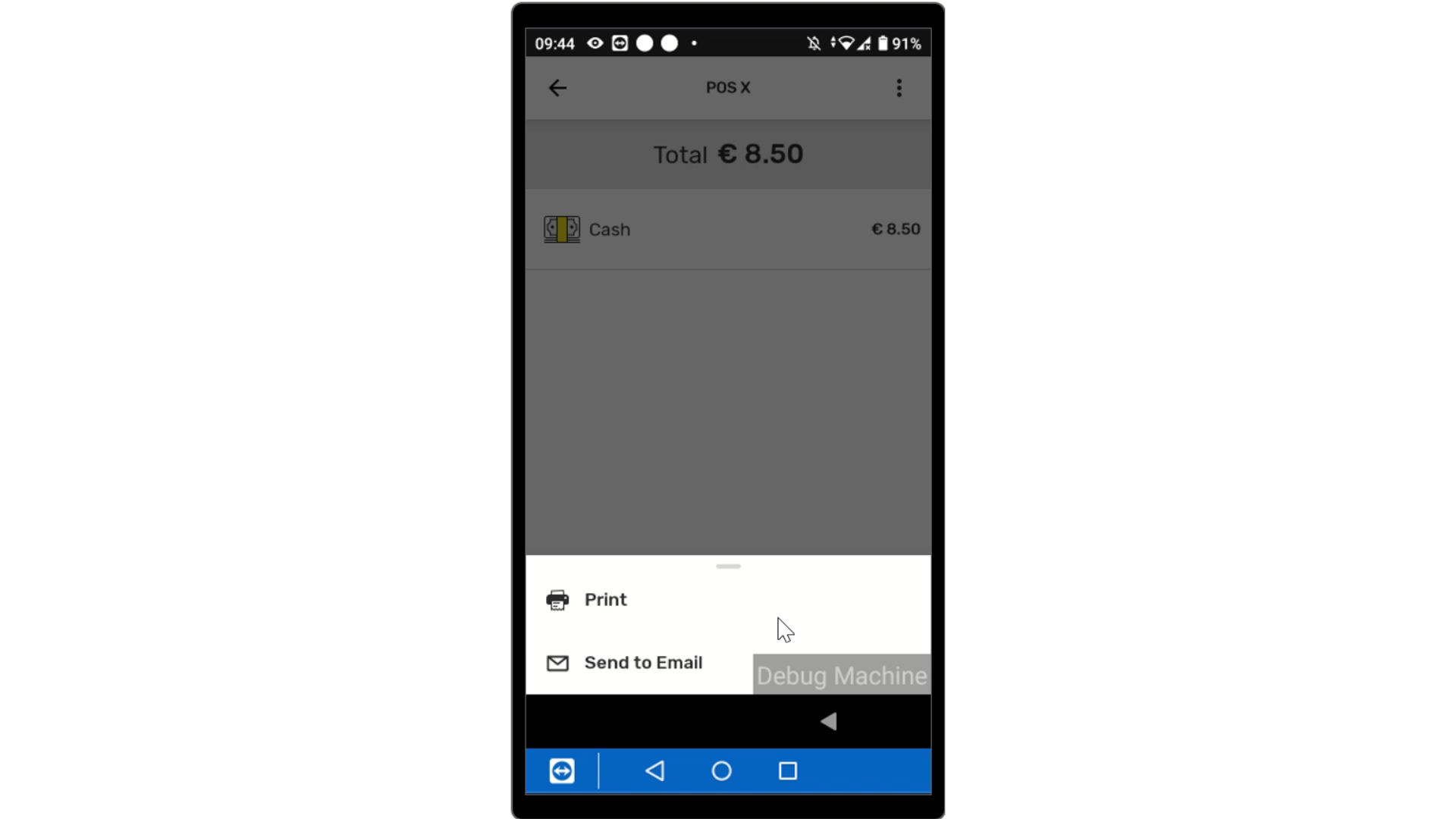
Print or Email
Image AttachedSelect how you want your report delivered.
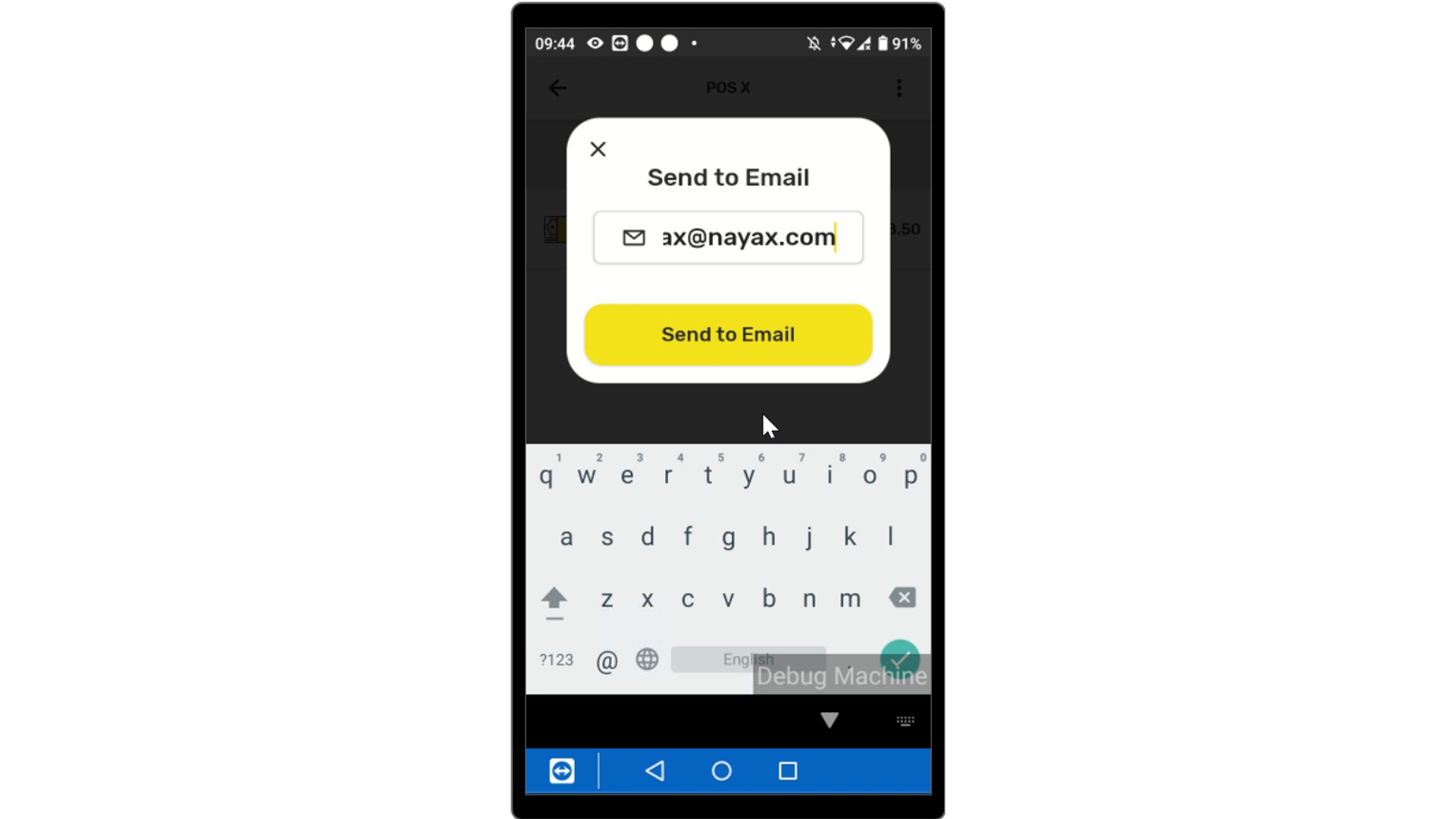
6Email
Image Attached
Insert your email and tap Send.
Thank you!
Did you find this article helpful?